ENGLISH
7474
Digital Still Camera Mode
(SC-D363/D364/D365/D366 only)
Viewing Photo Images (JPEG)
✤ This function works only in <M.Player> mode. ➥page 19
You can play back and view photo images recorded on the Memory Card.
✤ Be sure that the <M.Play Select> is set to <Photo> in the Menu. ➥page 80
1. Set the [Power] switch to [PLAYER].
2. Set the [Mode] switch to [MEMORY].
■
The last recorded image appears. If there are no
recorded images on the Memory Card, <No
image!> is displayed.
To view a Single Image
Using the [
œœœœ
/
√√√√
(REV/FWD)] buttons, search for the desired
photo image.
■
To view the next image: press the [
√√√√
(FWD)] button.
■
To view the previous image: press the [
œœœœ
(REV)] button.
■
Keep pressing [
√√√√
(FWD)] or [
œœœœ
(REV)] to search for
an image quickly.
To view a Slide Show
Press the [
√√
/❙❙ (S.SHOW)] button.
■
All images will be played back consecutively for 2~3
seconds each.
■
The <Slide> is displayed. The Slide Show will start from
the current picture.
To stop the slide show, press the [
√√
/❙❙ (S.SHOW)] button again.
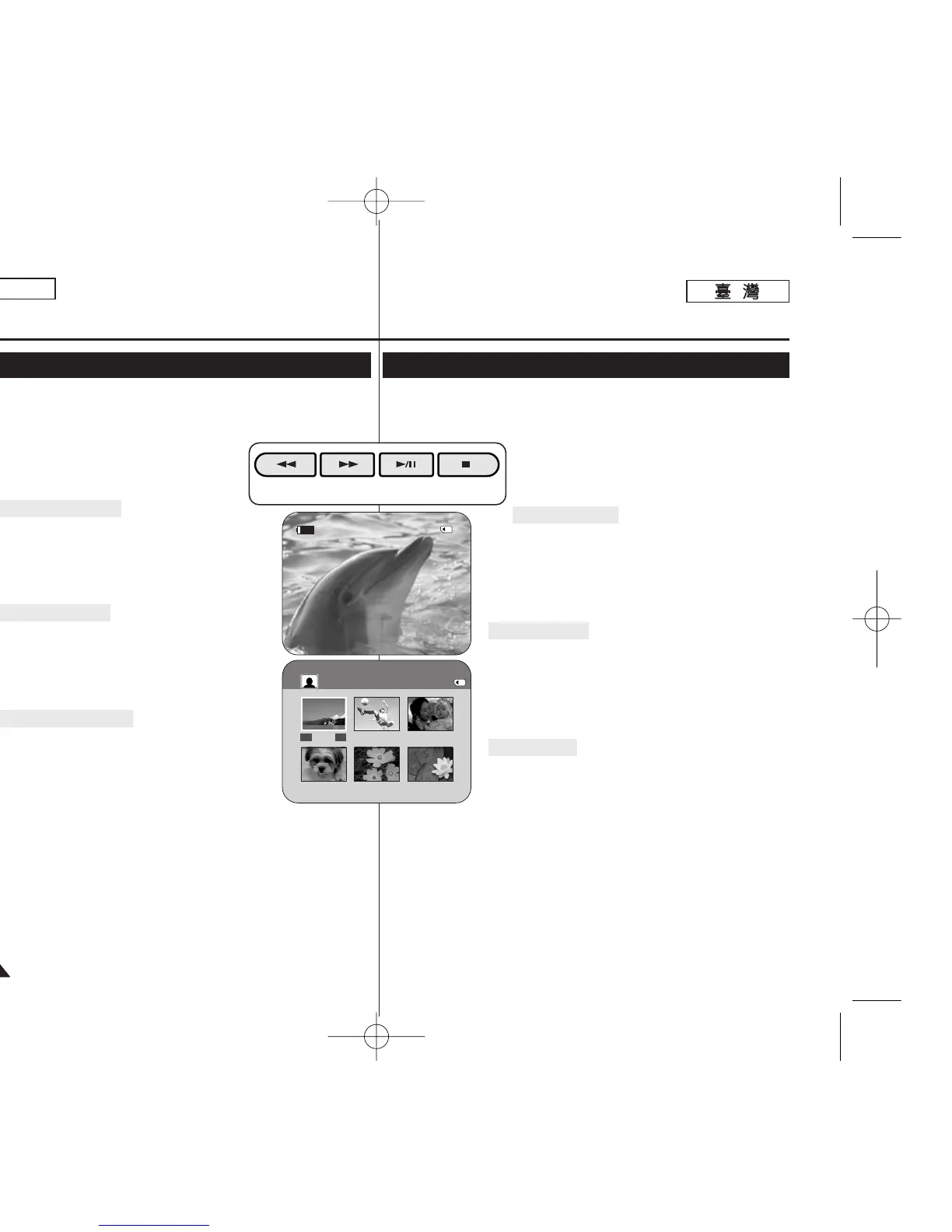
To view the Multi Display
To view six stored images on single screen, press the [■ (MULTI
DISP.)] button.
■
A selection mark [
œœœœ √√√√
] appears under the image.
■
Press the [
œœœœ
/
√√√√
(REV/FWD)] button to select an image.
To return to single playback mode, press the [■ (MULTI DISP.)]
button again.
■
Selected picture is displayed in full screen.
[ Notes ]
■
Any large sized image taken with another device will be displayed as a thumbnail
image.
■
To display the previous six images, press and hold the [
œœœœ
(REV)] button for
about 3 seconds.
■
To display the next six images, press the [
√√√√
(FWD)] button for about 3
seconds.
■
You can access <Delete>, <Delete All>, <Protect> or <Print Mark> functions in
Multi Display view mode, using the [QUICK MENU] button.


 To Next Page
 Loading...










