166
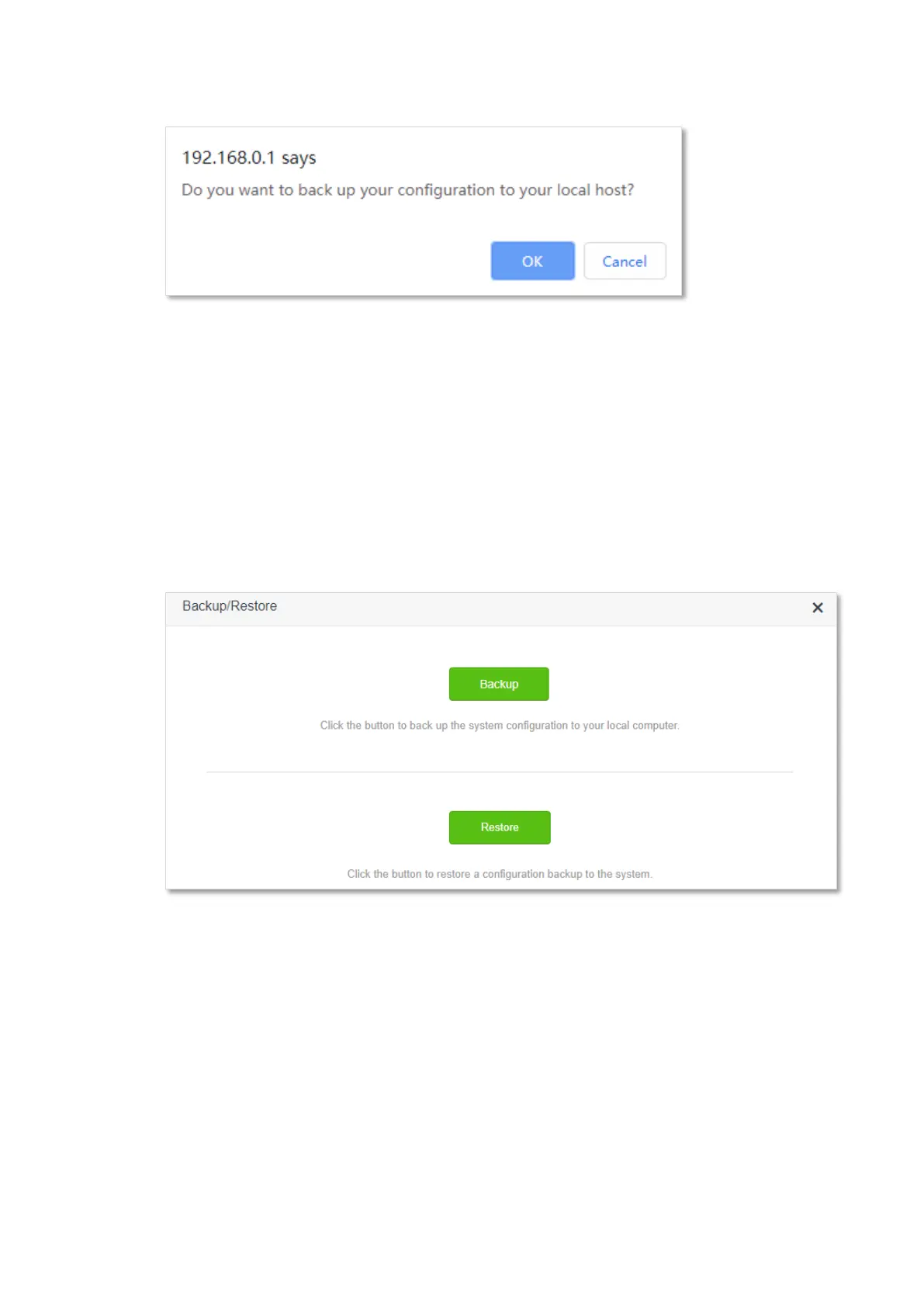
Step 4 Click OK in the pop-up window.
---End
After the file is downloaded, you can name it RouterCfm.cfg.
12.8.2 Restore previous configurations of the router
To restore the previous configurations of the router:
Step 1 Start a web browser on a device connected to the router and visit tendawifi.com to log in
to the web UI of the router.
Step 2 Choose System Settings > Backup/Restore.
Step 3 Click Restore.



 To Next Page
 Loading...