95
Modifying the Drum Kits
When voice polyphony is on, the voice continues to play, even if you
have triggered two events consecutively. This allows you to play voices
with a long decay, such as crash cymbals, without cutting off the tail
end of the previous cymbal sound.
1
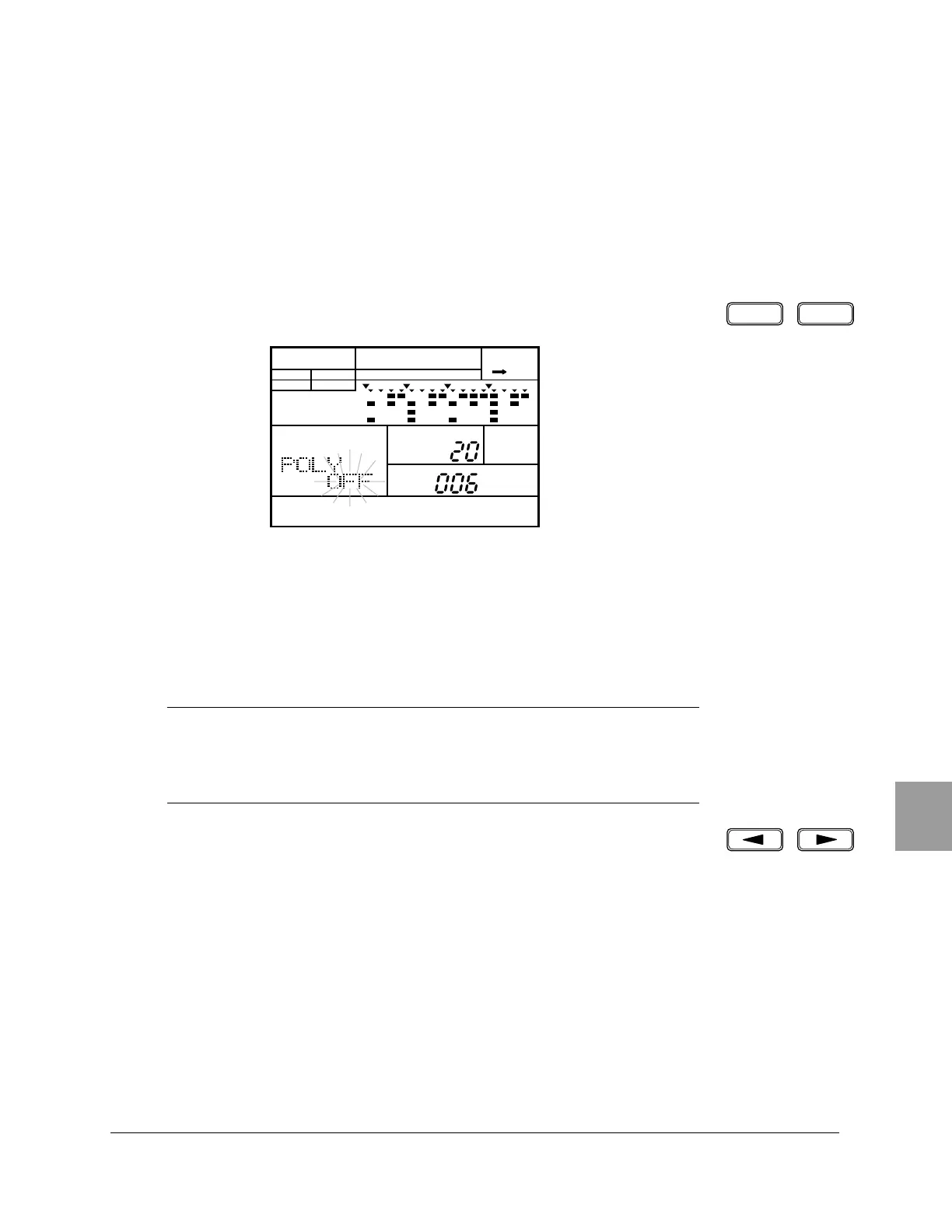
To adjust the polyphony of the drum pad, select the Polyphonic display
page by pressing the [PAGE+] or [PAGE–] button. The display reads “POLY”.
2
Press the pad you want to modify after selecting the Pad Bank.
3
The voice polyphony of the drum pad is either “OFF” or “ON”. Set the value
by rotating the Jog Dial or by using the [ +1 ] and [ –1 ] buttons.
You can use the [ < ] and [ > ] cursor buttons to access the “POLY”,
“DRUM KIT” and “PAD” settings.
■ Voice Polyphony
NOTE
This mode applies to the individual voices, not the overall instrument.
The voice polyphony setting applies to all the pads if you selected the Bass Pad
Bank.
PAGE – PAGE +
PATTERN DRUM KIT
A CHASE
DRUM KIT
PAD
MAIN A
PAD BANK
OTHERS
HH
SD
BD


 To Next Page
 Loading...








