46
Recording a User Pattern
2
Change the value by rotating the Jog Dial or using the [ +1 ] and [ –1 ]
buttons.
The range is from “004” to “508”.
The gate value applies only to the current position within the pattern.
Select another position in the pattern. Press the [ PAGE– ] button to return
to Pattern Record Mode. Use the [FORWARD] or [BACKWARD] button to select a
new position. Then repeat the preceding two steps.
Before you record data into a pattern, you can adjust the time
signature and the number of measures.
1
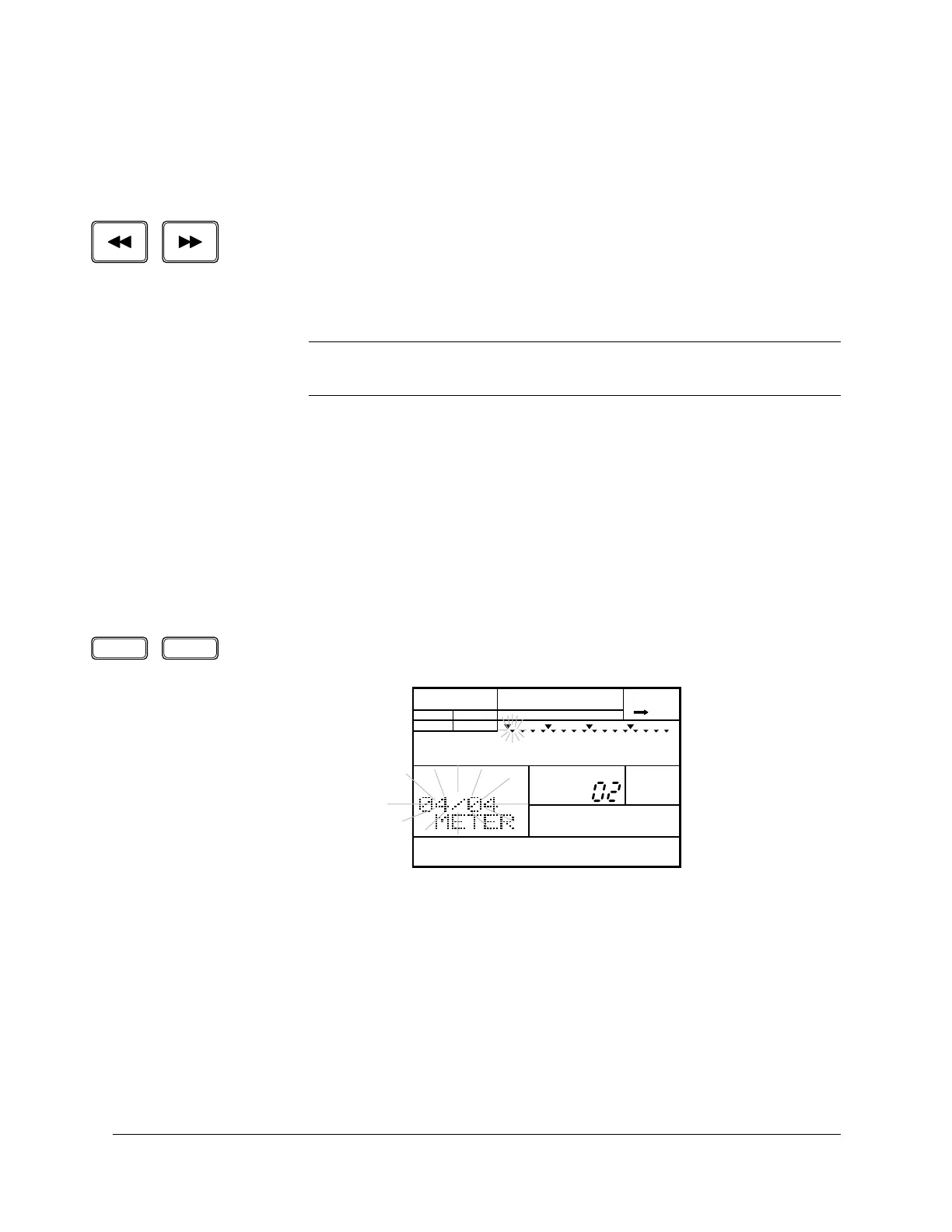
Select the Meter display page by pressing the [ PAGE+ ] button. The display
indicates “METER” and the current time signature flashes.
2
Set the time signature by rotating the Jog Dial or using the [ +1 ] and [ –1 ]
buttons.
The default time signature is “4/4”. The range of time signatures is from
“1/4” to “8/4”, “1/8” to “16/8”, and “1/16” to “32/16”.
NOTE
You can only change the gate value for a pattern position that has data in it. If
there is no data at a position in the pattern, the gate value is “
---”.
■ Changing the Meter
PAGE – PAGE +
PATTERN
A CHASE
MEASURE
MAIN A
PAD BANK
OTHERS
HH
SD
BD


 To Next Page
 Loading...








