7
The Controls and Connections
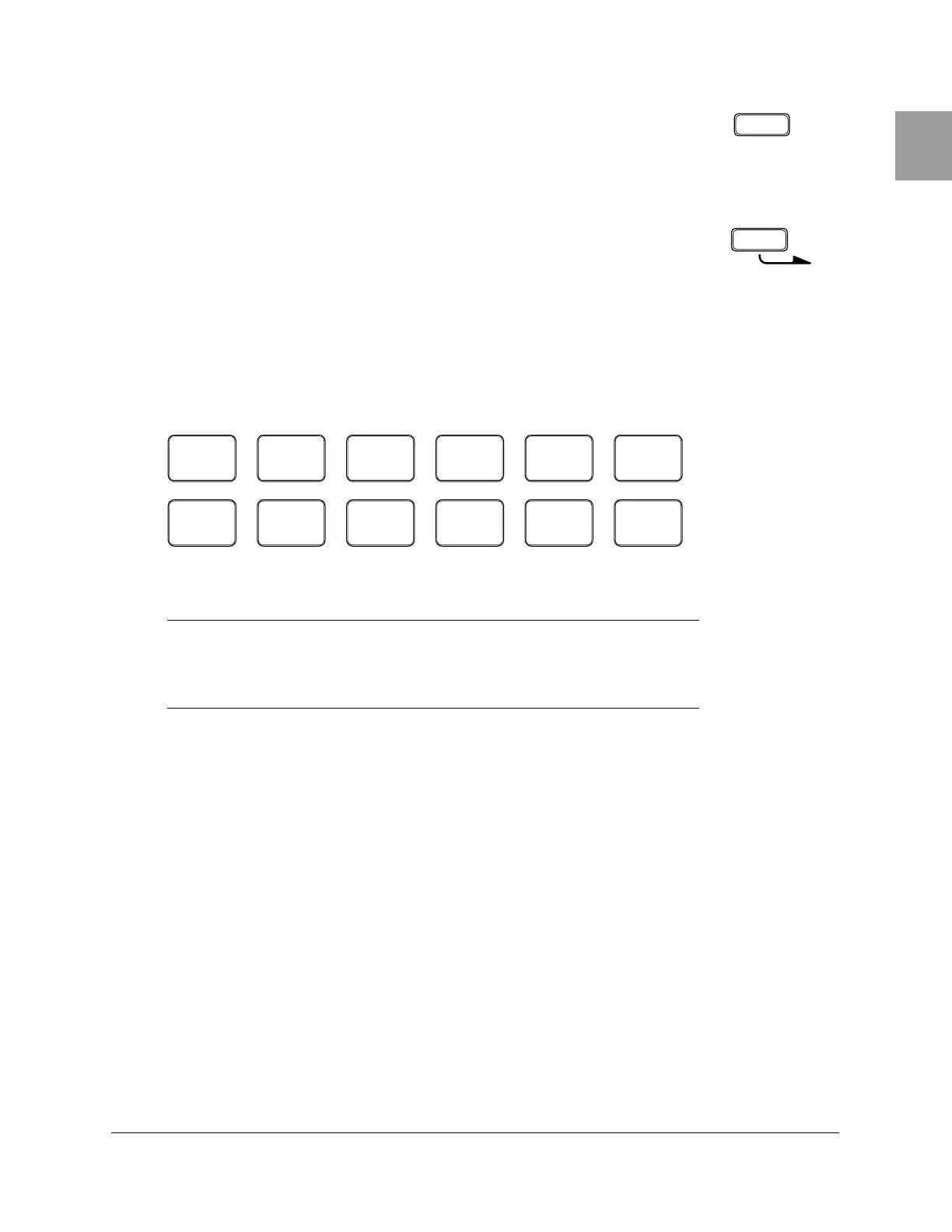
N Audition Button
The [AUDITION] button allows you to listen to a voice without actually
recording it when the RY20 is in Pattern Record Mode.
O Section Button
The [SECTION] button is used with one of the lower row Drum Pads to select
another section in a pattern.
P Drum Pads
The RY20 has 12 velocity-sensitive drum pads that you play to record
pattern data.
The lower row Drum Pads are used to select the pattern sections. Each
pad has a section label printed below it.
NOTE
The voices of the RY20 are fully programmable and can be assigned to any pad.
The drum pads are labeled
[ 0 ] through [ 11 ] and also have a drum name printed
on them. The voice assigned to the pad may not correspond to the name printed on
the pad. See page 83 for further details.
AUDITION
SECTION
TOM 1
0
BD
6
TOM 2
1
SD
7
TOM 3
2
SIDE
STICK
8
TOM 4
3
HH
PEDAL
9
HH
OPEN
4
HH
CLOSED
10
RIDE
5
CRASH
11
INTRO MAIN A MAIN B FILL AB FILL BA ENDING


 To Next Page
 Loading...








