69
Recording a Song
Set the tempo for your new song.
1
Press the [TEMPO] button to place the unit in Tempo Mode. Adjust the
tempo by rotating the Jog Dial or by using the [ +1 ] and [ –1 ] buttons.
The tempo can be set to any value from 40 to 250 beats per minute.
2
Press the [ SONG ] button to return back to Song Record Mode.
1
In Song Record Mode, you can delete a part from the current song.
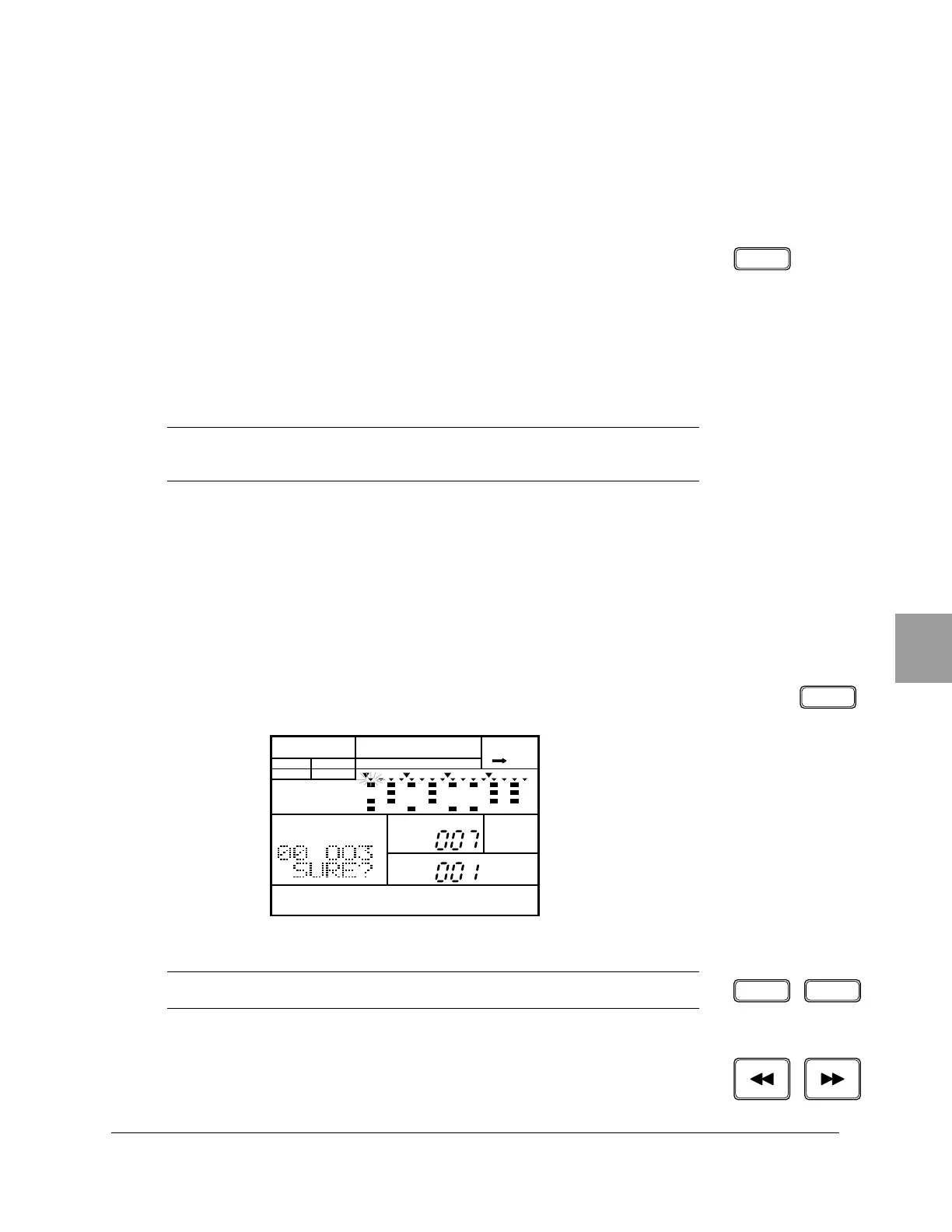
Select the Delete Part display page by pressing the DELETE [ CLEAR ]
button. The “DEL” indicator is lit and the prompt “SURE?” is displayed.
2
Select the part to be removed by stepping through the parts with the
[FORWARD] or [BACKWARD] button.
■ Setting the Tempo
NOTE
Pressing the
[TEMPO] button again is another method of switching the RY20 back to
Song Record Mode.
■ Deleting a Part
NOTE
You can also select this display page by pressing the
[ PAGE+ ] button.
TEMPO
CLEARDELETE
SONG
DEL A CHASE
SONG
PART
MEASURE
PATTERN
MAIN A
PAD BANK
OTHERS
HH
SD
BD
PAGE – PAGE +


 To Next Page
 Loading...








