Step 4 Attach any IFM cables as needed.
Removing the Cable Management Tray
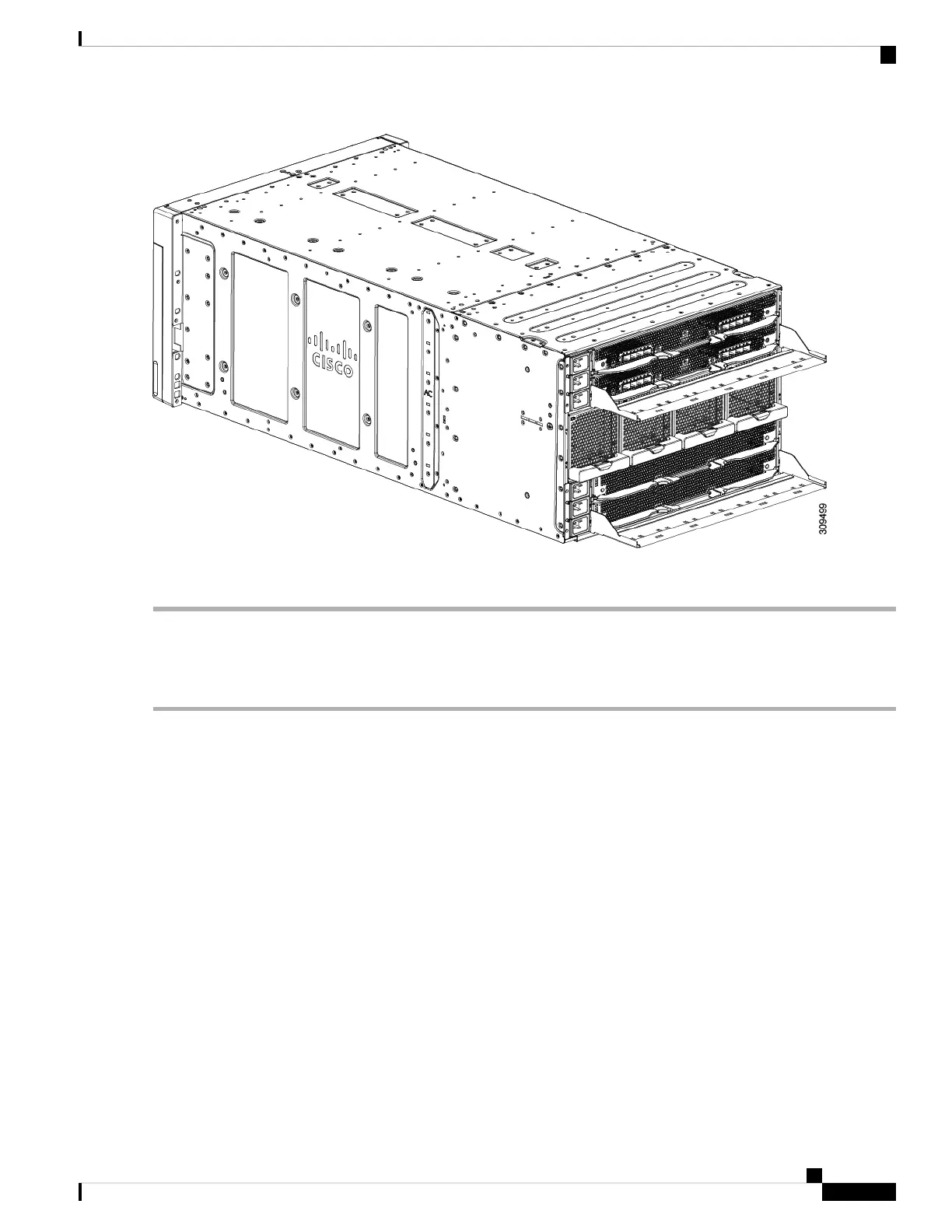
Use the following procedure to remove the cable management tray(s).
Step 1 (Optional) Remove or lift the cables to allow easier access to the cable management tray.
Step 2 Detach the cable management tray from the chassis.
a) At each corner of the cable management tray, apply equal pressure to slide the tray upward in the chassis notch until
it can no longer slide up.
Cisco UCS X9508 Server Chassis Installation Guide
53
Installation
Removing the Cable Management Tray



 To Next Page
 Loading...










