1. OPERATION
1-18
4. Set the amount of shift desired, then press the KNOB. The step for the amount of
shift depends on setting range on the [Range] sub menu in the [System] menu.
5. Press the MENU/ESC key twice to close the window.
Note: Echoes may be lost if the amount of shift is greater than actual depth.
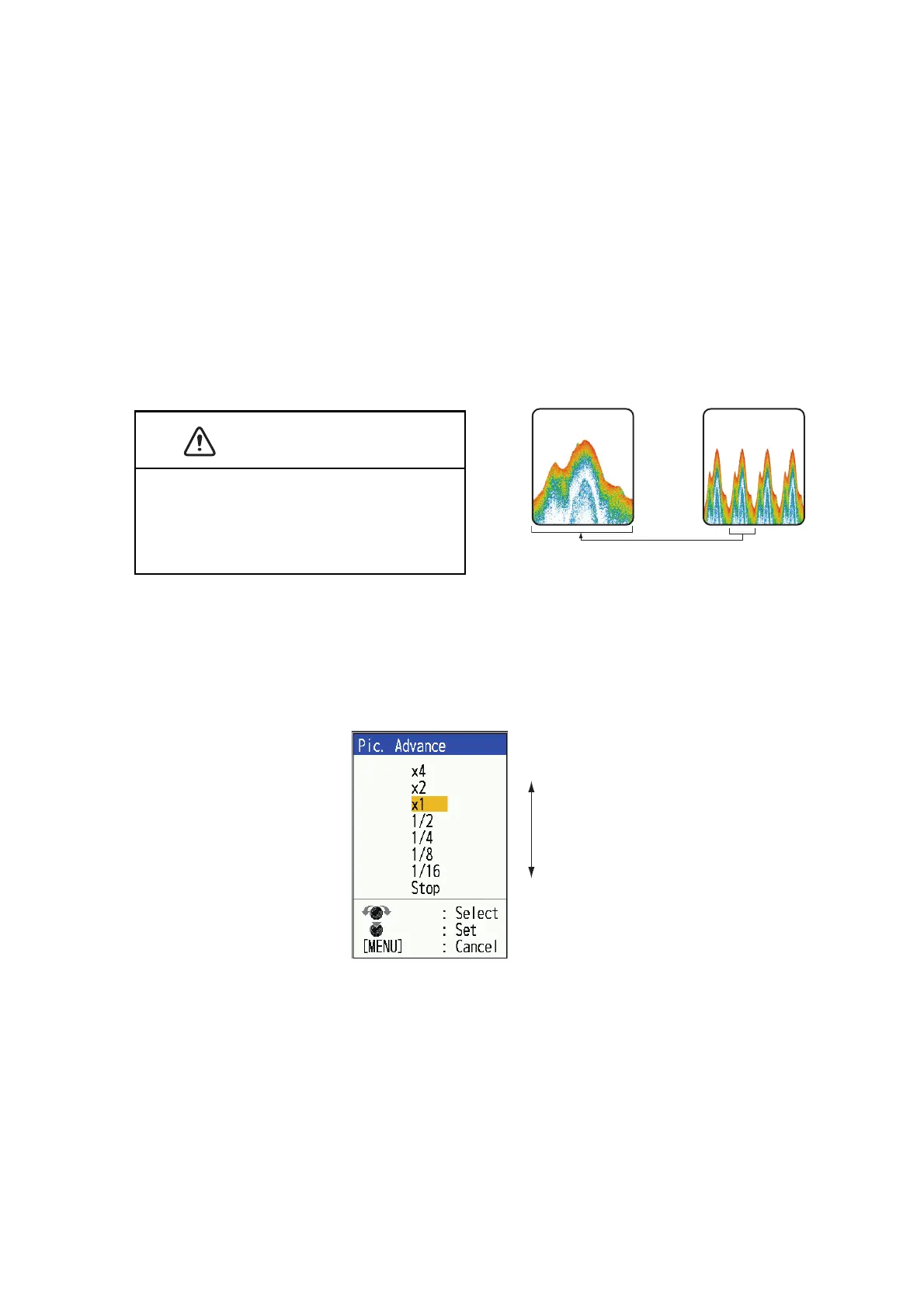
1.11 Picture Advance Speed
The picture advance speed determines how quickly the vertical scan lines run across
the screen. When selecting a picture advance speed, keep in mind that a fast advance
speed will expand the size of a school of fish horizontally on the screen and a slow
advance speed will contract the school. Use a fast advance speed to observe a rug-
ged bottom, and use a slow advance speed to monitor a smooth bottom.
Note: When ACCU-FISH™ or Bottom Discrimination function is in use, the image feed
speed may slow down.
1. Press the MENU/ESC key to open the menu.
2. Select [Sounder], then press the KNOB.
3. Select [Pic. Advance], then press the KNOB.
4. Select picture advance speed desired, then press the KNOB. [1/16] is the slowest
speed and [x4] is the fastest speed. Current picture advance speed is displayed
at the top of the screen. [1/16] means one scan line is produced every 16 trans-
missions and [x4] means four scan lines are produced in one transmission. [Stop]
stops picture advancement and is useful for taking a screenshot
5. Press the MENU/ESC key twice to close the window.
The picture is not refreshed when picture
advancement is stopped.
Cruising in this condition may result in ground-
ing in shallow waters.


 To Next Page
 Loading...





