3. MAINTENANCE, TROUBLESHOOTING
3-8
3.8 Restore Factory Default Settings
You can restore default menu settings (except language) as follows.
1. Press the MENU/ESC key to open the menu.
2. Select [Service], then press the KNOB.
3. Select [Factory Default Settings], then press the KNOB.
4. Select [Yes], then press the KNOB.
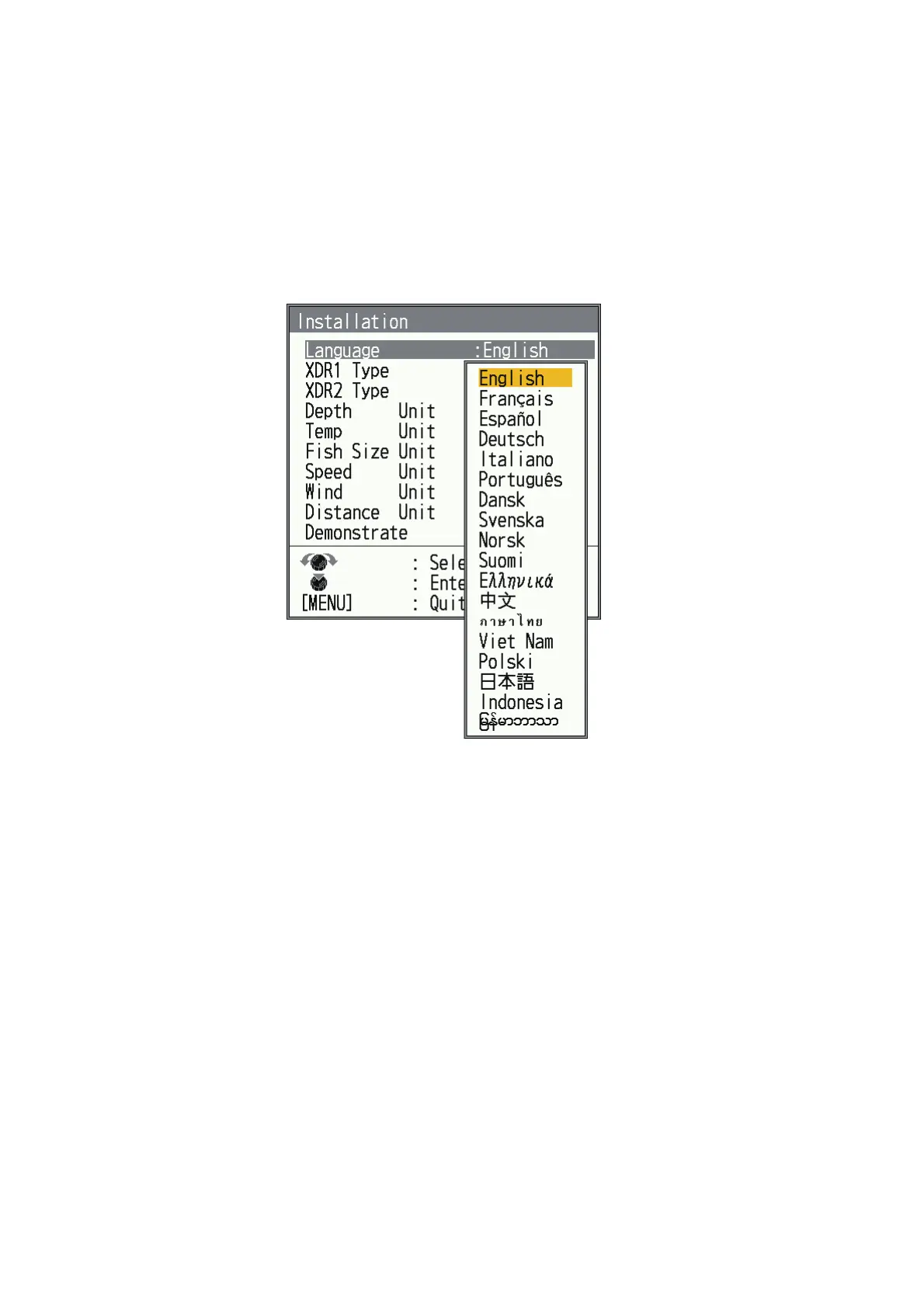
The unit beeps, the startup screen appears, then the [Installation] menu appears.
5. Select the appropriate language, then press the MENU/ESC key twice.
The transducer settings will also return to the factory defaults, make sure to set
the transducer settings (see section 2.8).


 To Next Page
 Loading...





