1. OPERATION
1-37
1
1.23 Waypoints
A waypoint can be used to mark a school of fish, reef, etc., and 20 waypoints may be
entered. When a registered waypoint is set as a destination, the Nav screen can dis-
play the distance to the waypoint destination and the course information. The latitude
and longitude position of the waypoint can be output to a navigation device, using the
TLL sentence.
Note: The waypoint feature requires latitude and longitude position from a navigator.
1.23.1 How to register a waypoint
There are two ways to register a waypoint:
• Register a waypoint directly on the screen.
• Register a waypoint by manual entry of latitude and longitude.
How to register a waypoint directly on the screen
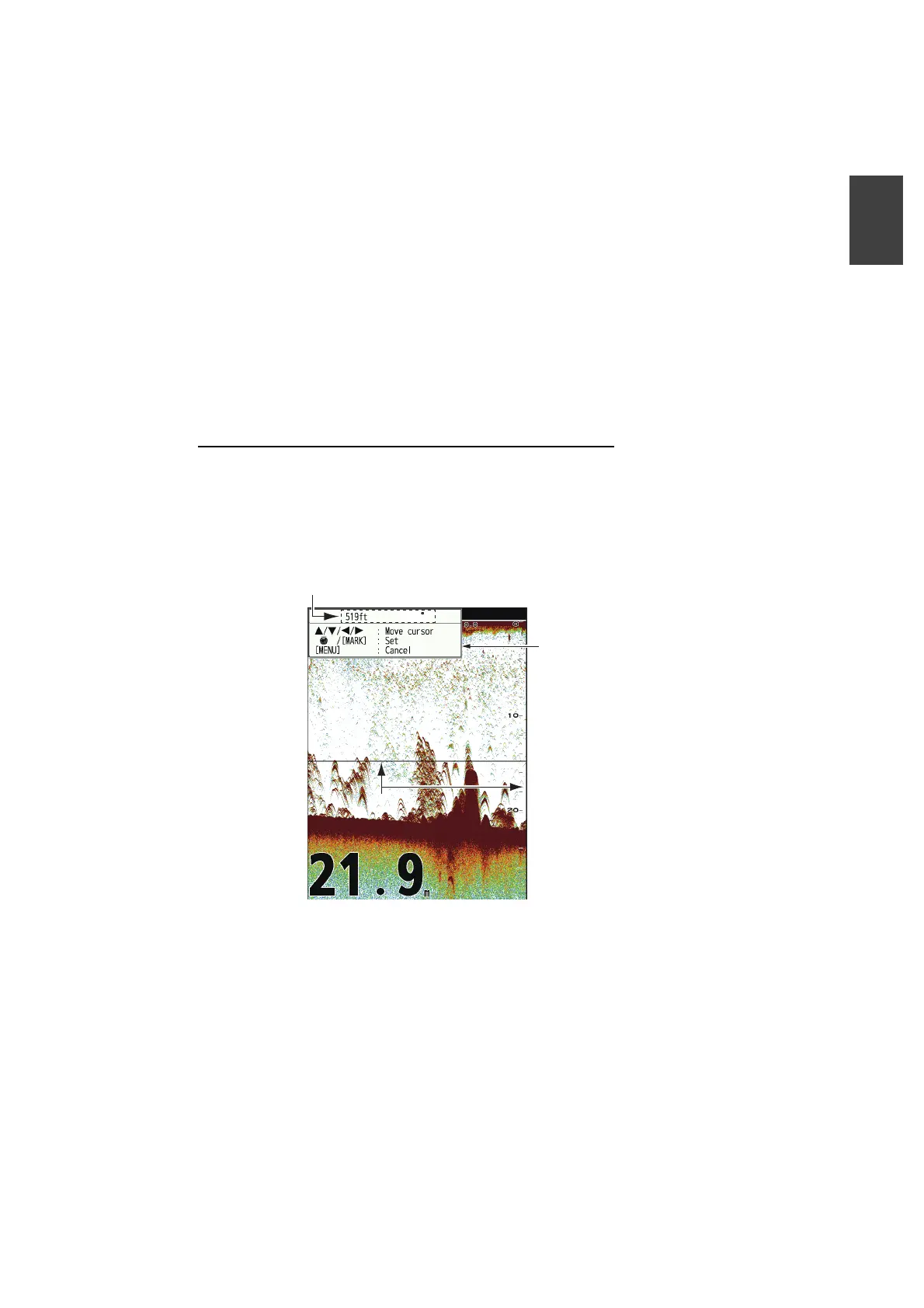
1. Press the MARK key. The cross cursor appears on the screen together with guid-
ance on how to enter a waypoint. To register a waypoint to your current position,
go to step 3.
Note: If there is no position data the message "No position data!" appears. Check
the navigator.
2. Press the to set the cross cursor where desired. Up, down for vertical
movement; left, right for horizontal movement.
Note: Picture advancement is stopped until step 3 is completed.
3. Press the MARK key or press the KNOB to register the position set at step 2. A
red vertical line appears on the position set at step 2. The waypoint is automati-
䜽䝻䝇䜹䞊䝋䝹䜽䝻䝇䜹䞊䝋䝹
Temperature and depth
at cursor position
Guide for how to
register waypoints
1.3 C


 To Next Page
 Loading...





