3. MAINTENANCE, TROUBLESHOOTING
3-6
3.6 LCD Test
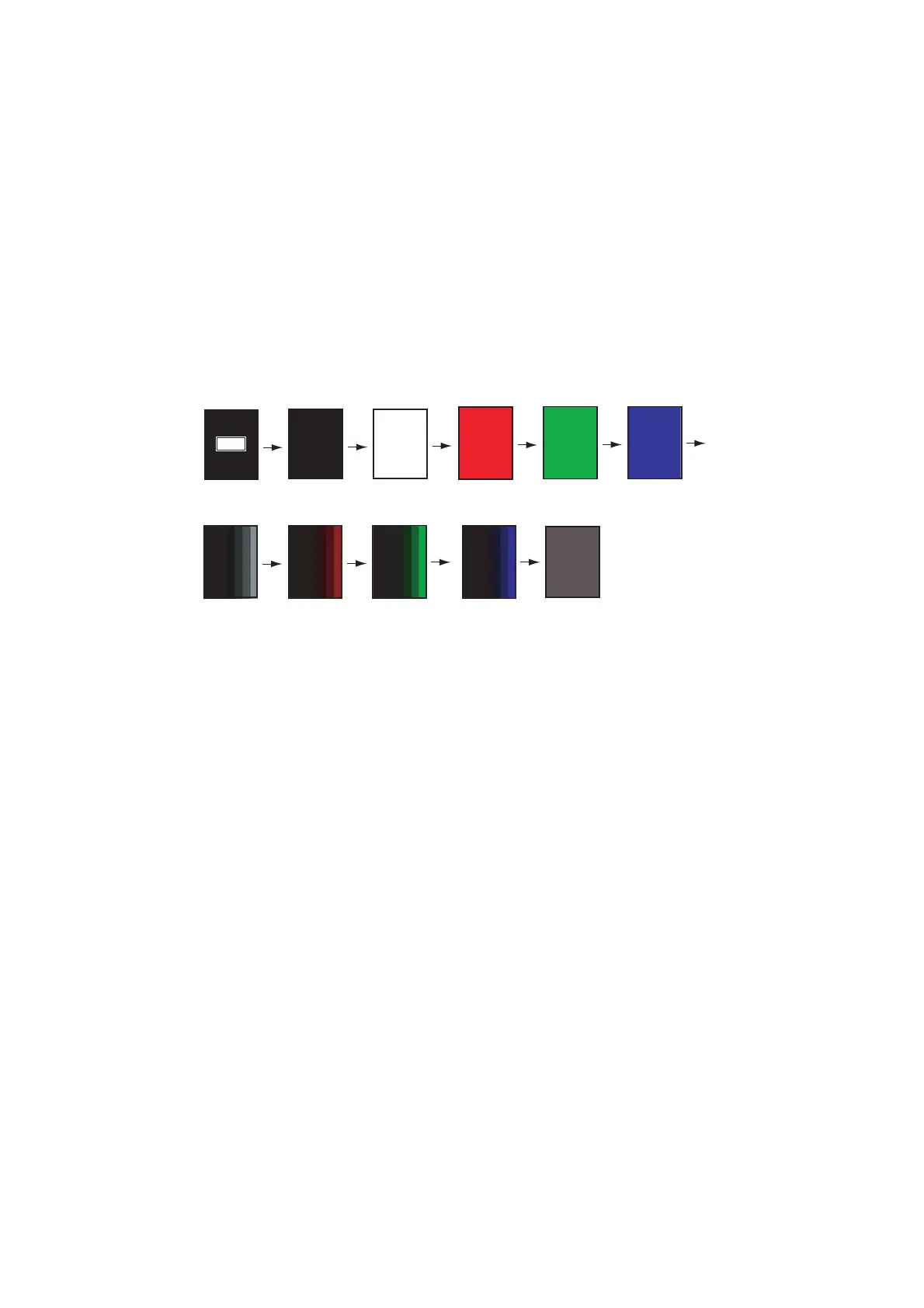
The LCD test checks the LCD for proper display of colors.
Note: To review the seven-tone screen easily, set the brilliance to maximum before
starting the test.
1. Press the MENU/ESC key to open the menu.
2. Select [Service], then press the KNOB.
3. Select [LCD Test], then press the KNOB.
4. Press any key except MENU/ESC key to start the test. Press any key other than
the MENU/ESC key to change the test color, in the sequence shown below. After
the checkered pattern, the [Service] menu appears.
Note: If you want to stop in the middle of the test, press the MENU/ESC key.
5. Press the MENU/ESC key twice to close the window.
[MENU] : Quit
Other Keys : Next
Operating
description Black White
Red Green
Blue
Seven tone
(black)
Seven tone
(red)
Seven tone
(green)
Seven tone
(blue)
Checkered
pattern


 To Next Page
 Loading...





