6. MENU OPERATION
6-4
6.2.4 How to delete user channels
Open the [USER CH] list then follow the applicable procedure below.
Individual user channel
1. Rotate the ENTER knob to select the user channel to delete then press the 4 key.
2. With [DELETE SELECTION] selected, push the ENTER knob.
3. Rotate the ENTER knob to select [Yes] then push the knob.
User channels by mode
1. Press the 6 key several times to select the desired mode.
2. Press the 4 key.
3. Rotate the ENTER knob to select [DELETE LIST] then push the knob.
4. Rotate the ENTER knob to select [Yes] then push the knob.
All user channels
1. Press the 4 key.
2. Rotate the ENTER knob to select [DELETE ALL LISTS] then push the knob.
3. Rotate the ENTER knob to select [Yes] then push the knob.
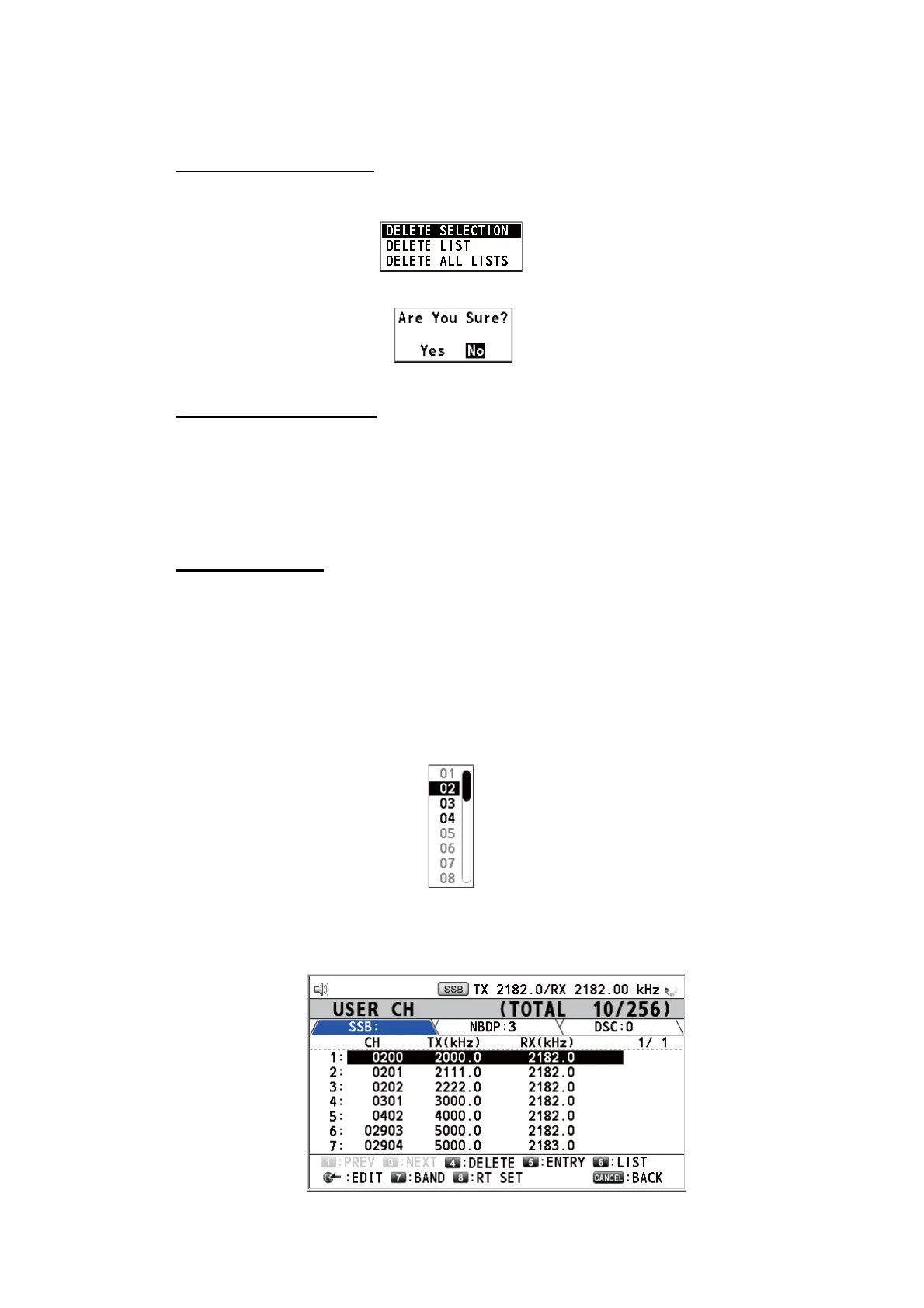
6.2.5 How to sort the USER CH list by band
1. Press the 7 key on the [USER CH] list.
2. Rotate the ENTER knob to select the band desired then push the knob. For ex-
ample, select [02]. Then the user channels are sorted in numerical order from the
02 band.
7


 To Next Page
 Loading...



