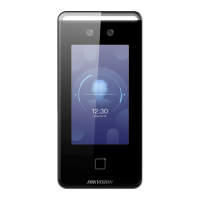
Figure 7-8 Video Sengs Page
Set the stream type, the video type, the bitrate type, the frame rate, and the Max. bitrate.
Click Save to save the sengs aer the conguraon.
Set Audio Parameters
Click Conguraon → Video/Audio → Audio .
Drag the block to adjust the device input and output volume.
Click Save to save the
sengs aer the conguraon.
7.5.9 Customize Audio Content
Customize the output audio content when authencaon succeeded and failed.
Steps
1. Click Conguraon → Video/Audio → Audio Prompt .
DS-K1T341B Series Face Recognion Terminal User Manual
65


 To Next Page
 Loading...