ŝ119Ş
ƈ There is an option to include Date/Time on still images.
ƃ How to imprint the date & time
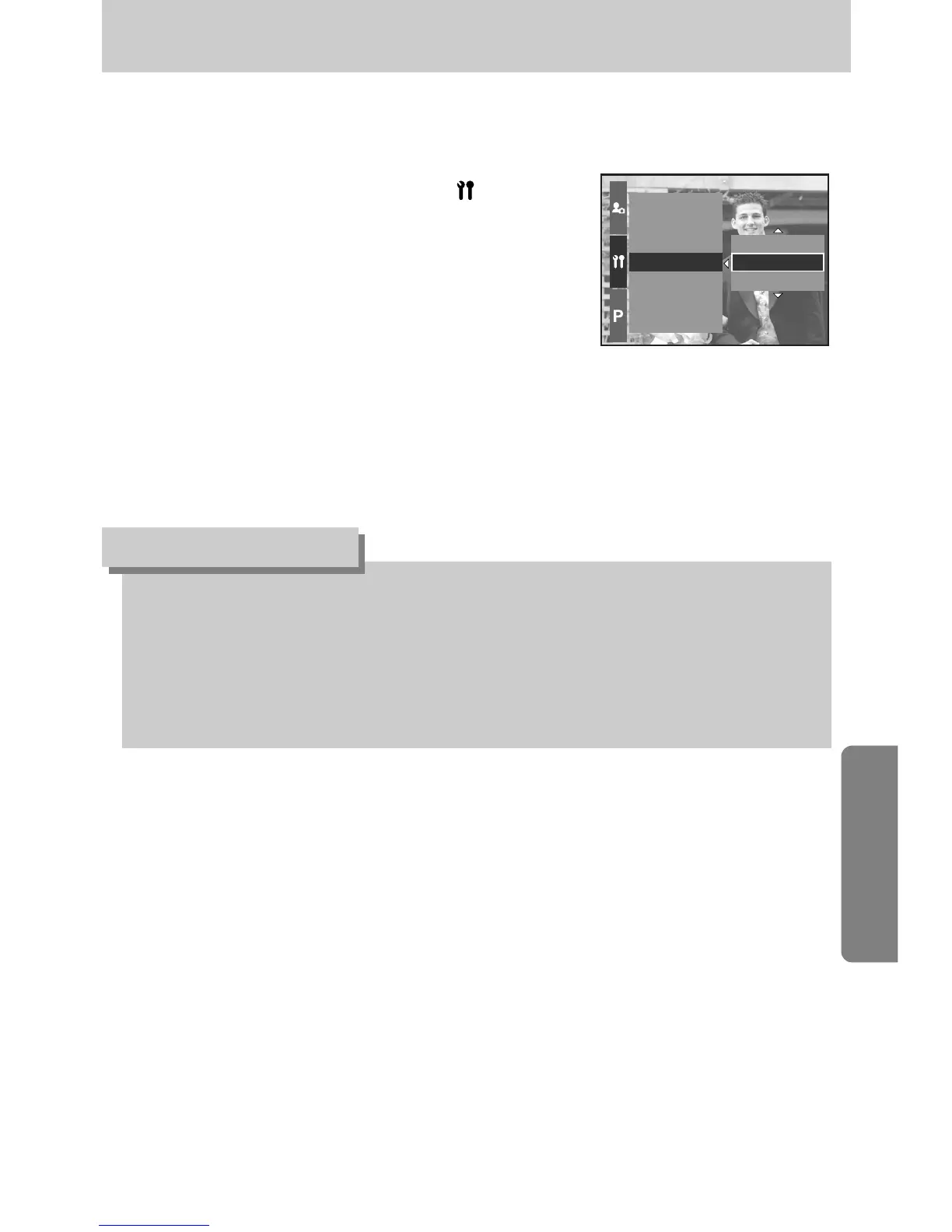
1. Press the Menu button and select the [ ] menu tab.
2. Press the Right button and select the [Imprint] menu
by pressing the Up/ Down button.
3. Press the Right button and select a desired sub menu.
[Off] : The DATE & TIME will not be imprinted
on the image file.
[Date] : Only the DATE will be imprinted on the
image file.
[Date & Time] : The DATE & TIME will be imprinted on the image file.
4. Press the OK button to set the setting.
ƃ The Date & Time are imprinted at the bottom right side of the still image.
ƃ The date will be imprinted as a DATE TYPE setting.
ƃ TIME is imprinted in the following way : [Hour : Minute] and hours are shown using the 24
hour clock.
ƃ The imprint function is applied only to still images except for the images taken in the [Text]
scene mode.
INFORMATION
Date & Time
Date Type
World Time
Imprint
Sound
Brightness
Video Out
Date & Time
Off
Date
Imprinting the recording date


 To Next Page
 Loading...