ŝ123Ş
ƈ
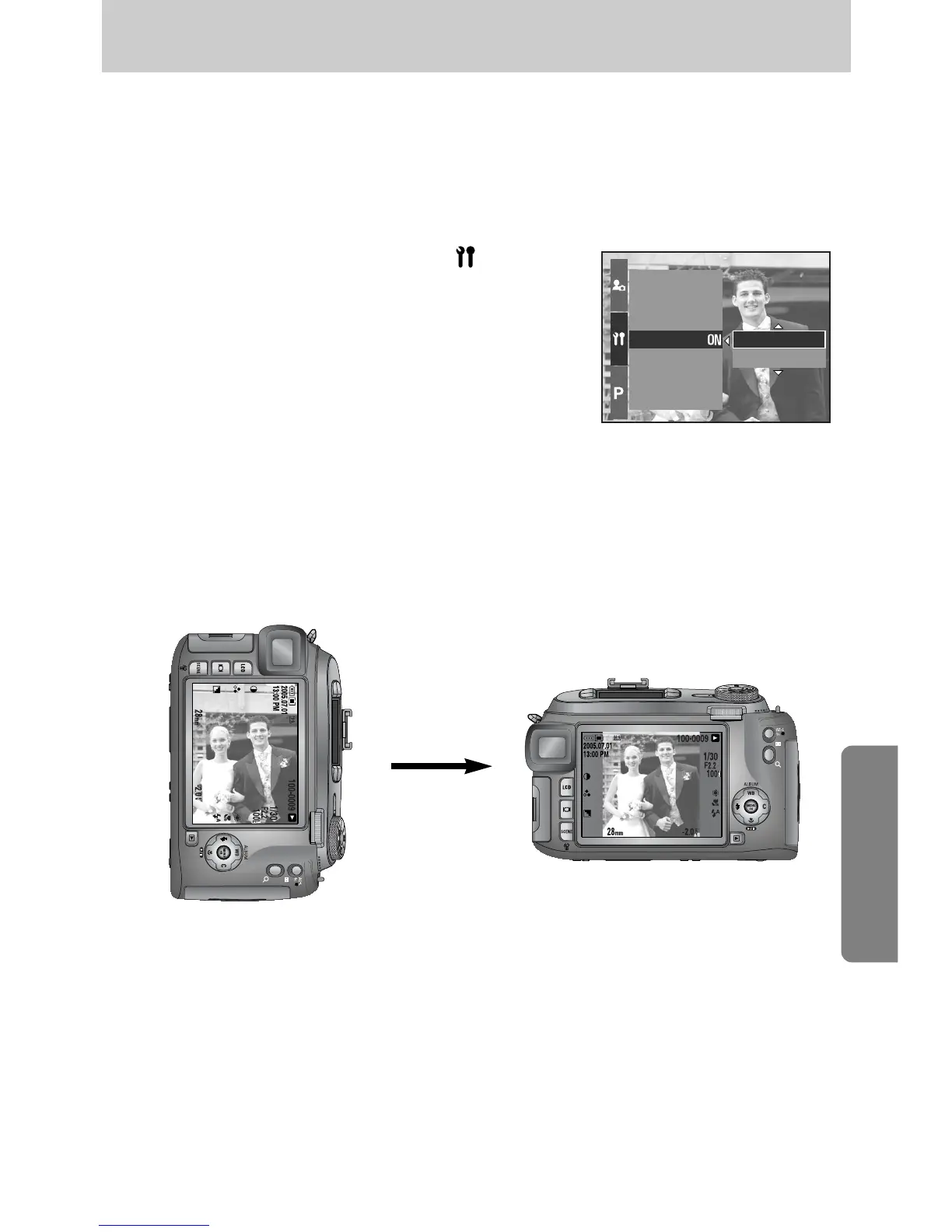
When an image taking vertically plays back, the auto rotating sensor will rotate the image correctly.
ƈ You can view the reversed image correctly without rotating the image.
ƃ How to set the auto rotating sensor
1. Press the Menu button and select the [ ] menu tab.
2. Press the Right button and select the [Auto Rotating]
menu by pressing the Up/ Down button.
3. Press the Right button and select a desired sub menu
by pressing the Up/ Down button.
[On] : The image will be rotated automatically.
[Off] : The image will not be rotated automatically.
4. Press the OK button to set the setting.
Brightness
Video Out
Quick View
Auto Rotating
USB
Reset All
File
On
Off
ſ Selecting the [On] sub menu
[ Taking an image ] [ Playing back the image ]
Auto rotating sensor


 To Next Page
 Loading...