ŝ92Ş
ƈ This deletes images stored on the memory.
ƃ While the delete menu is displaying, you can select a different image by pressing the Left/
Right button.
ƃ Before deleting images from the camera, you should protect (p.98) or download images
(p.145~146, 152~153) to your computer that you wish to keep.
INFORMATION
ƃ Deleting Images in Play Mode
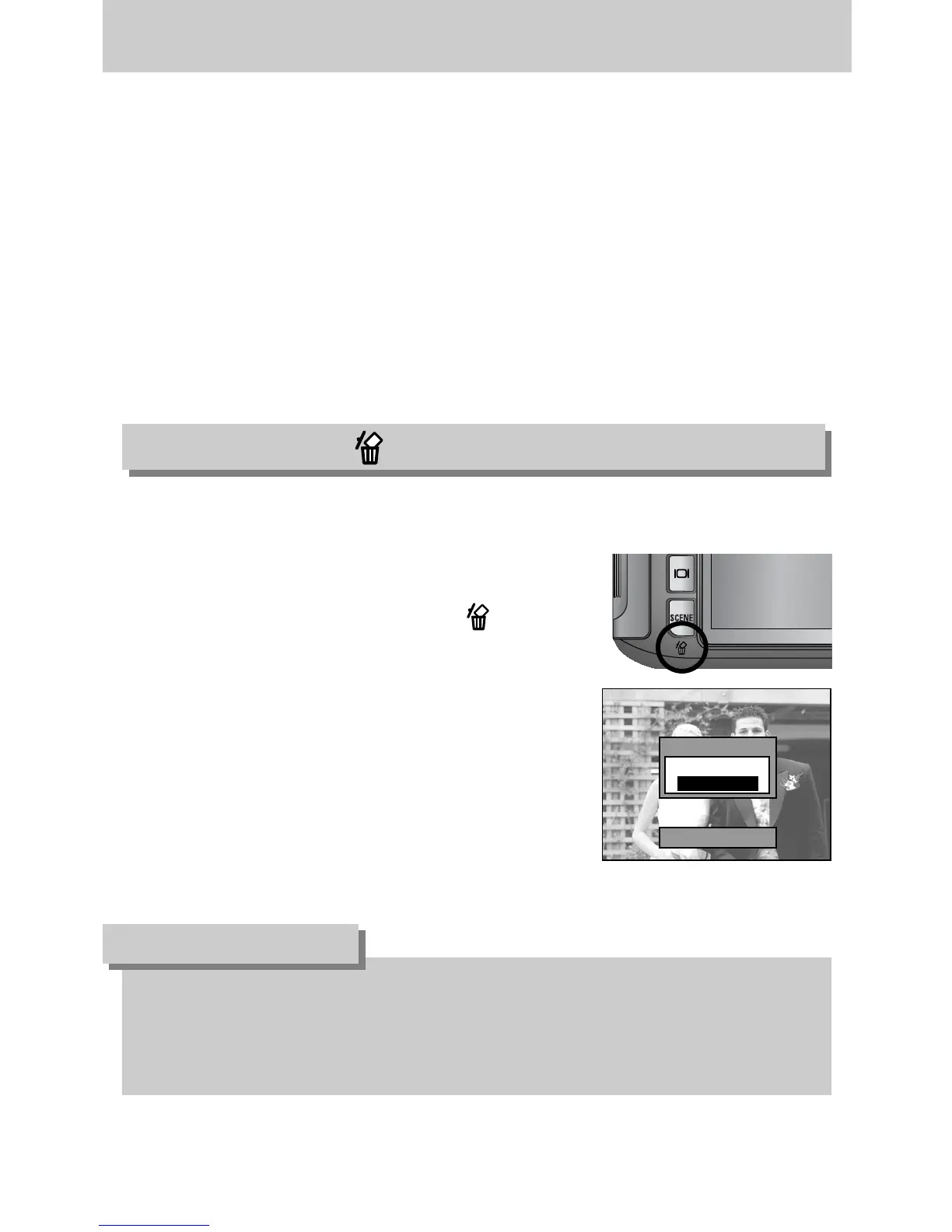
1. Select an image that you want to delete by pressing the
Left/ Right button and press the Delete ( ) button.
2. A message will display as shown alongside on the LCD.
3. Select the [Yes] and press the OK button to delete the
selected image.
Delete?
Yes
No
Delete:OK
- Display/ Information button : In play mode, you can view the information of the selected
image by pressing this button.
- Up/ Down/ Left/ Right button : In play mode, you can select a still image or movie clip by
pressing the Left/ Right button.
In play mode, different parts of the enlarged image can be
viewed by pressing these buttons.
In the thumbnail mode, you can move to a desired image
by pressing these buttons.
- Play & Pause button : If a still image with a voice memo or a movie clip is playing, pressing
this button make the files play back or pause.
Delete button ( )
Remote control


 To Next Page
 Loading...