ŝ77Ş
ƈ
You can select how the colours are reproduced (sRGB, Adobe RGB) on the monitor or printer.
ƈ Adobe RGB has more colour spectra than sRGB and it is suitable for printing and computer
graphics.
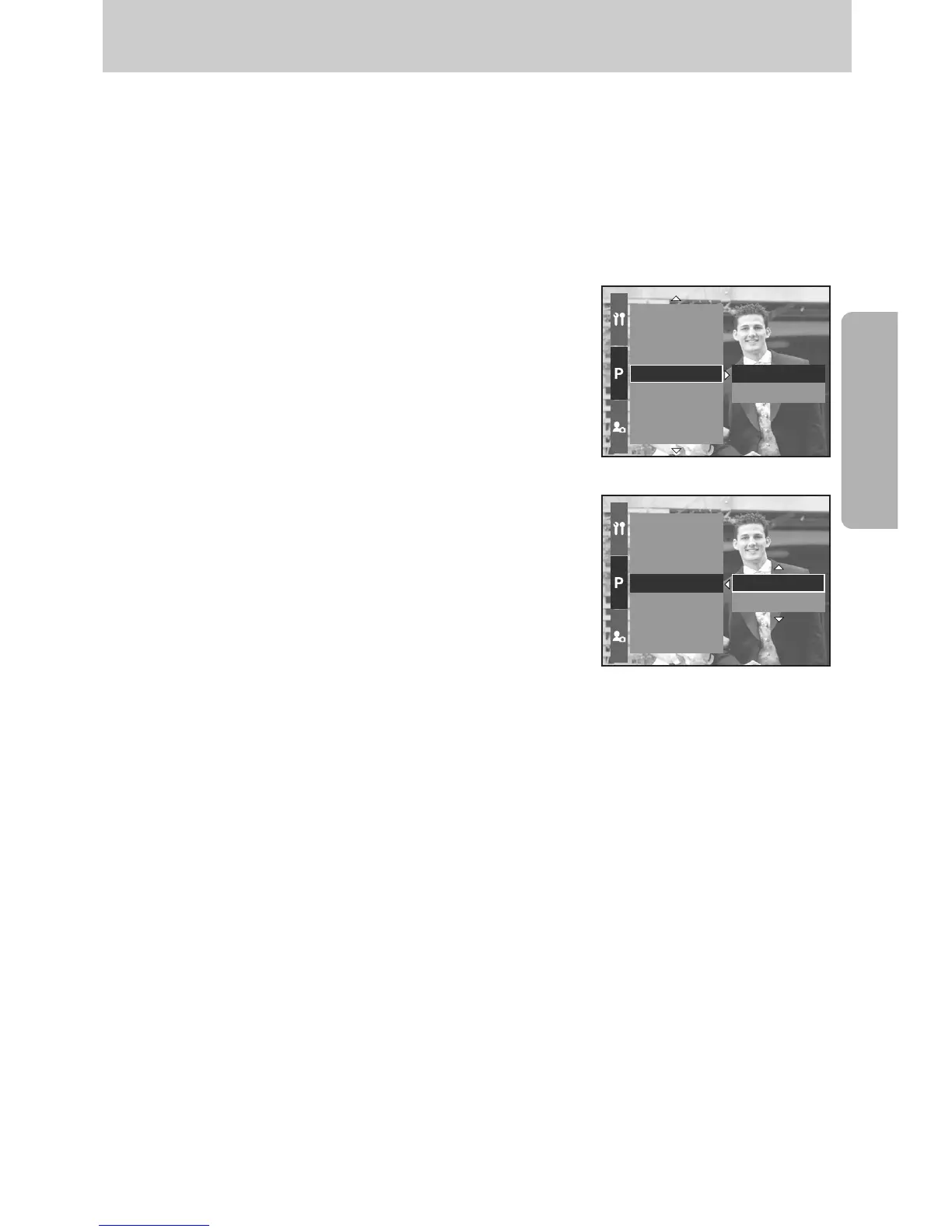
ƃ How to set the Colour space in the Program mode
1. Press the Menu button. and select the [P] menu tab.
2. Press the Right button and select the [Color space]
menu by pressing the Up/ Down button.
3. Press the Right button and select a desired menu
by pressing the Up/ Down button.
- sRGB/Adobe RGB
4. Press the OK button to set the setting.
Interval/Time
Interval/Number
Custom
Color Space
Save Myset
Flash Synchro.
Flash Pop-up
Adobe RGB
sRGB
Interval/Time
Interval/Number
Custom
Color Space
Save Myset
Flash Synchro.
Flash Pop-up
sRGB
Adobe RGB
Colour space


 To Next Page
 Loading...