ŝ40Ş
ƈ
This function is often used when the photographer
would also like to be in the image.
ƈ How to use the Self-timer/ Remote button
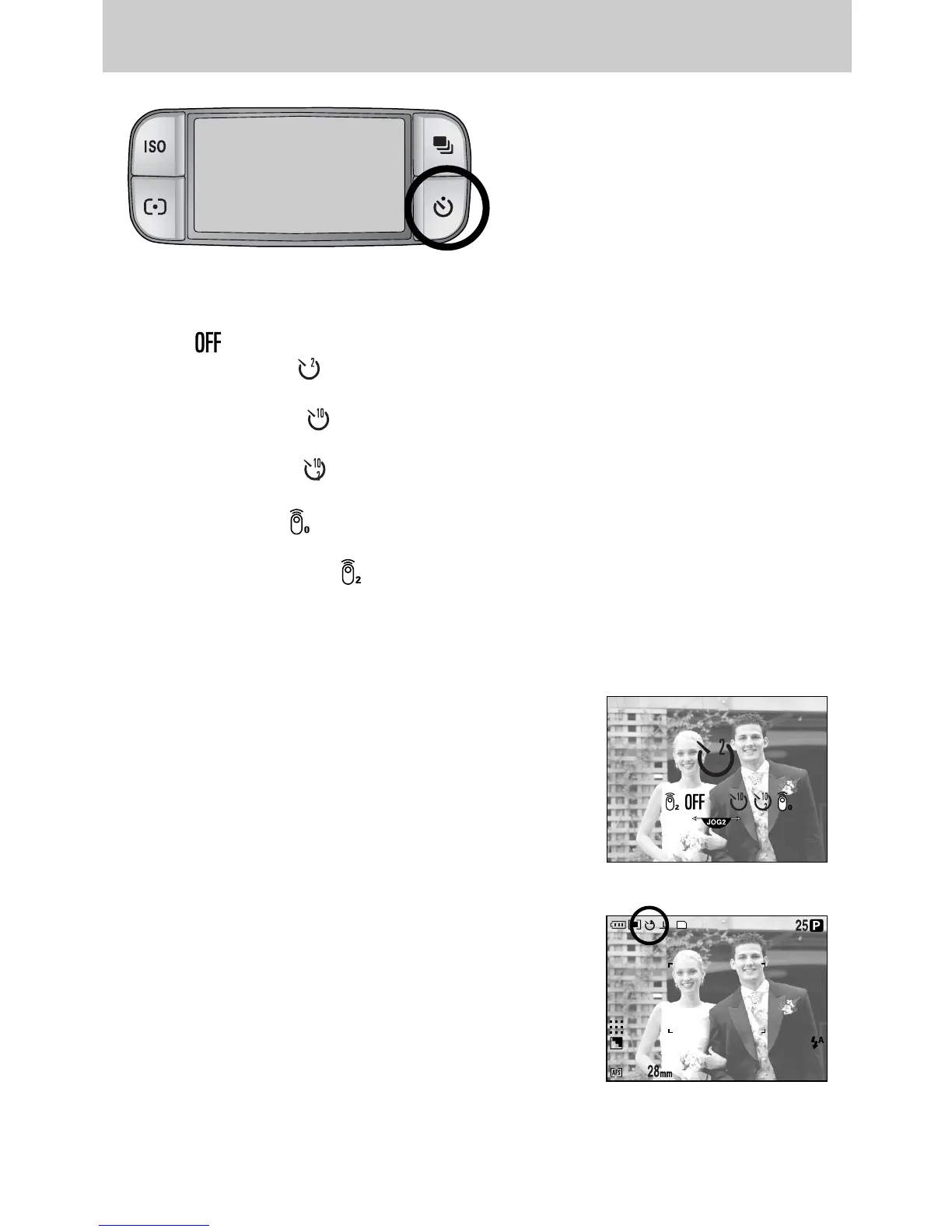
1. Press the self-timer button and a self-timer icon will
display on the LCD.
2. Select a desired self-timer by rotating the Rear jog dial
(JOG2).
3. Press the OK button to set the setting.
- Selecting a self-timer :
An image will be taken after the specified time has
elapsed and the self-timer function will be maintained.
- Selecting a remote control function :
An image is taken by the shutter button of the remote
control instead of the shutter button of the camera.
- Cancelling the self-timer :
Though the self-timer function will be maintained after
taking an image, rotating the mode or pressing the play
mode button cancels the self-timer function.
ƈ Self-timer/ Remote mode
- Off ( ) : Self-timer function is off.
- 2 Sec. Self-timer ( ) : Pressing the shutter button will allow an interval of 2
seconds before the image is taken.
- 10 Sec. Self-timer ( ) : Pressing the shutter button will allow an interval of 10
seconds before the image is taken.
- Double Self-timer ( ) : A picture will be taken after about 10 seconds and 2
seconds later a second picture will be taken.
- Remote control ( ) : The image is taken by Pressing the shutter button of the
remote control.
- 2 Sec. Remote control ( ) : Pressing the shutter button of remote control will allow an
interval of 2 seconds before the image is taken.
[ Self-timer/ Remote control icon ]
[ Selecting the 2 Sec. self-timer ]
Self-timer/ Remote button


 To Next Page
 Loading...