ŝ127Ş
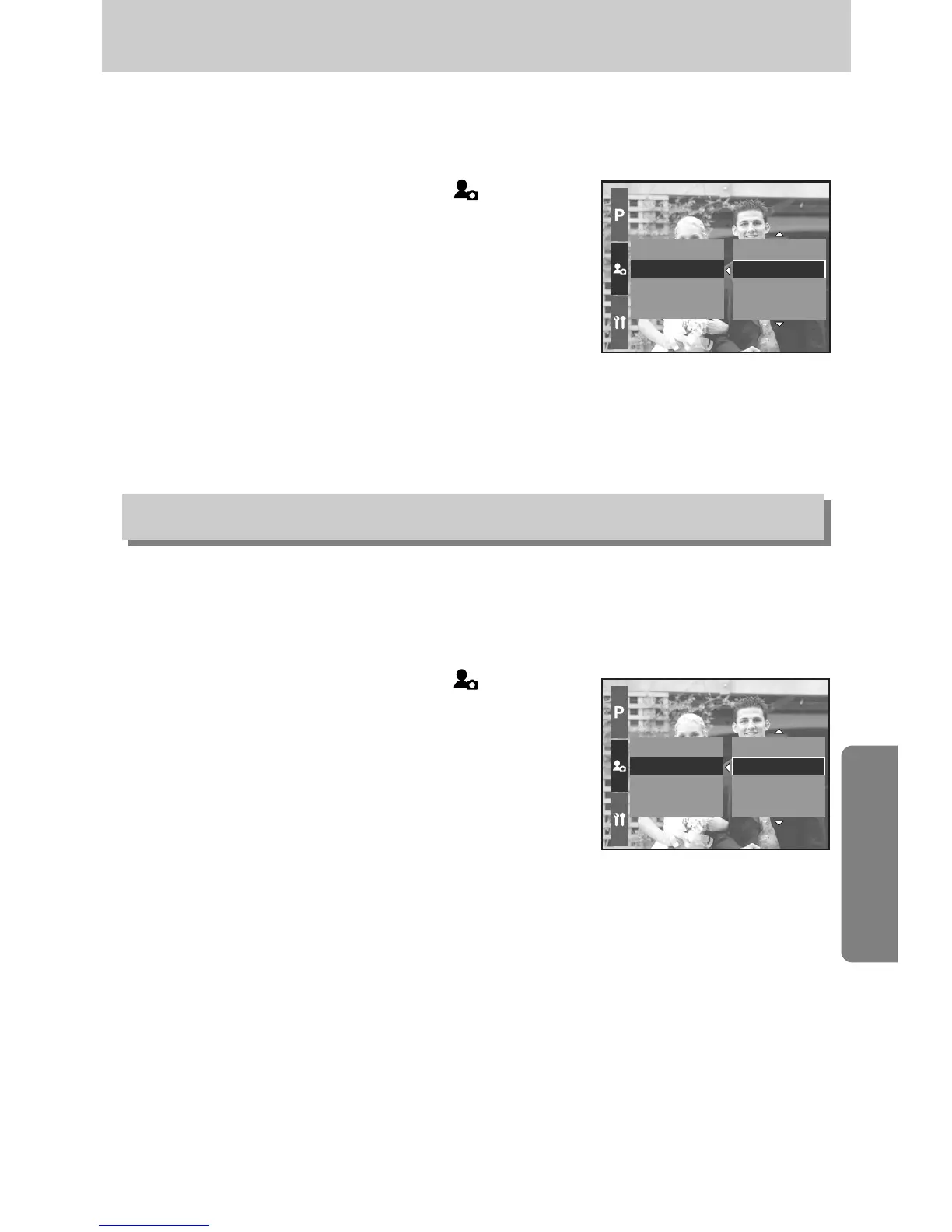
ƈ You can select the shutter sound.
ƃ How to select the shutter sound
1. Press the Menu button and select the [ ] menu tab.
2. Press the Right button and select the [Shutter Sound]
menu by pressing the Up/ Down button.
3. Press the Right button and select a desired sub menu
by pressing the Up/ Down button.
4. Press the OK button to set the setting.
Start Sound
Shutter Sound
Sound Effect
Start Image
Off
Sound 1
Sound 2
Sound 3
Shutter Sound
Sound Effect
Start Image
Start Sound
Effect 3
Off
Effect 1
Effect 2
ƈ You can select a type of sound when the sound is activated.
ƃ How to set the type of sound
1. Press the Menu button and select the [ ] menu tab.
2. Press the Right button and select the [Sound Effect]
menu by pressing the Up/ Down button.
3. Press the Right button and select a desired sub menu
by pressing the Up/ Down button.
4. Press the OK button to set the setting.
Sound type
Shutter sound


 To Next Page
 Loading...