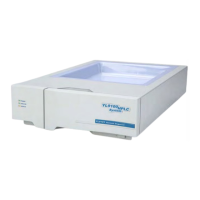
YL9170 RI Detector
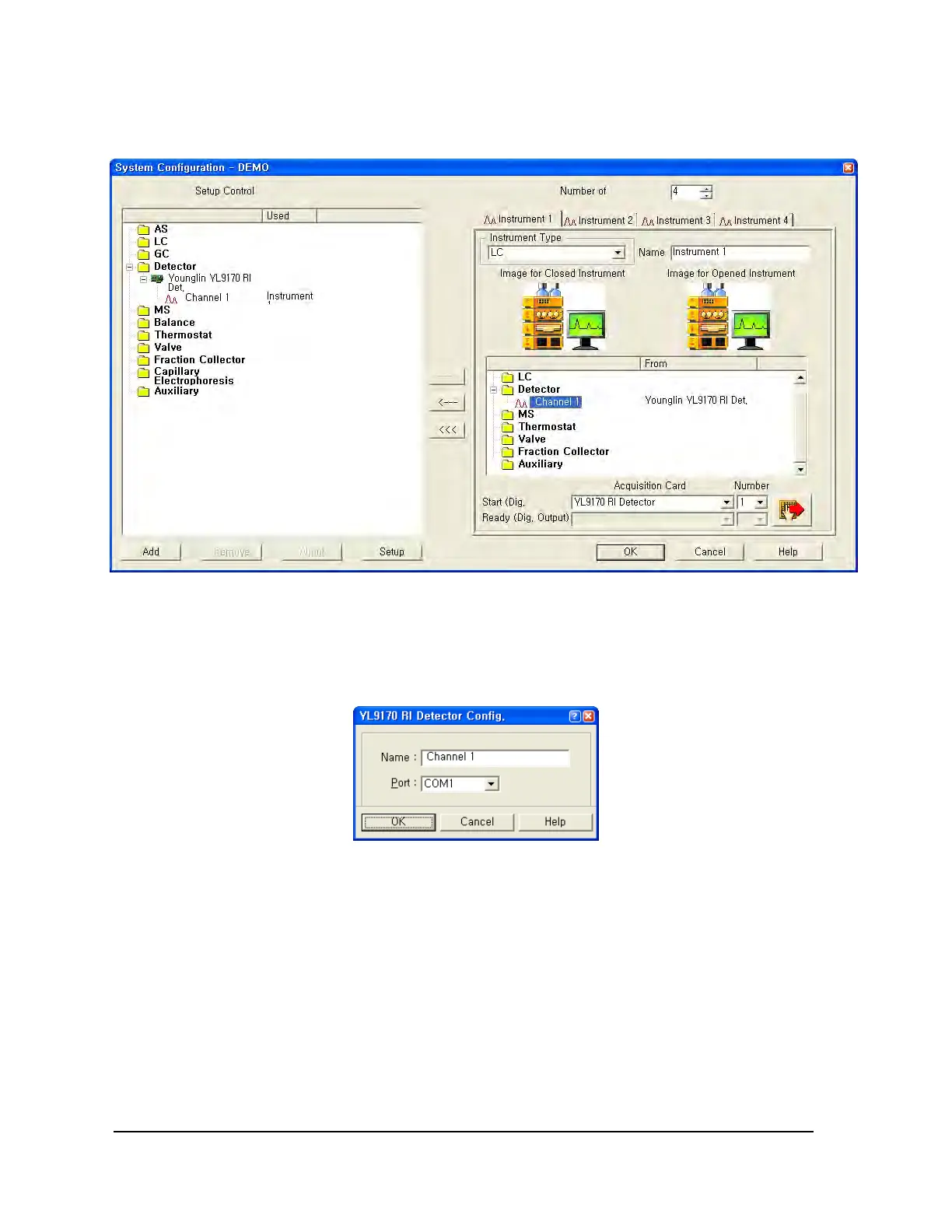
Double click YL9170 RI detector on the right window, and select the communication port that RI detector is
connected.
3-1-2. Device Monitor
After configure the RI detector on the System Configuration window, log in to open main control window.
On the main control window, click Device monitor and then Device Monitor window pops up as below. In
this window, you can control the RI Detector and monitor instrument status as like lamp on/off, wavelength
selection, sampling rate, etc.
6


 To Next Page
 Loading...