54 Rockwell Automation Publication 520-UM001A-EN-E - February 2013
Chapter 2 Start Up
USB
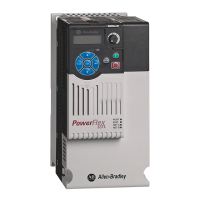
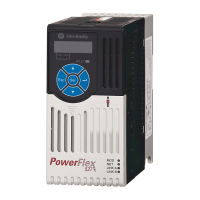
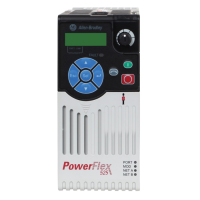
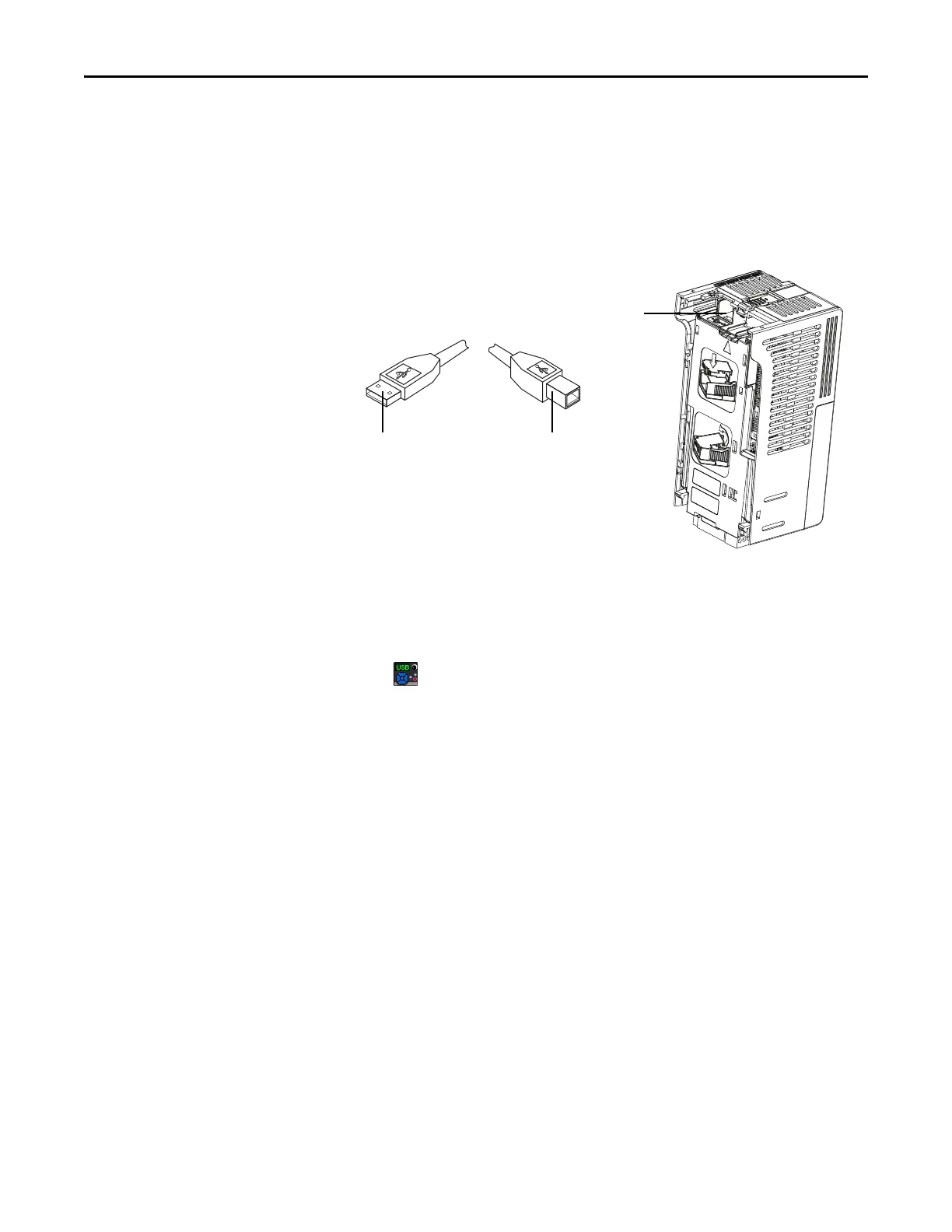
The PowerFlex 525 drive has a USB port that connects to a PC for the purpose of
upgrading drive firmware or uploading/downloading a parameter configuration.
You do not need to power up the control module. Simply connect the PowerFlex
525 drive to your PC with a USB Type B cable, and you will benefit from
MainsFree™ programming.
Connecting PowerFlex 525 to a PC
When connected, the drive appears on the PC and contains two files:
• GUIDE.PDF
This file contains links to relevant product documentation and software
downloads.
• PF52XUSB.EXE
This file is an application to flash upgrade firmware or upload/download a
parameter configuration.
It is not possible to delete these files or add more to the drive.
USB port
Control Module
USB Type B cable
Connect to Control ModuleConnect to PC


 To Next Page
 Loading...