Home > Fax > Send a Fax > Send a Fax at the End of a Conversation
Send a Fax at the End of a Conversation
At the end of a conversation, you can send a fax to the other party before you both hang up.
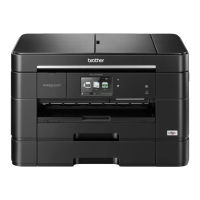
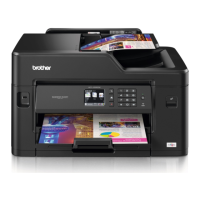
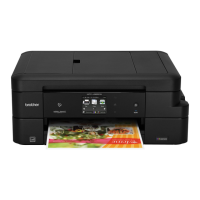
>> MFC-J2330DW/MFC-J5330DW/MFC-J5335DW
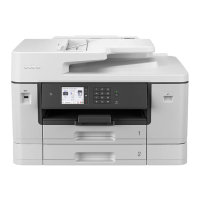
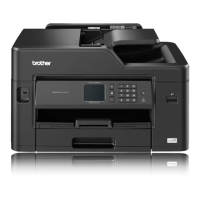
>> MFC-J2730DW/MFC-J5730DW/MFC-J5930DW
MFC-J2330DW/MFC-J5330DW/MFC-J5335DW
1. Ask the other party to wait for fax tones (beeps) and to press the Start key before hanging up.
2. Load your document.
3. Press
to display the [Fax Start] button.
4. Press [Fax Start].
• If you are using the scanner glass, press [Send].
5. Replace the handset of an external telephone.
MFC-J2730DW/MFC-J5730DW/MFC-J5930DW
1. Ask the other party to wait for fax tones (beeps) and to press the Start key before hanging up.
2. Load your document.
3. Press
to display the [Fax Start] button.
4. Press [Fax Start].
• If you are using the scanner glass, press [Send].
5. Replace the handset of an external telephone.
Related Information
• Send a Fax
287


 To Next Page
 Loading...