Home > Fax > Send a Fax > Cancel a Fax in Progress
Cancel a Fax in Progress
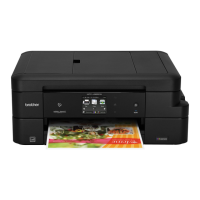
>> MFC-J2330DW/MFC-J5330DW/MFC-J5335DW
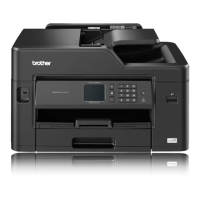
>> MFC-J2730DW/MFC-J5730DW/MFC-J5930DW
MFC-J2330DW/MFC-J5330DW/MFC-J5335DW
1. Press to return to the Home screen.
2. Press to cancel a fax that is already in process.
3. When you press while the machine is dialling or sending, the Touchscreen displays [Cancel Job?].
Press [Yes].
MFC-J2730DW/MFC-J5730DW/MFC-J5930DW
1. Press to return to the Home screen.
2. Press
to cancel a fax that is already in process.
3. When you press while the machine is dialling or sending, the Touchscreen displays [Cancel Job?].
Press [Yes]
Related Information
• Send a Fax
• Telephone and Fax problems
296


 To Next Page
 Loading...