Home > Fax > Telephone Services and External Devices > Set the Telephone Line Type
Set the Telephone Line Type
If you are connecting the machine to a line that features PBX or ISDN to send and receive faxes, you must select
a Telephone Line Type that matches your line's features.
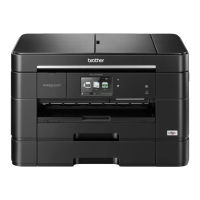
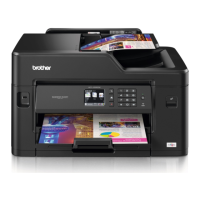
>> MFC-J2330DW/MFC-J5330DW/MFC-J5335DW
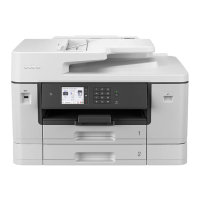
>> MFC-J2730DW/MFC-J5730DW/MFC-J5930DW
MFC-J2330DW/MFC-J5330DW/MFC-J5335DW
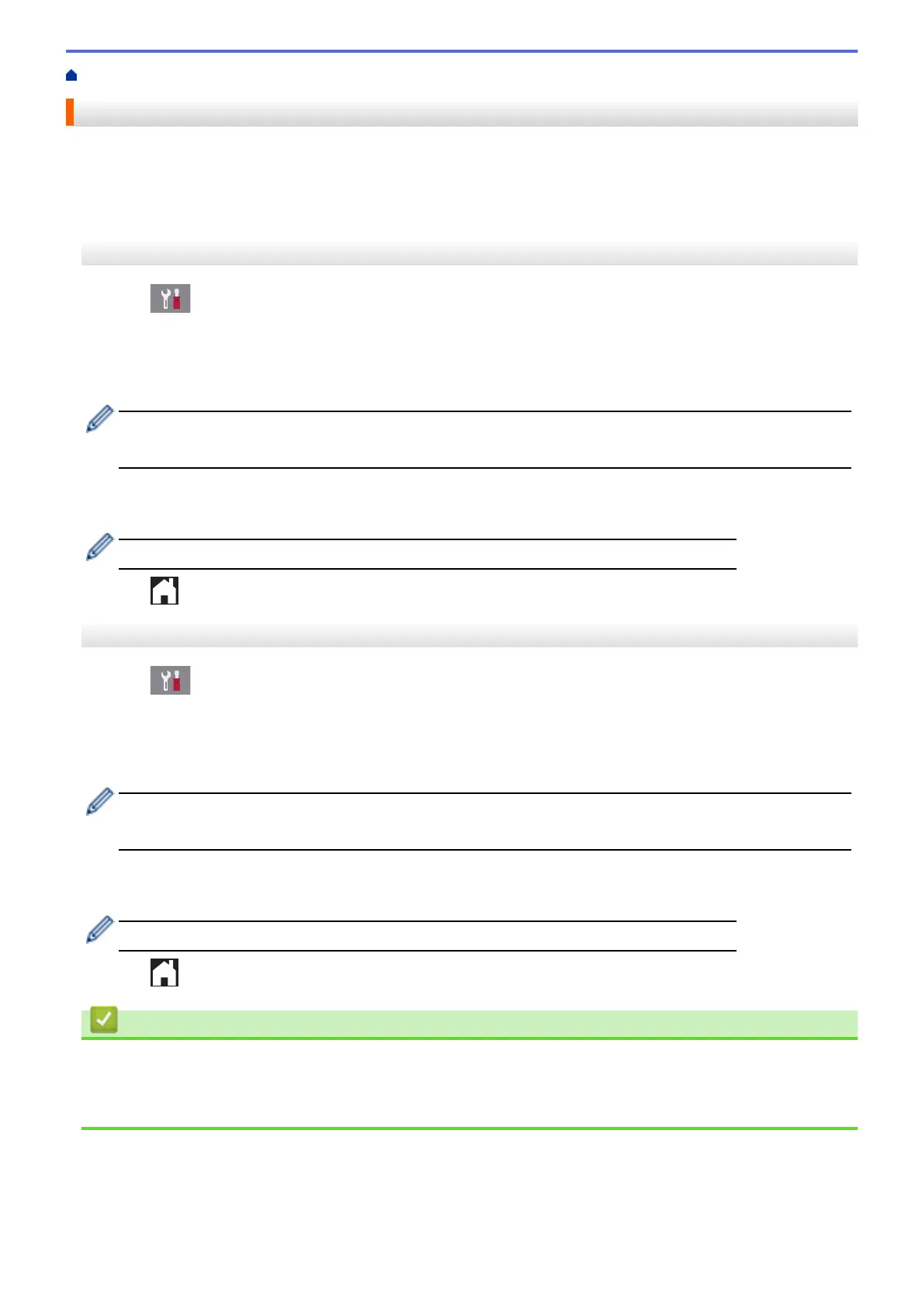
1. Press [Settings] > [All Settings] > [Initial Setup] > [Phone Line Set].
2. Press [Normal], [PBX], or [ISDN].
3. If you selected [PBX], do the following steps:
a. Press [On] or [Always].
• If you select [On], the machine dials a prefix number before the fax number only when [R] is pressed.
• If you select [Always], the machine always dials a prefix number before the fax number.
b. Press [Dial Prefix].
c. Enter the prefix number using the Touchscreen, and then press [OK].
Use the numbers 0 to 9, #, l and !. You cannot use ! with any other numbers or characters.
4. Press .
MFC-J2730DW/MFC-J5730DW/MFC-J5930DW
1. Press [Settings] > [All Settings] > [Initial Setup] > [Phone Line Set].
2. Press [Normal], [PBX], or [ISDN].
3. If you selected [PBX], do the following steps:
a. Press [On] or [Always].
• If you select [On], the machine dials a prefix number before the fax number only when [R] is pressed.
• If you select [Always], the machine always dials a prefix number before the fax number.
b. Press [Dial Prefix].
c. Enter the prefix number using the Touchscreen, and then press [OK].
Use the numbers 0 to 9, #, l and !. You cannot use ! with any other numbers or characters.
4. Press .
Related Information
• Telephone Services and External Devices
• PBX and TRANSFER
• Telephone and Fax problems
352


 To Next Page
 Loading...