2-15
Document and Paper
Setting Paper Size and Type
The default setting is <LTR> and <PLAIN PAPER>. When you place other sizes and/or
types of paper, follow this procedure to change the settings.
The procedure is same for the paper cassette and multi-purpose tray except for
selecting the paper cassette or multi-purpose tray in step 3 and 6.
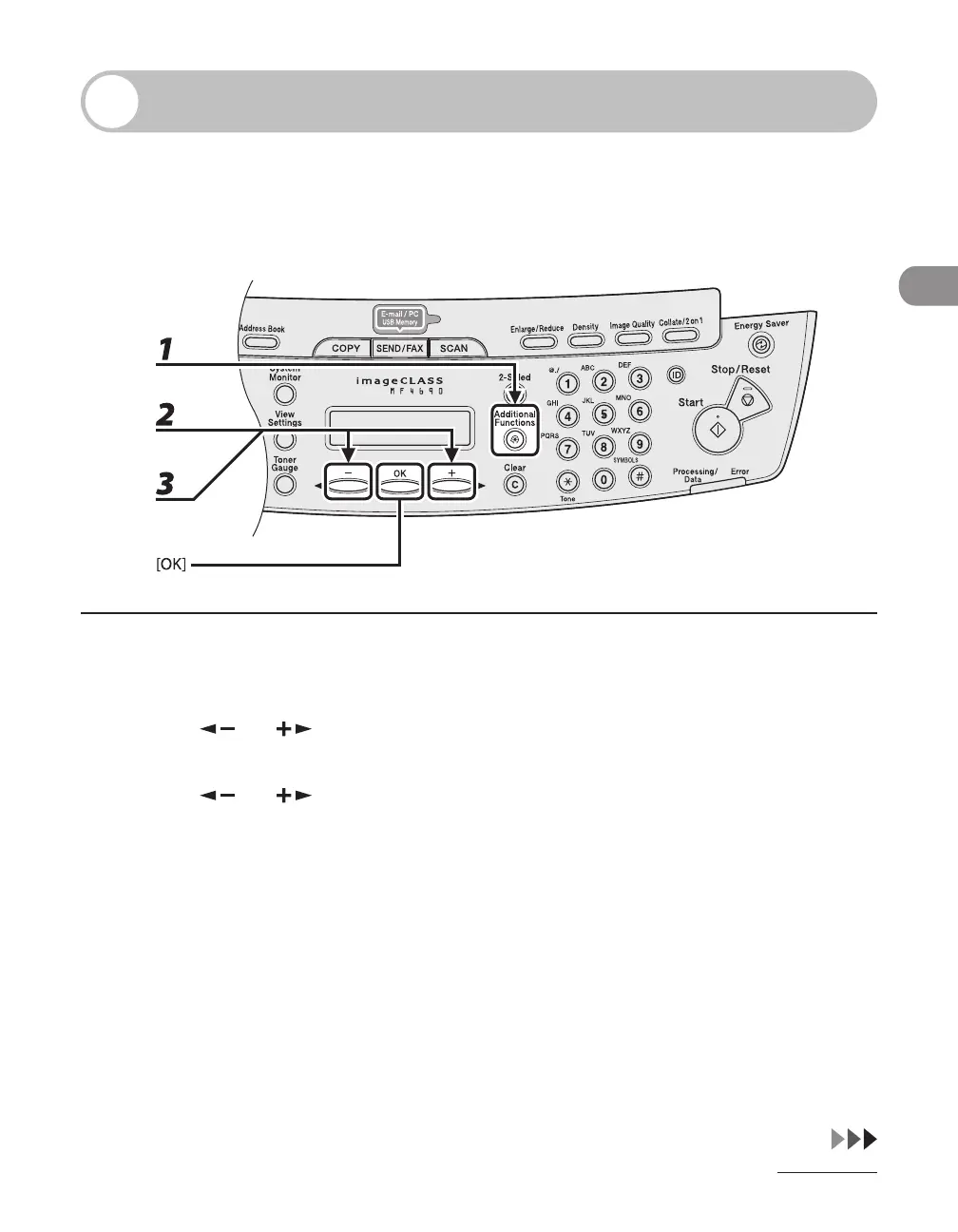
1 Press [Additional Functions].
2 Press [ ] or [ ] to select <PAPER SETTINGS>, then press [OK].
3 Press [ ] or [ ] to select <CASSETTE> or <MP TRAY>, then press [OK].


 To Next Page
 Loading...









