338 Maintaining Your Printer
13
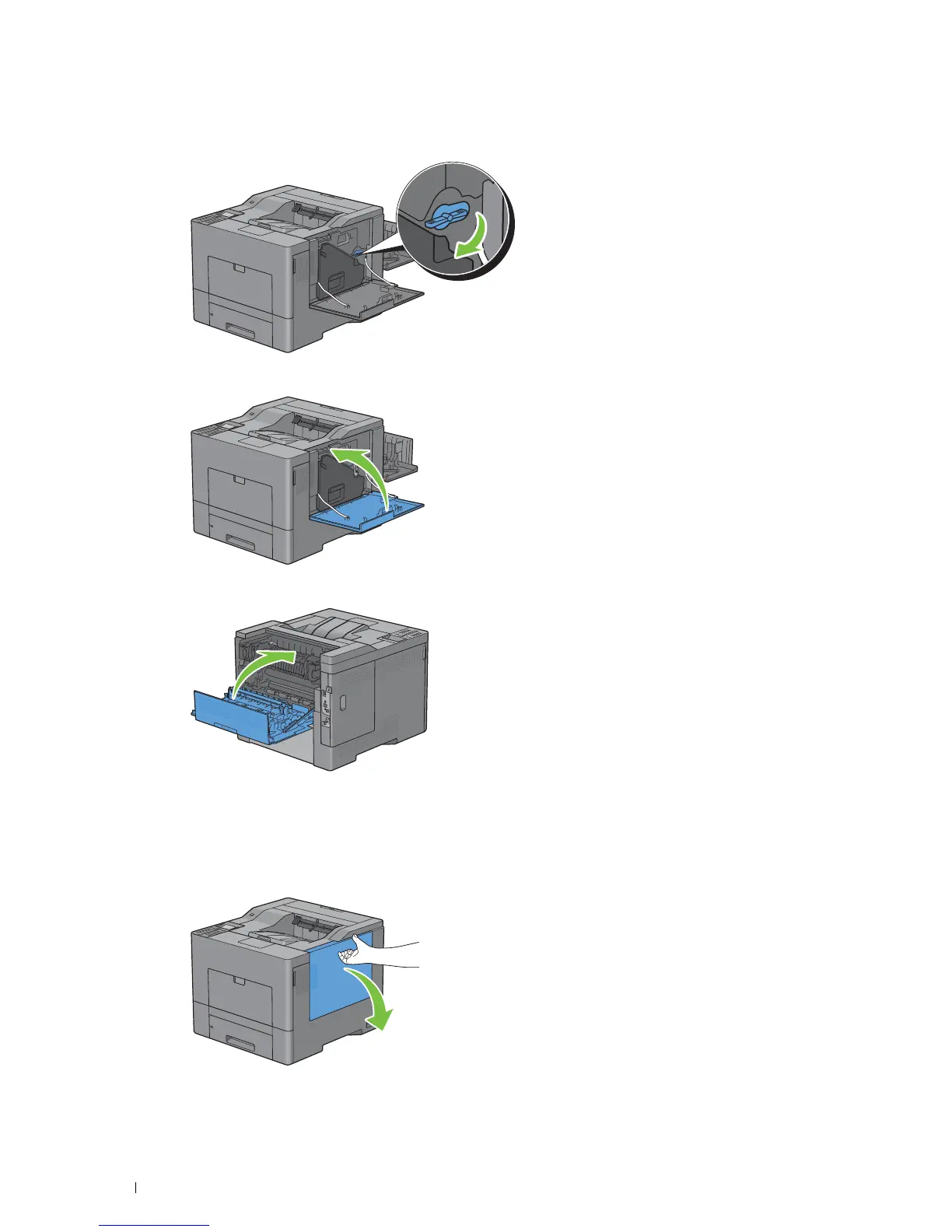
Turn the waste toner box lock lever 90-degrees clockwise to lock the waste toner box.
14
Close the right side cover.
15
Close the rear cover.
Cleaning the Raster Optical Scanner (ROS) Window
To prevent deterioration of printing quality due to stains inside the printer, clean inside the printer regularly by using
the cleaning rod whenever you replace drum cartridges.
1
Open the right side cover.



 To Next Page
 Loading...









