58 Installing Optional Accessories
2
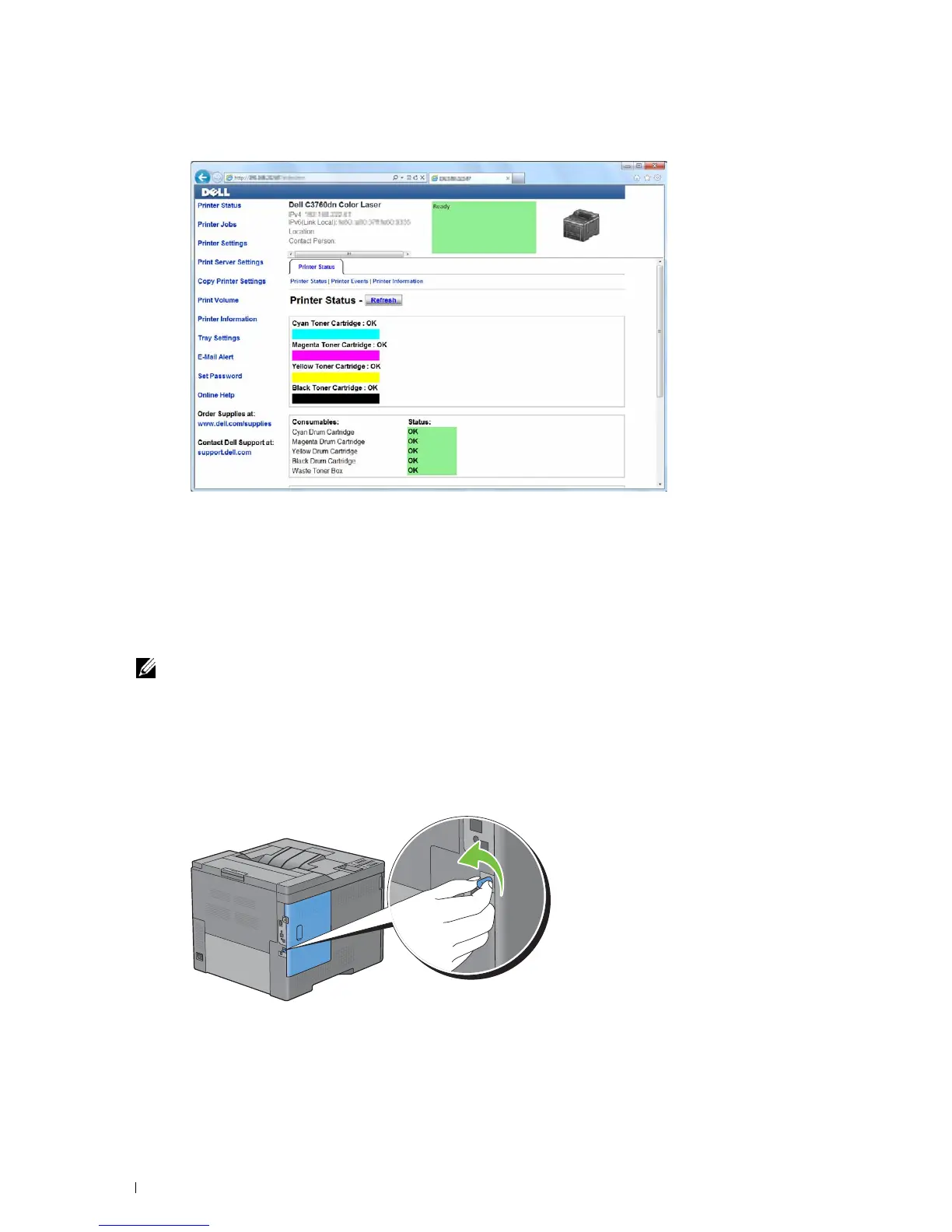
Launch the
Dell Printer Configuration Web Tool
by entering the IP address of the printer in your web browser.
3
Click
Print Server Settings
.
4
Click
Print Server Settings
tab.
5
Click
Wireless LAN
.
6
Change the wireless setting of the printer.
7
Reboot the printer.
8
Change the wireless settings on your computer or access point accordingly.
NOTE: To change the wireless settings on your computer, refer to the manuals provided with the wireless adapter or if
your computer provides a wireless adapter tool, change the wireless settings using that tool.
Installing the Optional Hard Disk
1
Ensure that the printer is turned off.
2
Turn the screw on the control board counterclockwise.


 To Next Page
 Loading...










