7. TT OPERATION
7-10
7.11 Lost Target
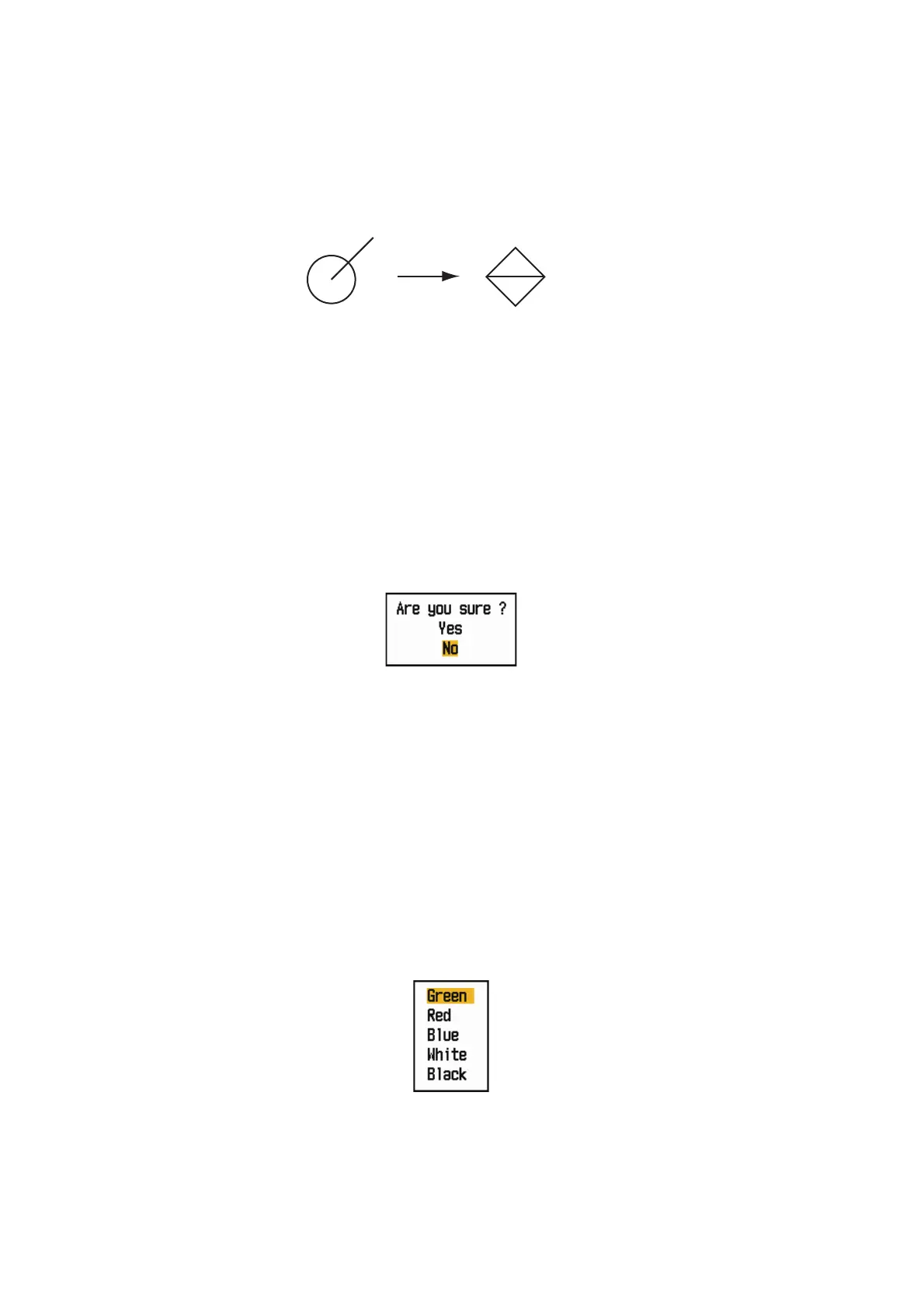
When the system detects a lost TT, the audio alarm sounds and the alarm message
"LOST" appears. The target symbol becomes a flashing square like the following illus-
tration. When the system detects the target again, the target symbol becomes a nor-
mal symbol.
Lost target symbol
To erase a lost TT symbol, put the cursor on the symbol and press the MENU/ESC
key. If you leave a lost target symbol flashing, the symbol disappears after one minute.
You can remove all lost TT from the screen as follows:
1. Press the MENU/ESC key to open the menu.
2. Use the Cursorpad ( or ) to select [TT] and press the ENTER key.
3. Use the Cursorpad ( or ) to select [Erase Lost Targets] and press the ENTER
key.
Erase Lost Targets confirmation message
4. Use the Cursorpad () to select [Yes] and press the ENTER key. All lost targets
symbols are erased from the screen and the long beep sounds.
5. Press the MENU/ESC key to close the menu.
7.12 Symbol Color
You can select the TT symbol color from Green, Red, Blue, White or Black.
1. Press the MENU/ESC key to open the menu.
2. Use the Cursorpad ( or ) to select [TT] and press the ENTER key.
3. Use the Cursorpad ( or ) to select [Color] and press the ENTER key.
Color options
4. Use the Cursorpad ( or ) to select the color and press the ENTER key.
5. Press the MENU/ESC key to close the menu.
Note: Symbols can not be shown in the same color as the background color.
Before alarm
is released
(Flashing)
After alarm
is released


 To Next Page
 Loading...







