10. MAINTENANCE, TROUBLESHOOTING
10-9
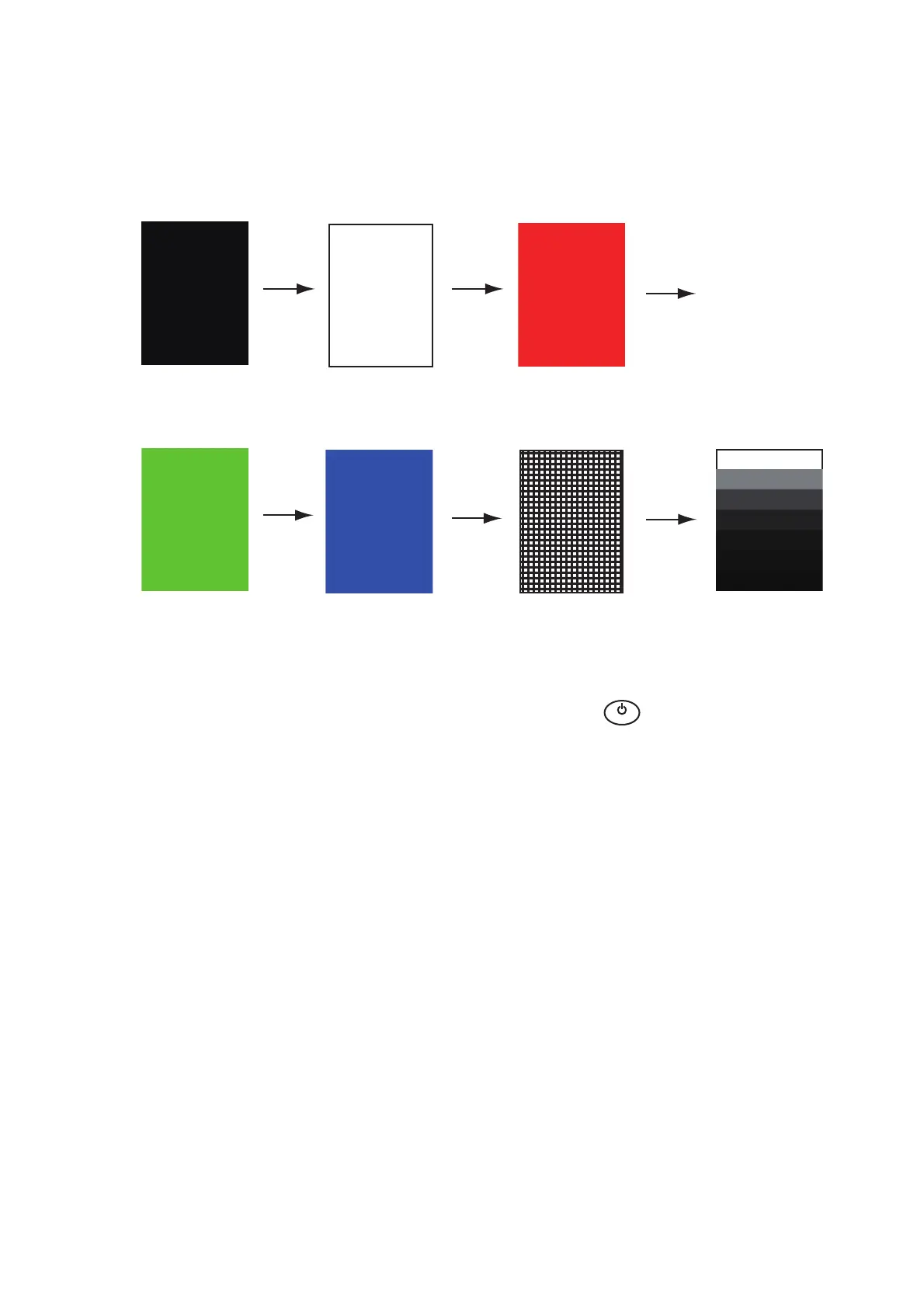
10.7 LCD Test
1. Press the MENU/ESC key to open the menu.
2. Use the Cursorpad ( or ) to select [Tests] and press the ENTER key.
3. Use the Cursorpad ( or ) to select [LCD Pattern] and press the ENTER key.
4. Press the MENU/ESC key several times to close the menu.
Note 1: You can cancel the test at any time when you press the MENU/ESC key.
Note 2: You can adjust the screen brilliance with the key during the test.
Black
MENU/
ESC
key
MENU/
ESC
key
MENU/
ESC
key
MENU/
ESC
key
MENU/
ESC
key
MENU/
ESC
key
White Red
Green
Blue
Checker board design
7 tones of gray
B
R
I
L
L


 To Next Page
 Loading...







