5. OPERATION
5-35
3. Use the Cursorpad ( or ) to select [Echo Average] and press the ENTER key.
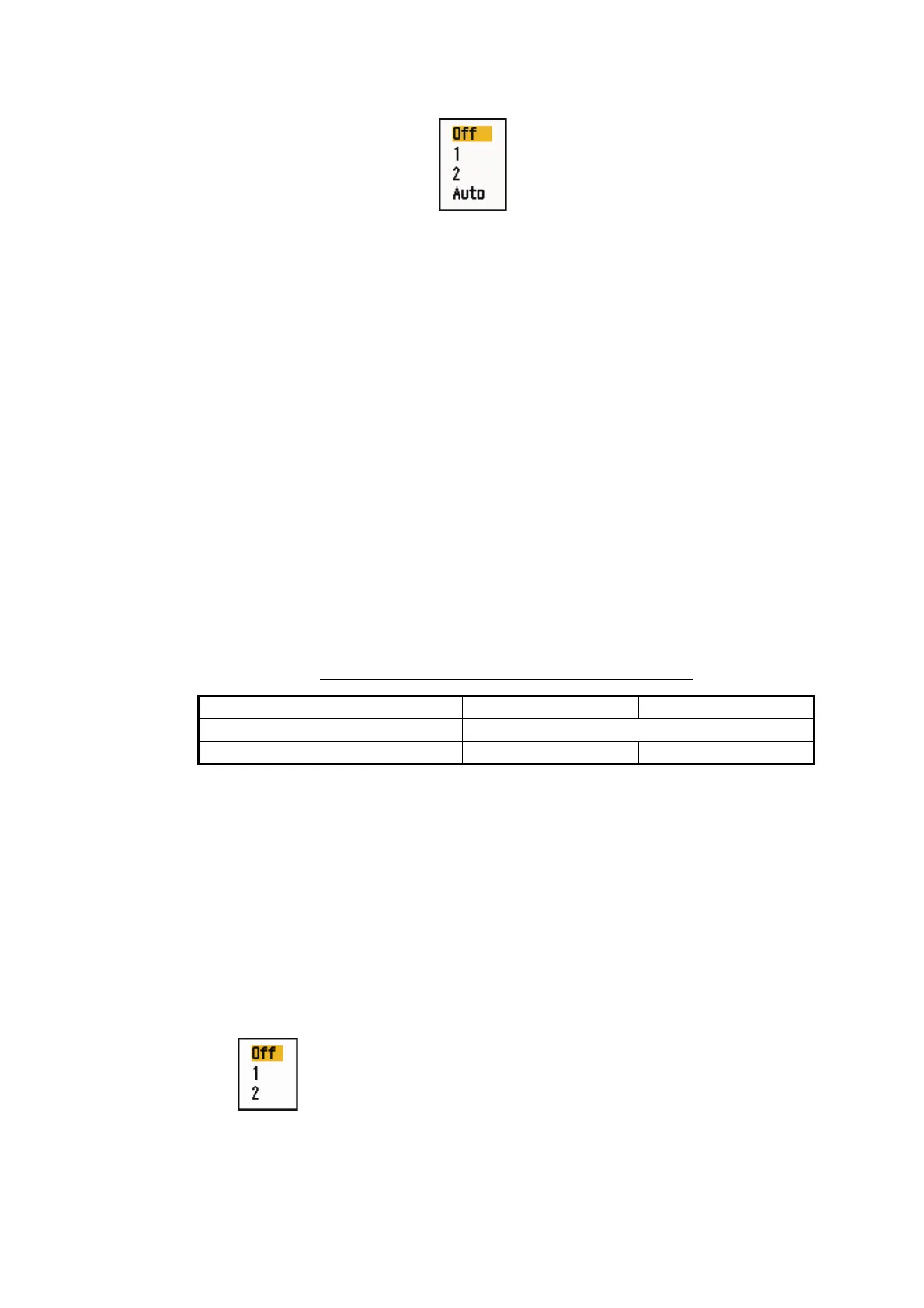
Echo Average options
4. Use the Cursorpad ( or ) to select an echo averaging option and press the EN-
TER key.
[Off]: Deactivate the echo average.
[1]: Identify true targets from the sea clutter and reduce the brilliance of unstable
echoes.
[2]: Identify true targets from the sea clutter that you cannot reduce the brilliance
with setting 1.
[Auto]: Identify true targets from the sea clutter. Detect far and unstable targets.
5. Press the MENU/ESC key to close the menu. The selected echo average ("EAV
1", "EAV 2" or "EAV(A)") appears at the lower-left corner of the display.
5.25 Wiper
The wiper feature automatically reduces the brilliance of unwanted weak signals
(noise, sea clutter, rain clutter, etc.) and unnecessary signals, like radar interference,
to clear the picture of unnecessary echoes. The result of wiper depends on the wiper
setting used and whether echo averaging is turned on or off, as described below.
Echo averaging and wiper states and wiper effect
Processing content A: The brilliance of unnecessary weak echoes, like noise and
radar interference, is reduced to clear the picture. The difference between wiper 1 and
2 is that brilliance is lowered more slowly in 1.
Processing content B: Echo averaging is automatically turned on from off when the
wiper feature is turned on. You can see how the picture changes with the echo aver-
aging turned off and turned on.
To activate the wiper feature, do the following:
1. Press the MENU/ESC key to open the menu.
2. Use the Cursorpad ( or ) to select [Echo] and press the ENTER key.
3. Use the Cursorpad ( or ) to select [Wiper] and press the ENTER key.
Wiper options
4.Use the Cursorpad ( or ) to select [1] or [2] then press the ENTER
key.
5. Press the MENU/ESC key to close the menu.
Note: When the [Display Mode] is [True View], this function is not available.
Wiper 1 Wiper 2
Echo Average Off Processing content A
Echo Average On (1, 2, Auto) Processing content A Processing content B


 To Next Page
 Loading...







