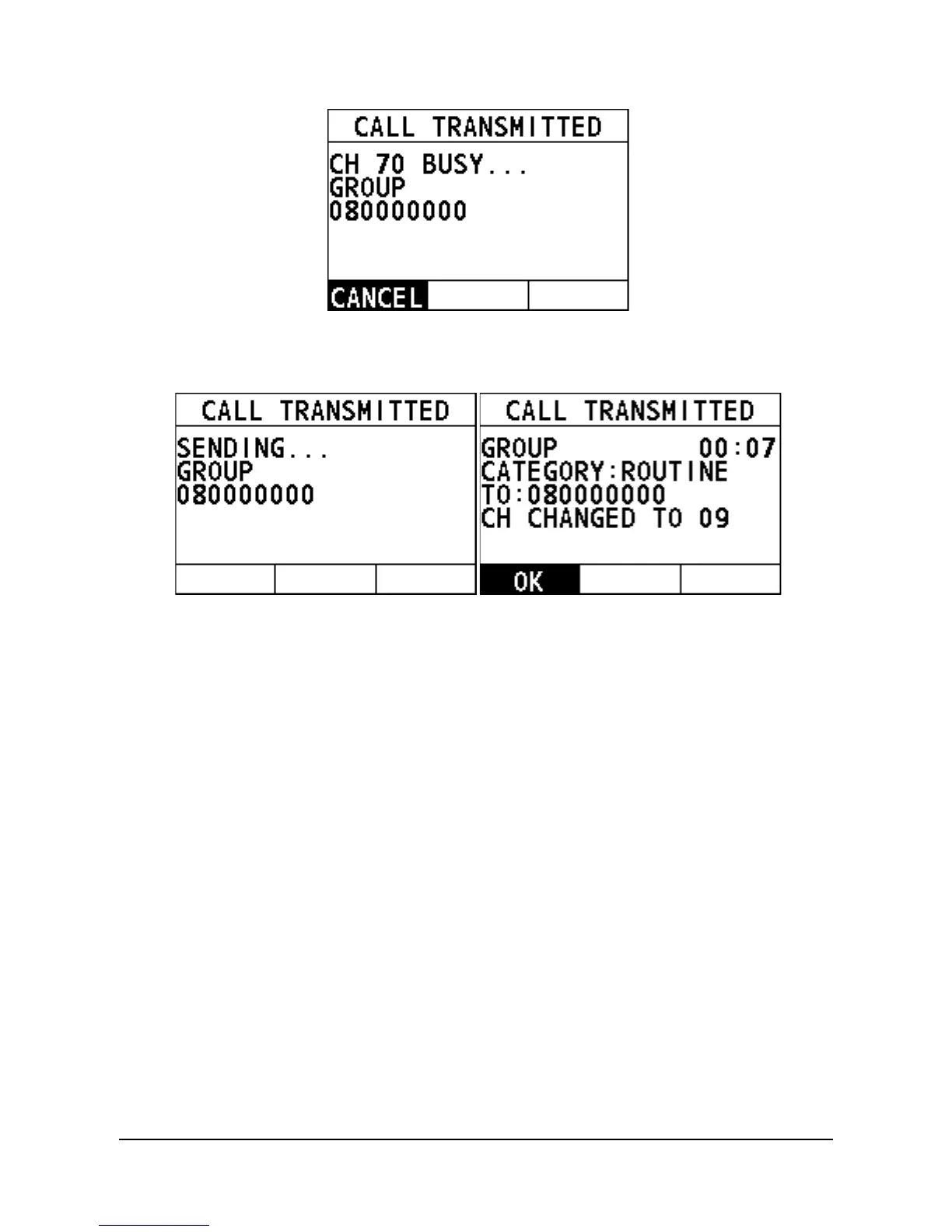
When the CH70 is idle, the following screens appear, and the radio
waits for an acknowledgement.
Step 5 Select "OK" to return to the home screen.
Step 6 Press and hold the PTT key to talk into the microphone.
4.5.2 How to Receive a Group Call
When the channel change mode is "AUTO"
Step 1 When a DSC Distress Alert is received, the alarm sounds. Rotate the
Menu/DSC control to stop the alarm.
The screen shows the MMSI of the vessel calling and three soft keys:
"ACCEPT", "CANCEL", and "PAUSE".
ACCEPT: Select the soft key to continue with the call and switch to the
requested channel.
Cancel: Select the soft key to cancel the automatic channel switching.
The radio returns to the home screen and the channel remains
unchanged.
PAUSE: Select the soft key to pause the call and timing. You can
resume the call by pressing the "RESUME" soft key.


 To Next Page
 Loading...





