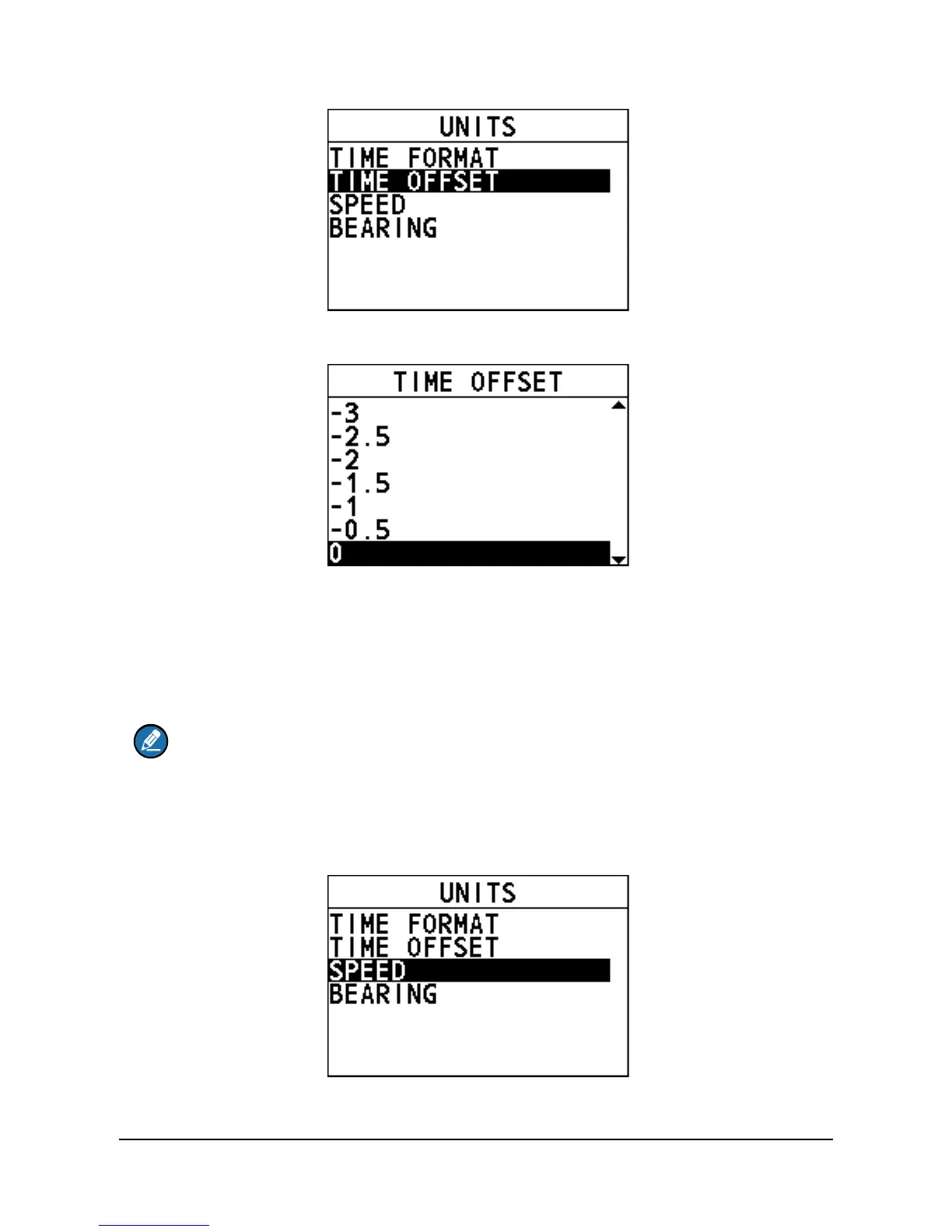
Step 3 Select the time offset of your location.
Step 4 Press the Menu/DSC control to save the setting and return to the previous
interface.
10.2.3 Speed
This feature allows you to set the unit of measurement for sailing speed.
Note
A GNSS receiver should be connected to the radio or the "INTERNAL GNSS"
should be set to "ON" to show the sailing speed.
Step 1 Press the Menu/DSC control until the "MAIN MENU" screen appears.
Step 2 Go to "GENERAL SETUP > UNITS > SPEED".
Step 3 Select a unit.


 To Next Page
 Loading...





