When "POSITION ACK" is set to "AUTO"
When a DSC position request call is received, the radio automatically sends the
position information to the requested radio.
Note
When CH70 is busy, you can wait without pressing any key until CH70 is idle.
Then the radio automatically sends the position information.
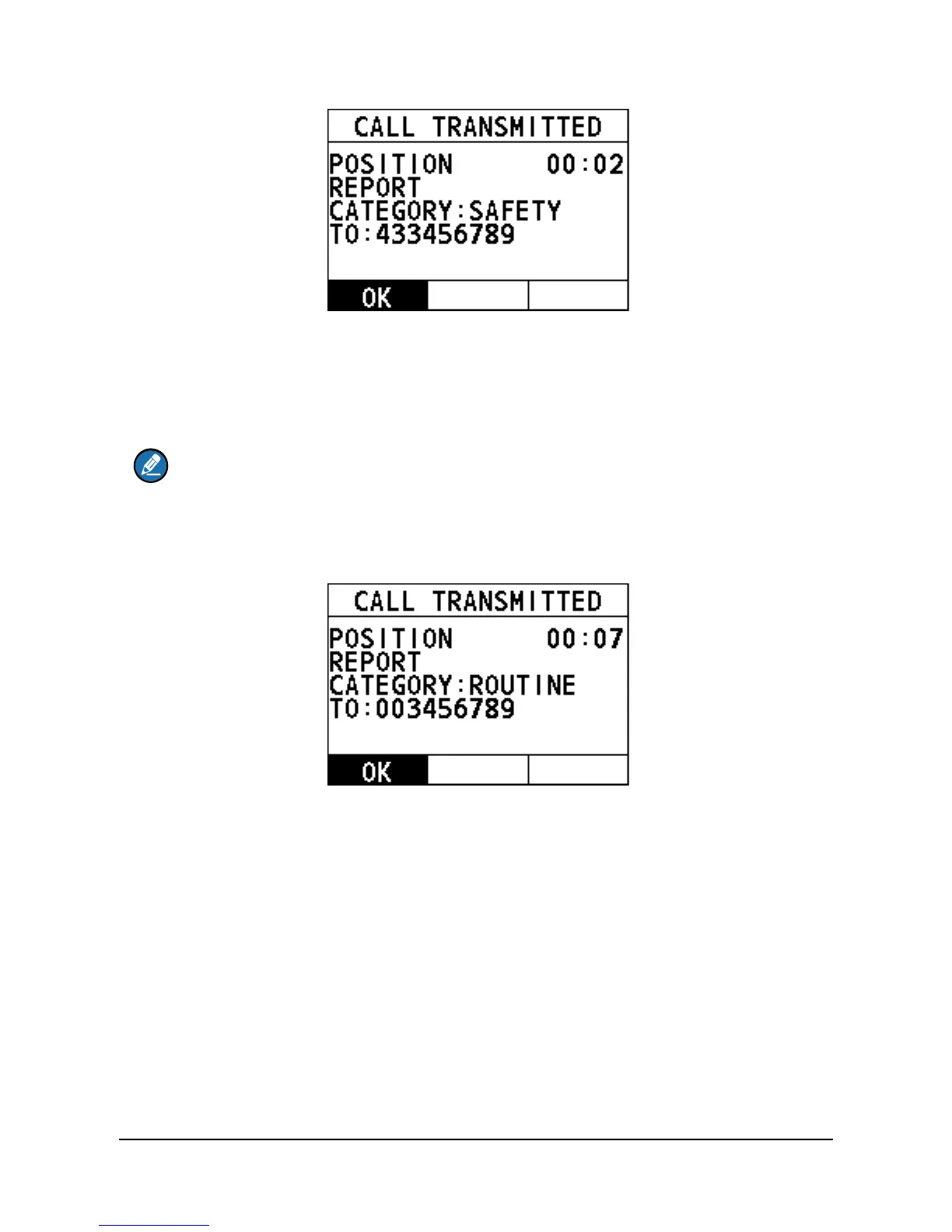
After the position information is sent, the following interface appears on the screen.
Select "OK" to return to the home screen.
4.8 Auto Position Polling
This feature allows FM-4800 to automatically send a position request call at certain
intervals.
This feature must first be enabled from the "ACTIVATION" menu, then the vessel
addresses must be set from the "SELECT ADDRESS" menu.
Also, you can monitor the position of the selected vessel from the "MONITOR
POSITION" menu.
4.8.1 How to Enable the Auto Position Polling
Step 1 On the home screen, press the Menu/DSC control to enter the "MAIN
MENU" screen.



 To Next Page
 Loading...




