10. GENERAL SETUP
10.1 Display Setup
This feature allows you to set the backlight and contrast of the screen.
10.1.1 Adjusting the Backlight
Step 1 On the home screen, press the Menu/DSC control to enter the "MAIN
MENU" screen.
Step 2 Go to "GENERAL SETUP > DISPLAY SETUP".
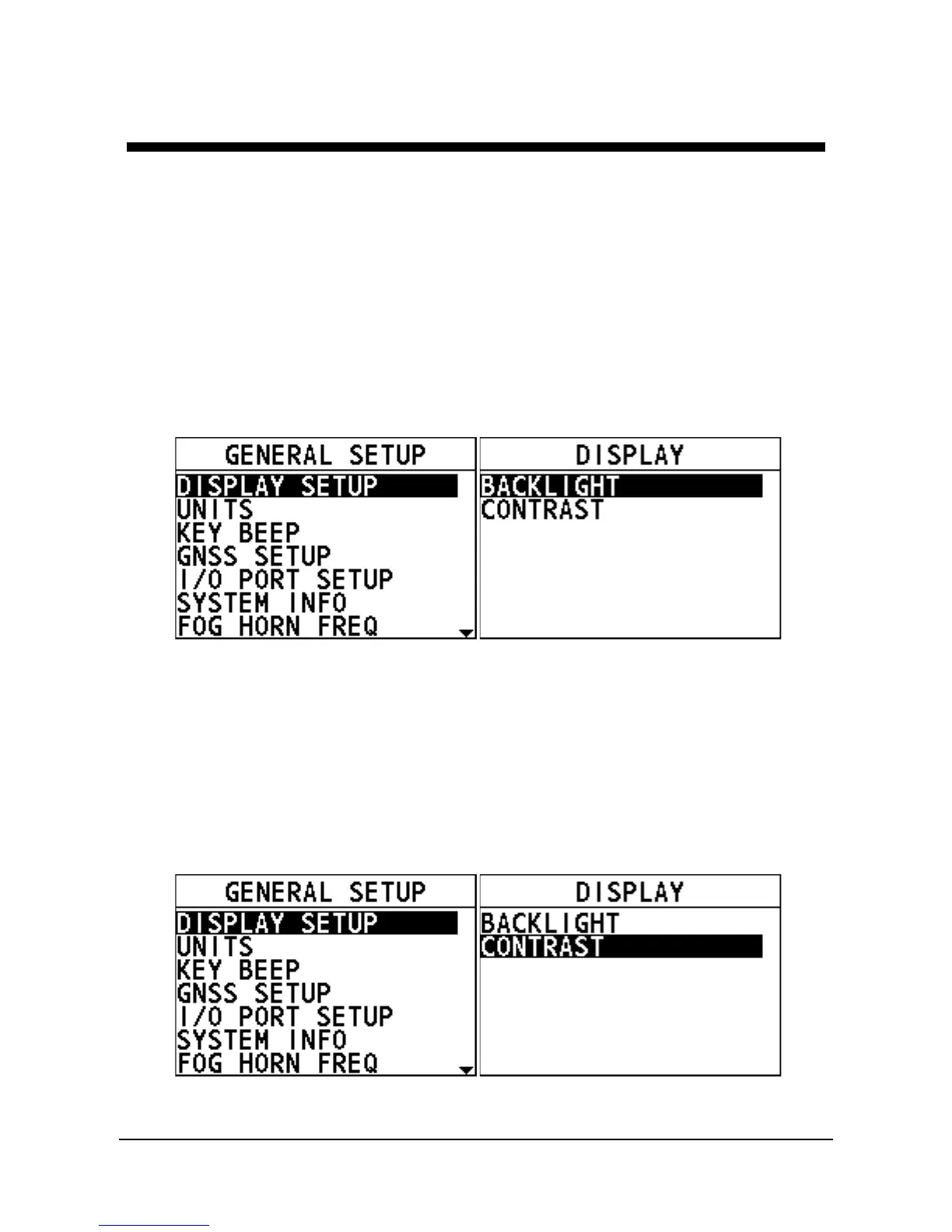
The "DISPLAY" interface appears on the screen.
Step 3 Select "BACKLIGHT".
Step 4 Rotate the Menu/DSC control to adjust the backlight.
10.1.2 Adjusting the Contrast
Step 1 On the home screen, press the Menu/DSC control to enter the "MAIN
MENU" screen.
Step 2 Go to "GENERAL SETUP > DISPLAY SETUP".
The "DISPLAY" interface appears on the screen.
Step 3 Select "CONTRAST".
Step 4 Rotate the Menu/DSC control to adjust the contrast.



 To Next Page
 Loading...




