12.2.2 Editing an Entry
Step 1 Press the Menu/DSC control until the "MAIN MENU" screen appears.
Step 2 Go to "DSC SETUP > GROUP DIRECTORY".
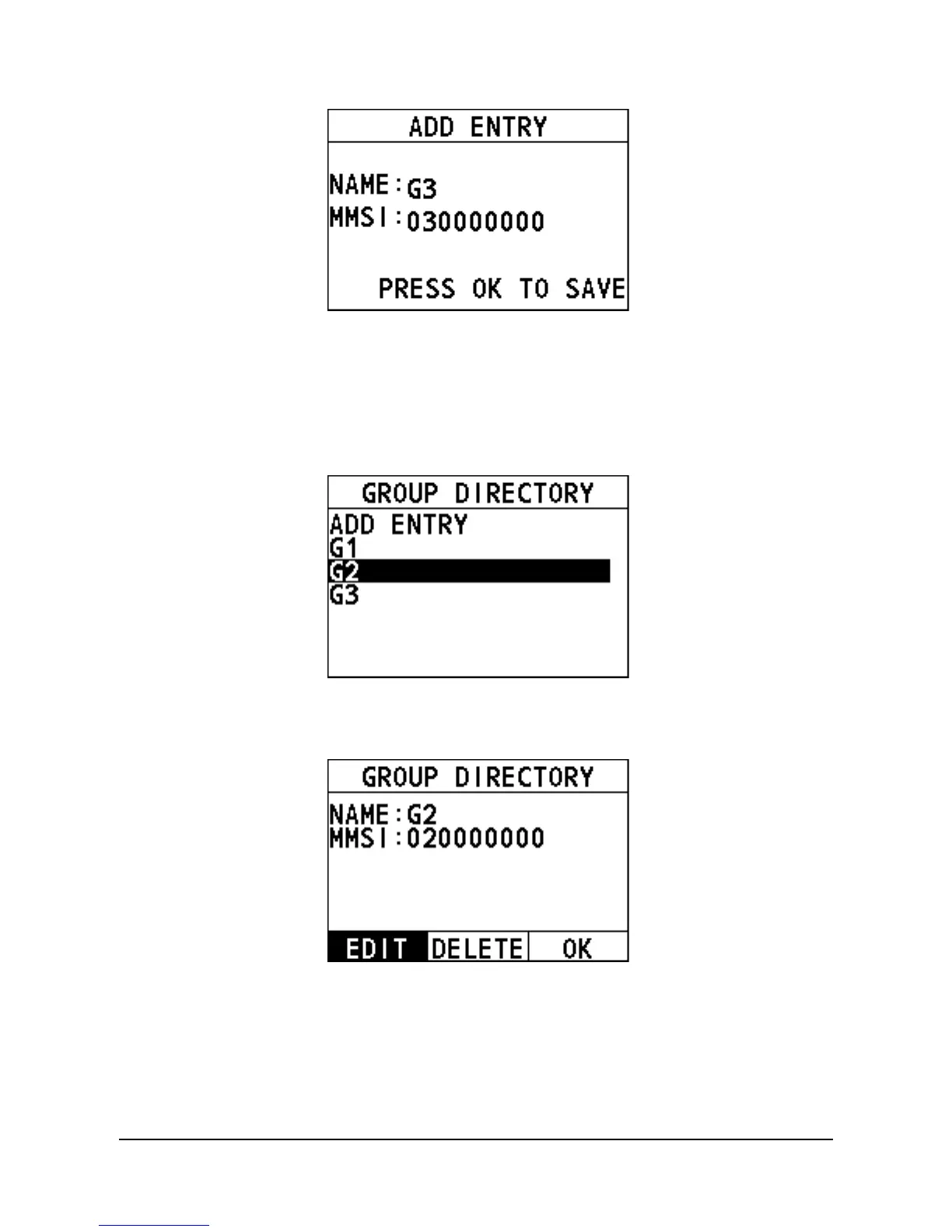
The following interface appears on the screen.
Step 3 Select the entry needing editing.
The following interface appears on the screen.
Step 4 Select "EDIT".
Step 5 Rotate and press the Menu/DSC control to edit the entry.
Step 6 After you finish entering the information, press the Menu/DSC control to
save the setting and return to the previous screen.


 To Next Page
 Loading...





