Step 5 Select "YES".
The directory is deleted and the radio returns to the previous screen.
12.2 Group Directory
This feature allows you to add, edit or delete groups the radio belongs to.
12.2.1 Adding an Entry
Step 1 Press the Menu/DSC control until the "MAIN MENU" screen appears.
Step 2 Go to "DSC SETUP > GROUP DIRECTORY".
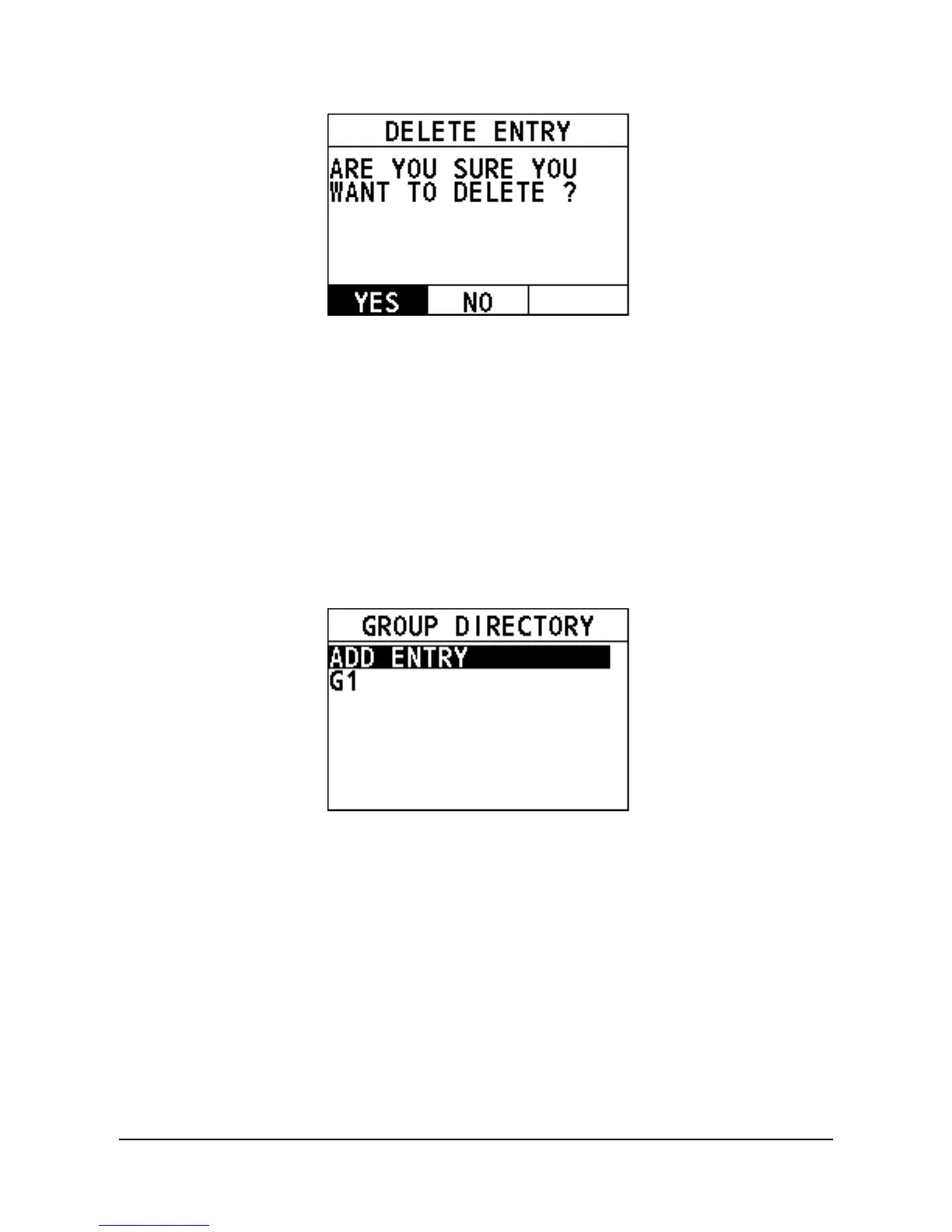
The following interface appears on the screen.
Step 3 Select "ADD ENTRY".
Step 4 Rotate and press the Menu/DSC control to add the name and the MMSI of
the contact.
Step 5 After you finish entering the information, press the Menu/DSC control to
save the setting and return to the previous screen.


 To Next Page
 Loading...





