4.6.2 How to Receive an All Ships Call
The channel change of your radio has two modes: "AUTO" and "MANUAL". Different
channel change modes lead to different operations when you receive an All Ships
call. For information about how to set the channel change mode, see section 11.3
Channel Change Mode.
When the channel change mode is "AUTO"
Step 1 When an All Ships call is received, an emergency alarm sounds. Rotate
the Menu/DSC key to stop the alarm.
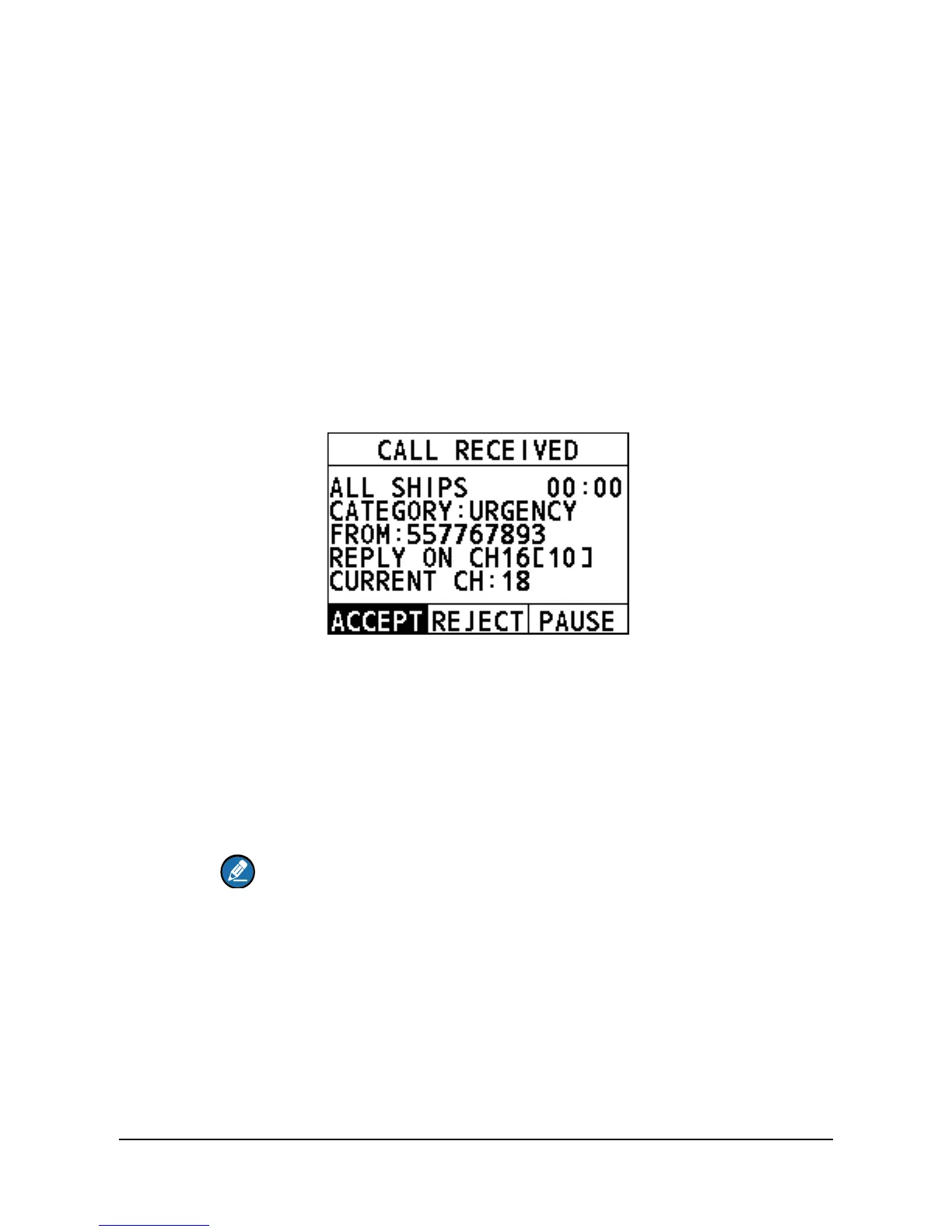
The following screen appears. The screen shows the MMSI of the vessel
calling and three soft keys:"ACCEPT","CANCEL", and "PAUSE". If the
requested channel cannot comply, the screen only shows the "CANCEL"
soft key.
ACCEPT: Select the soft key to continue with the call and switch to the
requested channel.
CANCEL: Select the soft key to cancel the automatic channel switching.
The radio returns to the home screen and the channel remains
unchanged.
PAUSE: Select the soft key to pause the call and timing and temporarily
disable automatic switching to the requested channel. You can resume
the call by pressing the "RESUME" soft key.
Note
If no key is pressed within 10 seconds, the radio automatically
switches to the requested channel. After 10 seconds, the
countdown appears next to "REPLY ON CH16".
[10] indicates that the 10 seconds countdown appears next to
"REPLY ON CH16".
Step 2 Select "ACCEPT" to continue with the call.
The radio monitors the reply on channel until the All Ships call is
completed.


 To Next Page
 Loading...





