Setup and Calibration 4-19
January 2008
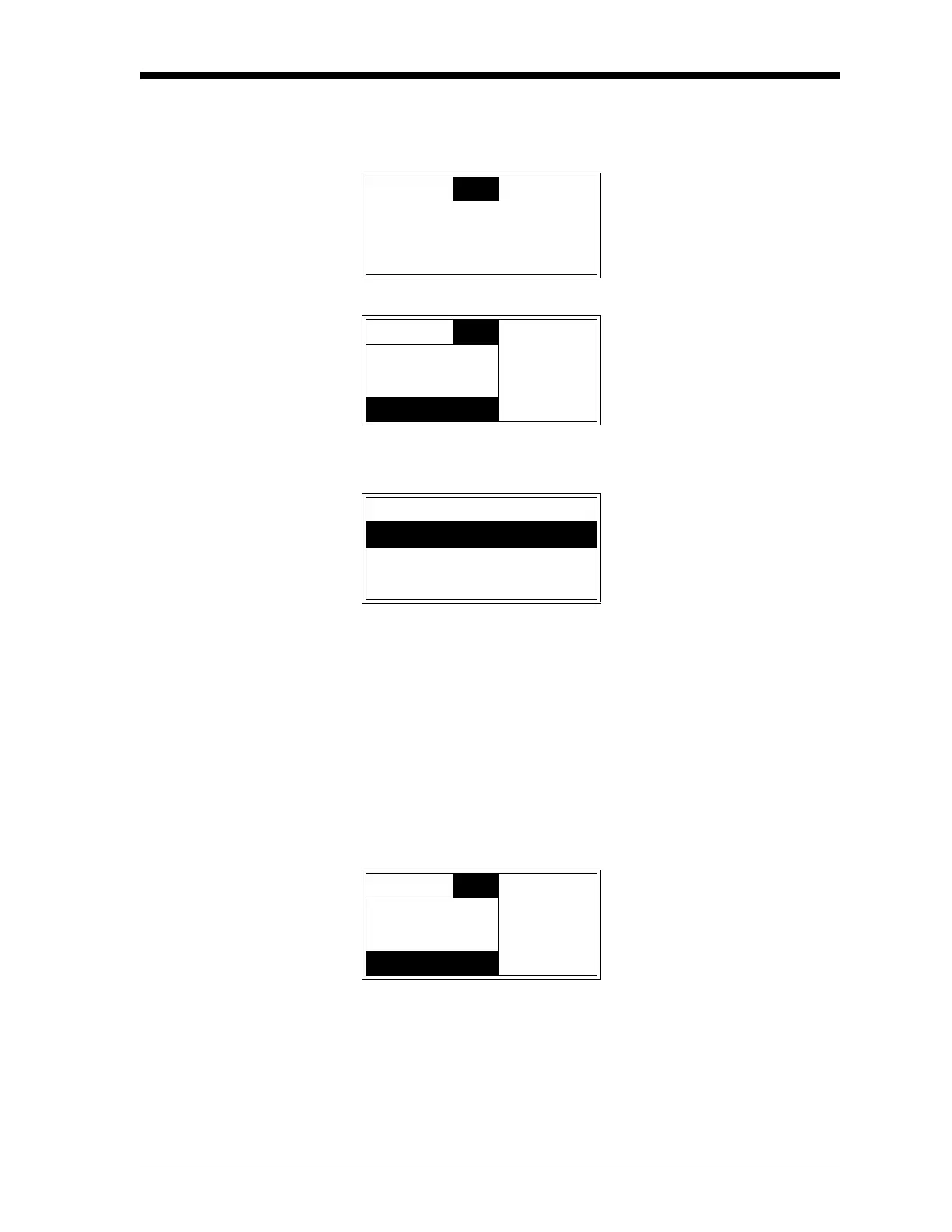
Versions To view the current software versions installed in your meter, access
the main menu as described on page 3-4, and proceed as follows:
Note: The “User” menu option is also available above.
The following software information is listed in the above display:
• Slot 0: controller main circuit board software
• Slot 1: XDP circuit board software
• Slots 2-4: not normally used for the XDP
Note: The versions of the software installed in Slots 1 and 2 at the
above prompt are used only as an example. The actual
versions of your software will appear instead.
Press
[ESC] until you exit the User Program, or proceed to the
appropriate section of this chapter to continue programming the
meter.
Cal
Opt
Disp Use the [W] and [X] keys to
select
[Opt] and press [ENTER].
Cal
Opt
Disp Use the [S] and [T] keys to
select
[Versions] and press
[ENTER].
Lock Menus
Lock All
Versions
Versions After noting the software ver-
sion data, press
[ENTER].
0:BSERIES.STD.001.0
1:XDP.H2G.001.B
2:
Cal
Opt
Disp Press [ESC] to return to the
main menu.
Lock Menus
Lock All
Versions


 To Next Page
 Loading...