4 - 69
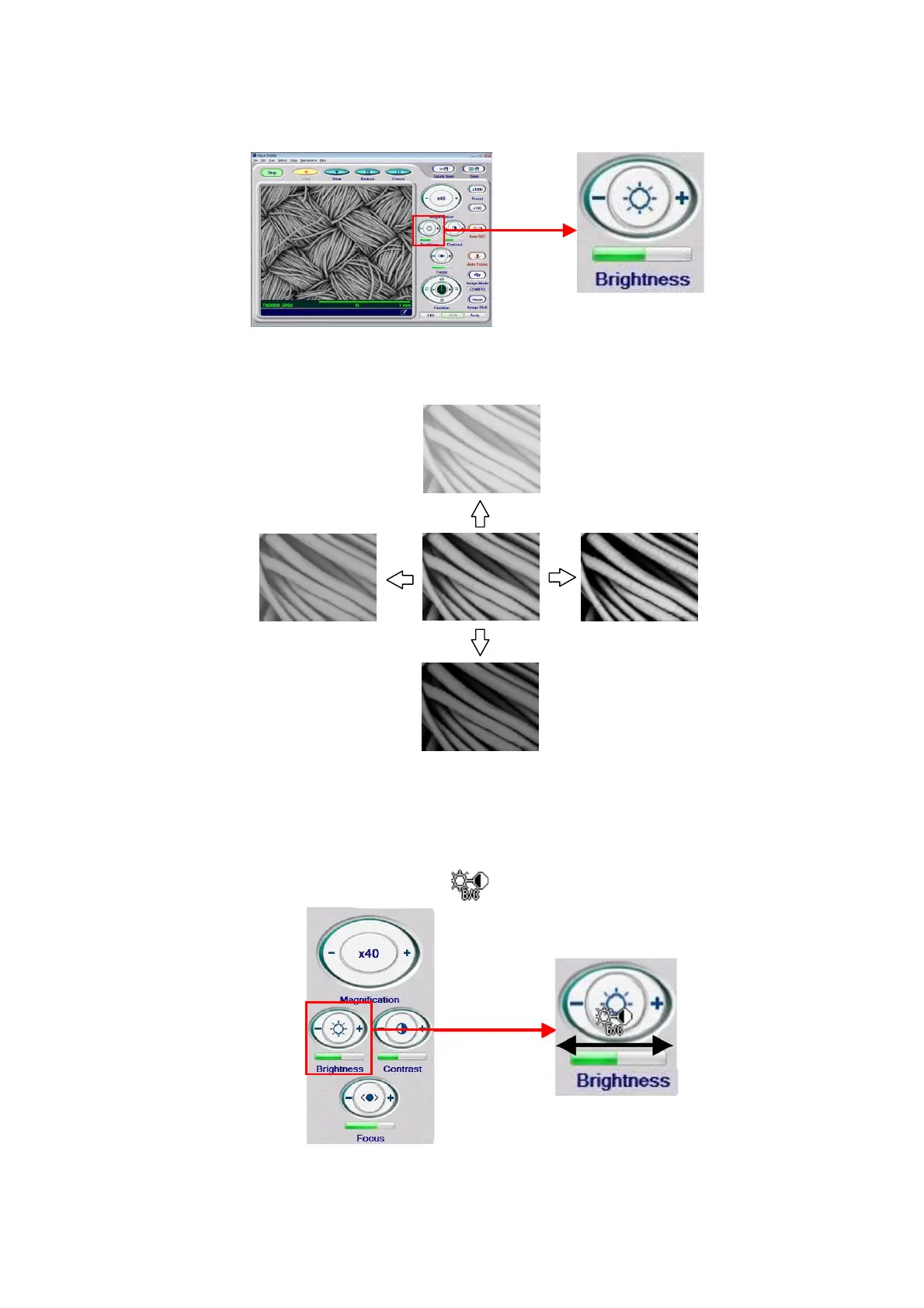
1. Adjusting the brightness
Figure 4.3.18-2 Adjusting the Brightness of the Image (Manual Operation)
Figure 4.3.18-3 Adjusting the Brightness of the Image
2. Adjusting the Brightness (Mouse-Dragging)
2a. Moving the mouse cursor into the Brightness button changes the appearance of the
cursor to a brightness adjustment display
.
Figure 4.3.18-4 Adjusting the Brightness of the Image (Mouse-Dragging)
Contrast (+)
Contrast (-)
Brightness (+)
Brightness (-)



 To Next Page
 Loading...


