the screen.
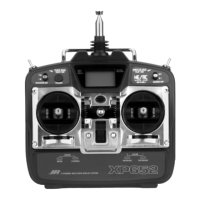
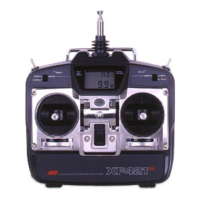
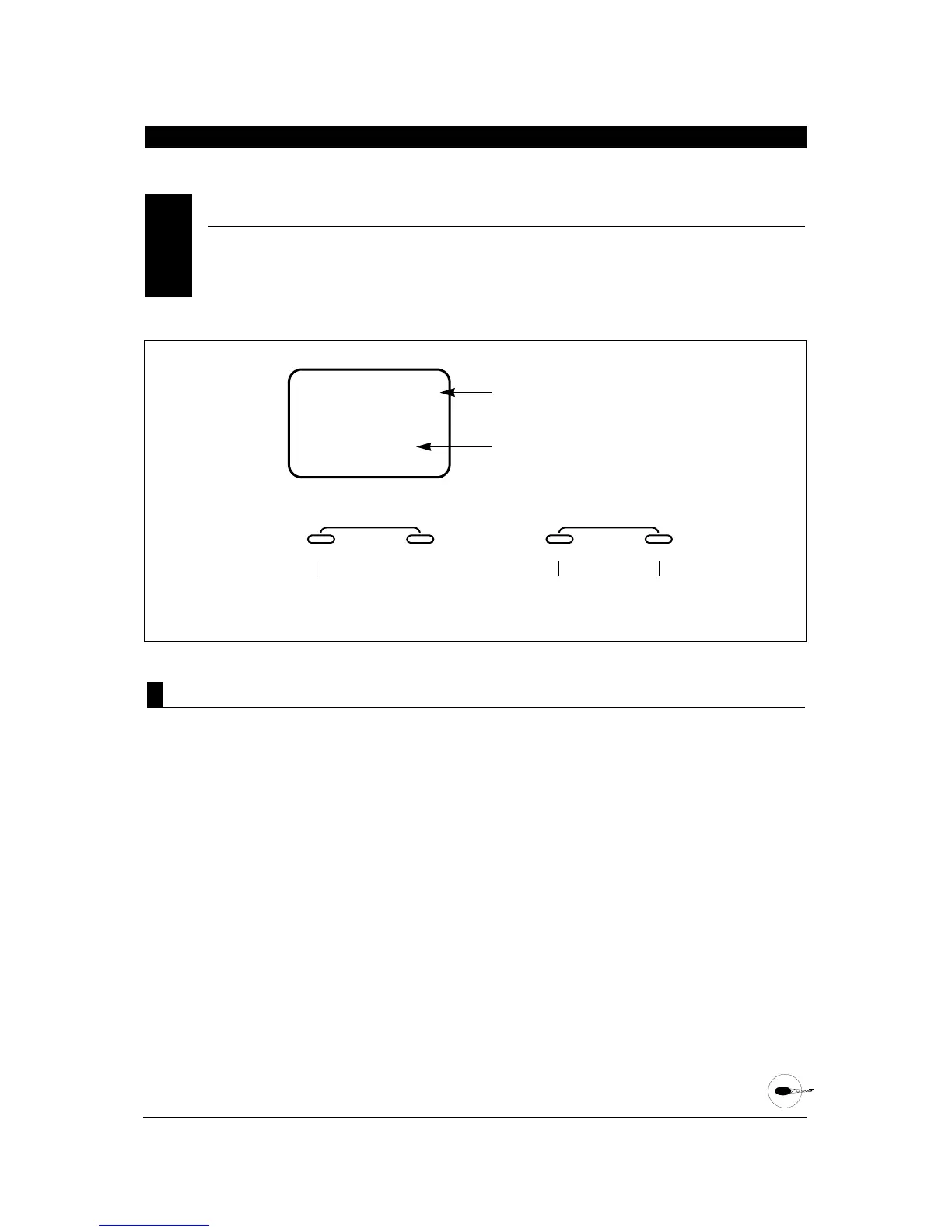
The XP652 has memory for five models. It can store
the settings for five airplanes, five helicopters or
two airplanes and three helicopters, etc.
1. Press the MODE and CHANNEL buttons
simultaneously and hold.
2. Turn on the transmitter to enter the
system mode.
3. Press the MODE button until MDL
appears on the screen.
4. Press the INCREASE or DECREASE button to
select model numbers 1 through 5.
5. Press the MODE button to access the model name
entry function.
6. To exit, press the MODE and CHANNEL buttons
simultaneously.
MODEL SELECTION
•
System Mode
6.5
1 THROUGH 5
1 THROUGH 4
M


 To Next Page
 Loading...