Remove any dust from the caps before attaching them.
[21] How to Use Preparing the camera Attaching a lens
Attaching the lens hood
We recommend that you use the lens hood to prevent light outside the shooting frame from
affecting the image.
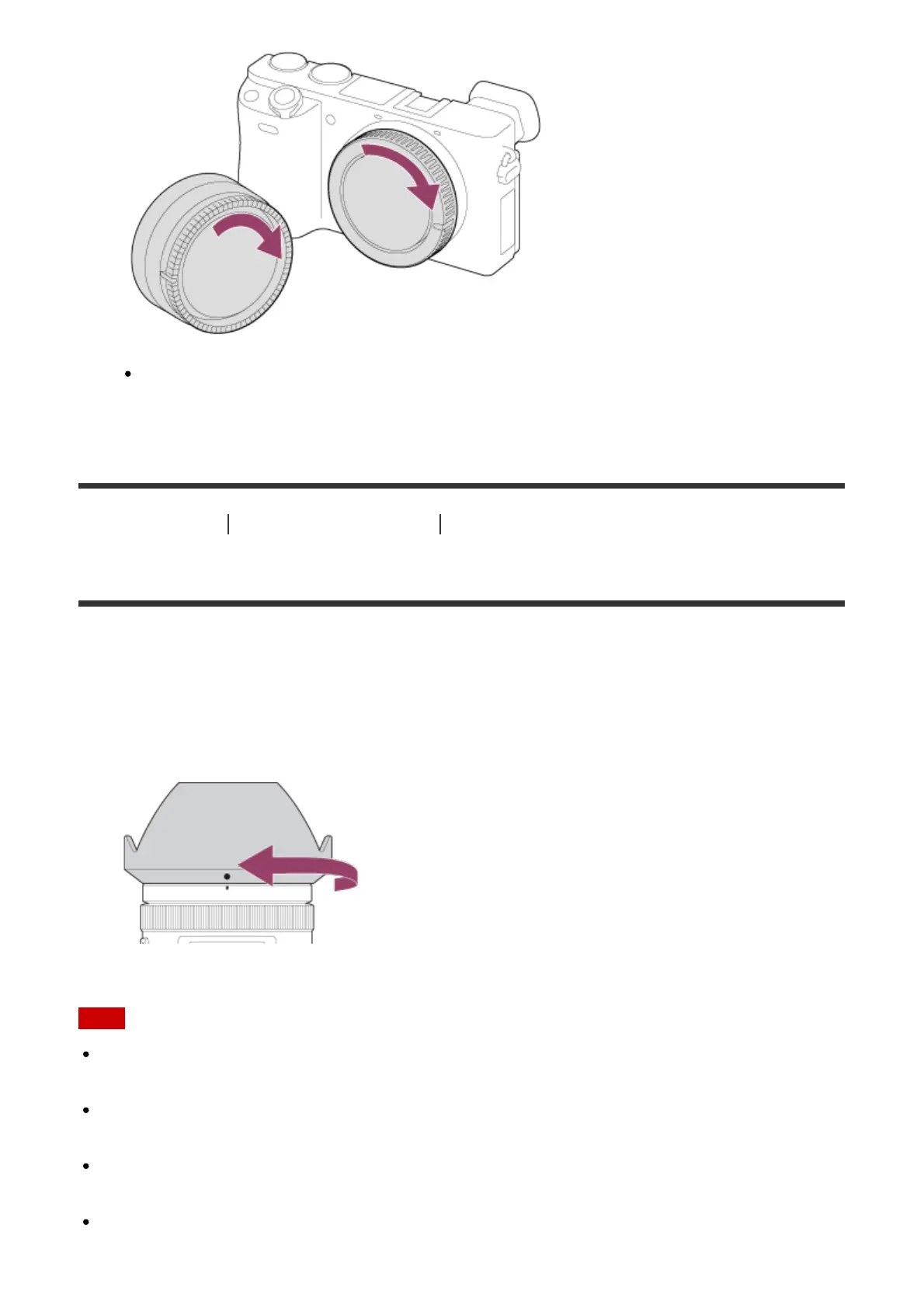
1. Match the shape of the lens hood mounting part and lens head, and turn the lens hood
clockwise until it clicks.
Note
Attach the lens hood properly. Otherwise, the lens hood may not have any effect or may
be partially reflected in the image.
When the lens hood is attached properly, the lens hood index (red line) matches the red
index mark on the hood. (There may be no lens hood index on some lenses.)
Remove the lens hood when using the flash. Otherwise, the lens hood blocks the flash
light and may appear as a shadow on the image.
To store the lens hood after shooting, attach the lens hood to the lens backward.


 To Next Page
 Loading...












