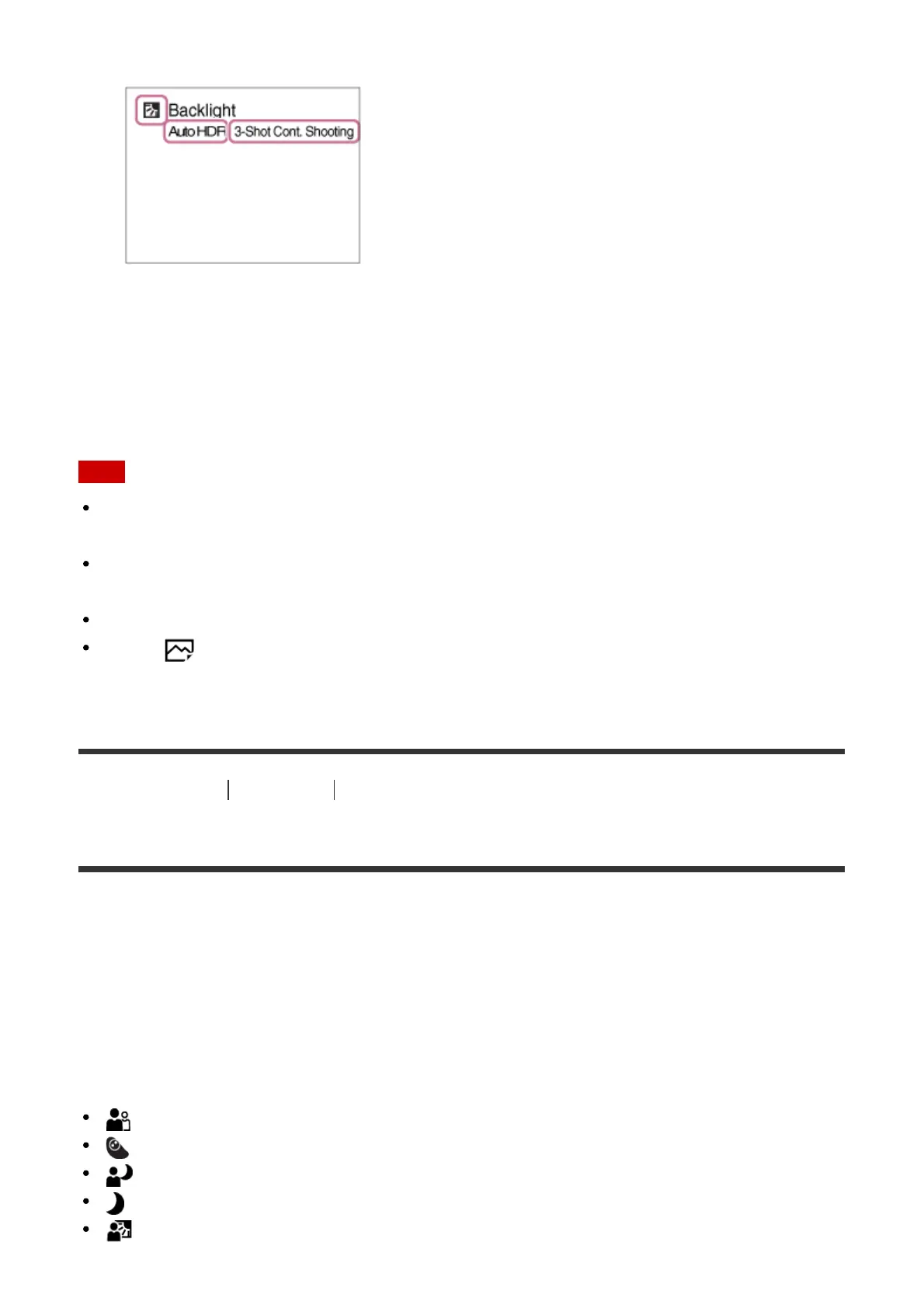
times the shutter is released also appear.
4. Adjust the focus and shoot the image.
When the camera shoots multiple images, it automatically chooses and saves the
appropriate image. You can also save all the images by setting the [S. Auto Img.
Extract.].
Note
When the product is used to create composite images, the recording process takes longer
than usual.
The product will not recognize the scene when you use zoom functions other than optical
zoom.
The product may not properly recognize a scene under some shooting conditions.
When [ Quality] is set to [RAW] or [RAW & JPEG], the product cannot create a
composite image.
[34] How to Use
Shooting Selecting a shooting mode
About Scene Recognition
Scene Recognition operates in [Intelligent Auto] mode and [Superior Auto] mode.
This function allows the product to automatically recognize the shooting conditions and
shoot the image.
Scene Recognition:
When the product recognizes certain scenes, the following icons and guides are displayed
on the first line:
(Portrait)
(Infant)
(Night Portrait)
(Night Scene)
(Backlight Portrait)


 To Next Page
 Loading...












