Chapter 12: Programming
245
7312ENG.DOC CH 12 Programming, English Julie Hewlett Revised: 07/29/98 12:17 PM Printed: 05/19/99 9:02
AM Page 245 of 32
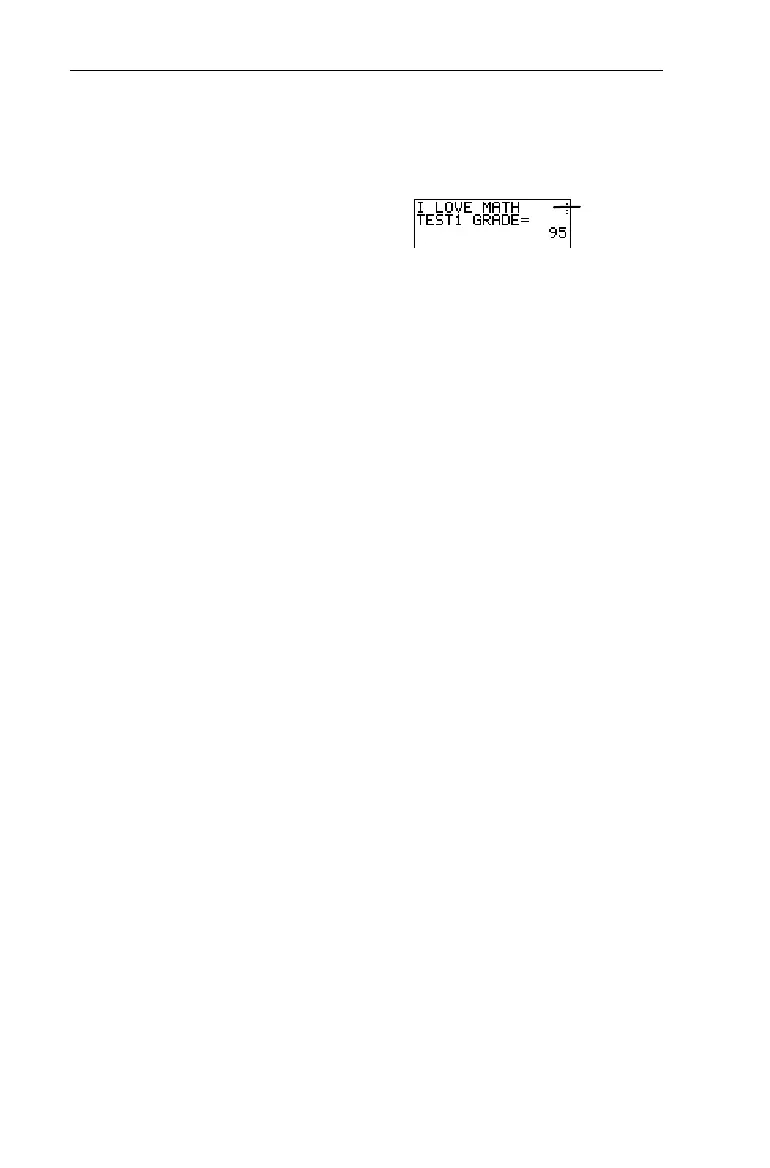
Write a program named
DISPNOTE
that displays the messages,
I LOVE MATH
and
TEST1 GRADE=95
.
PROGRAM:DISPNOTE
:Disp "I LOVE MATH"
:Pause
:Disp "TEST1 GRADE=",95
:Pause
DispGraph DispGraph 8
"
4 4
DispGraph
(display graph) displays the graph of all defined and
selected
Y
n
functions during program execution. If
Pause
is
encountered after
DispGraph
, the program halts temporarily so
that you can examine the screen. Press
b
to resume
execution.
:DispGraph
DispTable DispTable 8
"
5 5
DispTable
(display table) displays the table for all defined and
selected
Y
n
functions during program execution. If
Pause
is
encountered after
DispTable
, the program halts temporarily so
that you can examine the screen. Press
b
to resume
execution.
:DispTable
Output( Output( 8
"
6 6
Output(
displays text or value on the Home screen beginning at
row (1-8) and column (1-16), overwriting any existing
characters. You may want to precede
Output(
with
ClrScreen
.
Expressions are evaluated and values are displayed according
to the current mode settings.
"
is not valid as text.
:Output(
row,column,
"
text
")
:Output(
row,column,value
)
³
Press
b
.



 To Next Page
 Loading...













