42
RX-V3900/DSP-AX3900
RX-V3900/
DSP-AX3900
A3. HDMI AUDIO
The audio signals input to HDMI IN are selected by the
sub-menu and output.
* When you select DSD Direct, be sure to connect an
HDMI unit with DSD output function.
AUTO
A3.HDMIAUDIO
HDMIIN に入力された音声信号をサブメニューで選択
し、出力します。
※ DSDDirect を選択する場合、必ず DSD 出力が可
能な HDMI 機器を接続してください。
AUTO
DSD Direct
DSD (Direct Stream Digital) is output by the direct mode.
DSDDirect
DSD(DirectStreamDigital)をダイレクトモードで出力
します。
A4. SPEAKERS SET
The input signal is automatically identified in the order of
dts
→
DOLBY DIGITAL
→
AAC
→
PCM
→
Analog.
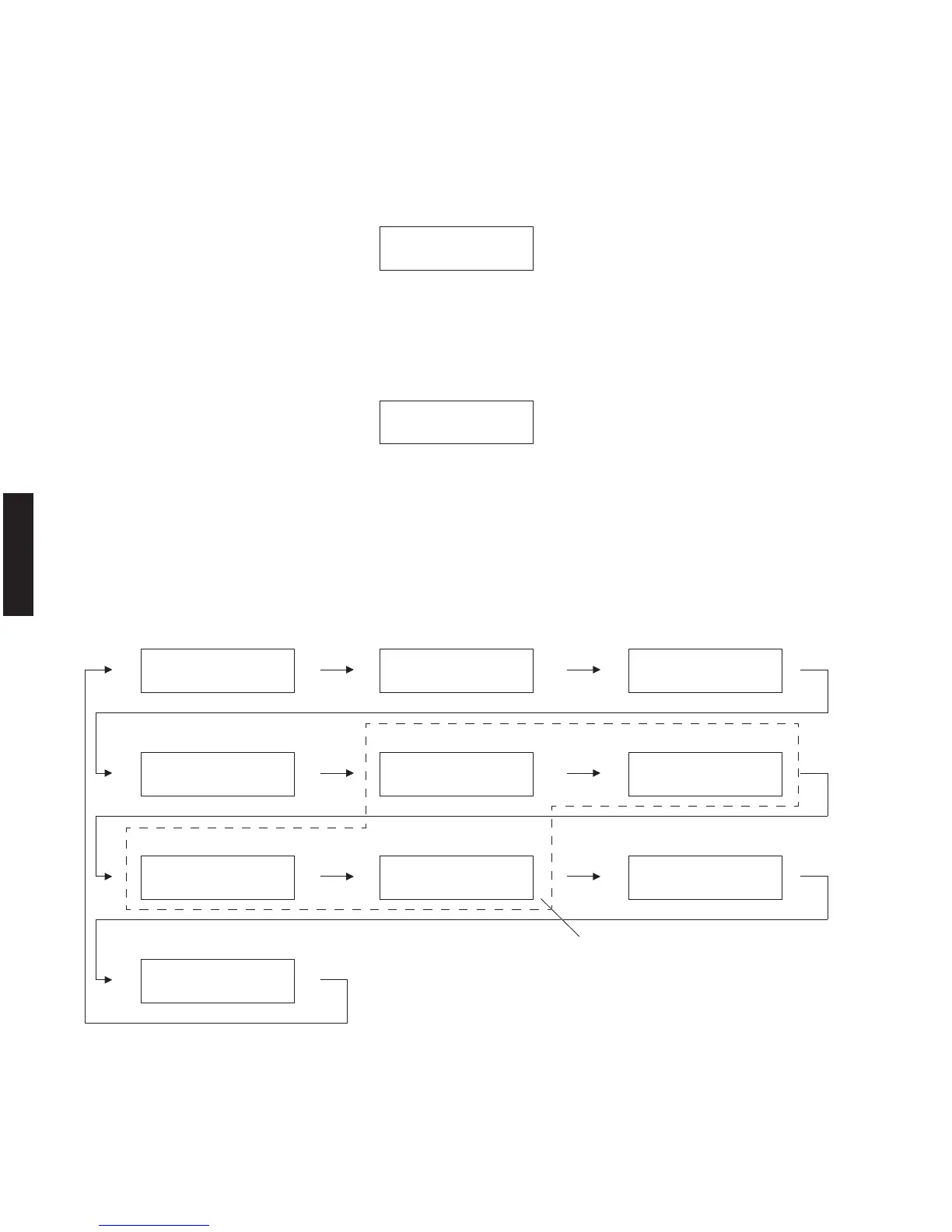
There are 10 sub-menu items as follows.
A4.SPEAKERSSET
入力は、dts → DOLBYDIGITAL → AAC → PCM →アナ
ログの優先順で自動判別されます。
サブメニューは以下の 10 あります。
FATT2 GAIN ZONE/TONE=MAX. ZONE/TONE=MIN.
ZONE MONO ON ZONE MONO OFF
U, C, R, T, K, A, B, G, E, L models
FULL MUTE
D-Party mode
LFE/B: FRONT PRESENCE MIX FATT1 GAIN
A4.SPEAKERSSET
Zonemonooff
A4.SPEAKERSSET
Zone/Tone=MAX
A4.SPEAKERSSET
D-Partymode
A4.SPEAKERSSET
Zonemonoon
A4.SPEAKERSSET
FATT2GAIN
A4.SPEAKERSSET
LFE/B:FRNT
A4.SPEAKERSSET
Fullmute
A4.SPEAKERSSET
Zone/Tone=MIN
A4.SPEAKERSSET
FATT1GAIN
A4.SPEAKERSSET
PresMix
A3.HDMIAUDIO
DSDDirect
A3.HDMIAUDIO
AUTO



 To Next Page