98 Practical examples
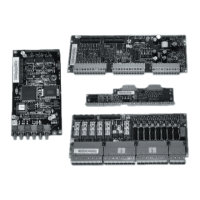
Restoring a backup file into the RDCU or NDCU board
Restore a backup file into the RDCU or NDCU board as follows:
1. Select from the File menu System Software / Open command.
2. In the Open box, select the backup package and press Open.
3. Select System Software / Restore command.
4. Select the converter into which you want to restore the backup file.
5. Select the right backup file from the backup folder. (It may contain more than one
backup.)
6. If you are sure of the restoring, press Yes.
7. Do not operate the converter or PC during the restoring.
Note: You can not restore any converter while another converter is in local control.


 To Next Page
 Loading...