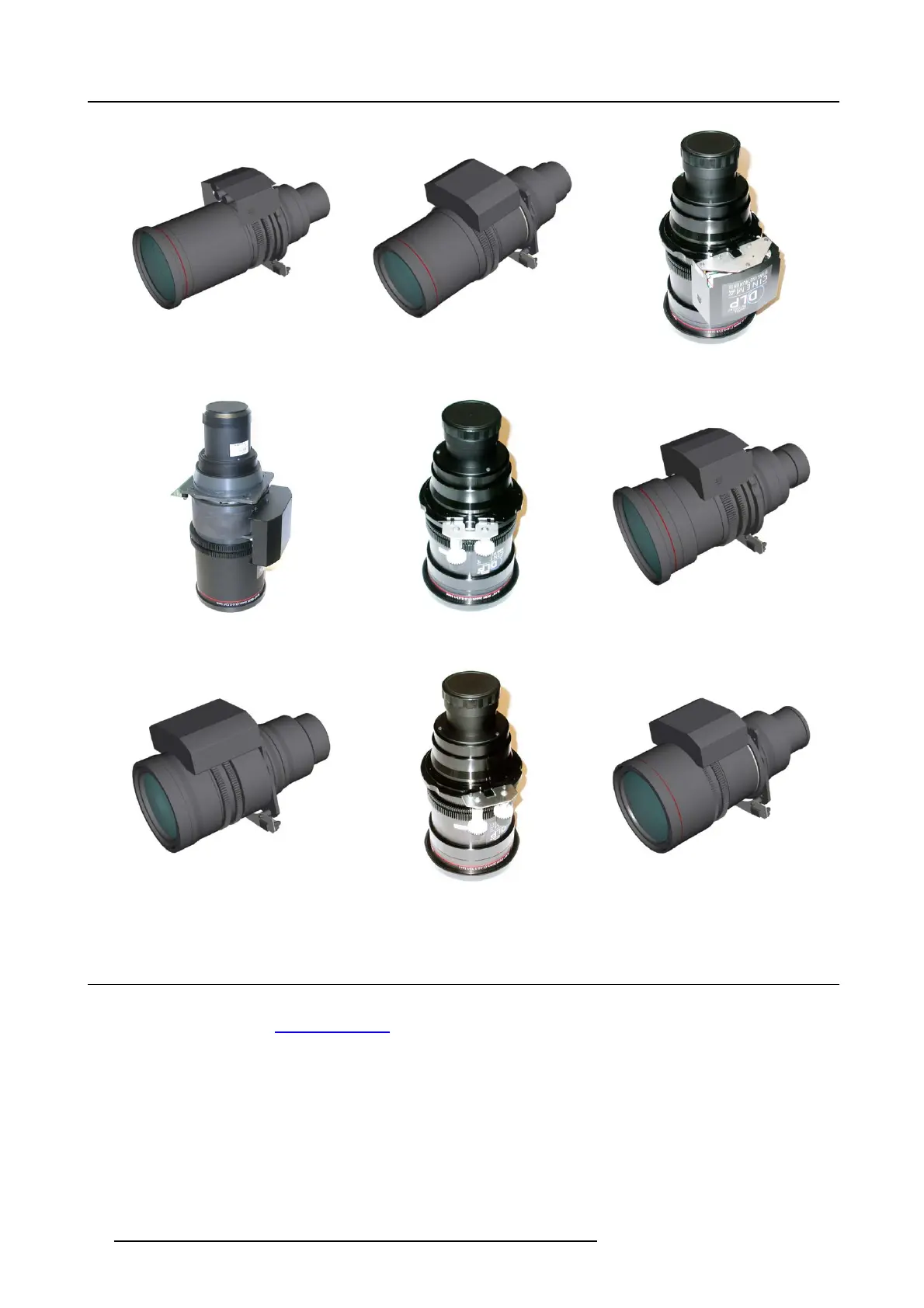
5. Lenses & lens holder
Image 5-1
R9855957
Image 5-2
R9855931
Image 5-3
R9855932
Image 5-4
R9855933
Image 5-5
R98559321
Image 5-6
R9855934
Image 5-7
R9855935
Image 5-8
R98559341
Image 5-9
R9855936
5.2 Lens selection
WhichlensdoIneed?
1. Go to m y.barco.com on https://my.barco.com
2. Login on my.barco.com.
If you a re not yet registered click on Sign up for my.barco.com and follow the instructions. W ith t he created login and password,
it is possible to enter the my.barco.com.
When your login is correct, t he m y.barc o.com start page is displayed.
3. Click the Support tab, then Digital cinema calculator (on the left of the screen) and select the appropriate lens c alculator.
38
R5905050 DP2K C-SERIES 10/07/2012



 To Next Page
 Loading...