197
Photo Playback
English
Photo Playback
You can view the photos that you took with the camcorder.
Displaying the [Photos] Index Screen
Display the [Photos] index screen to view photos.
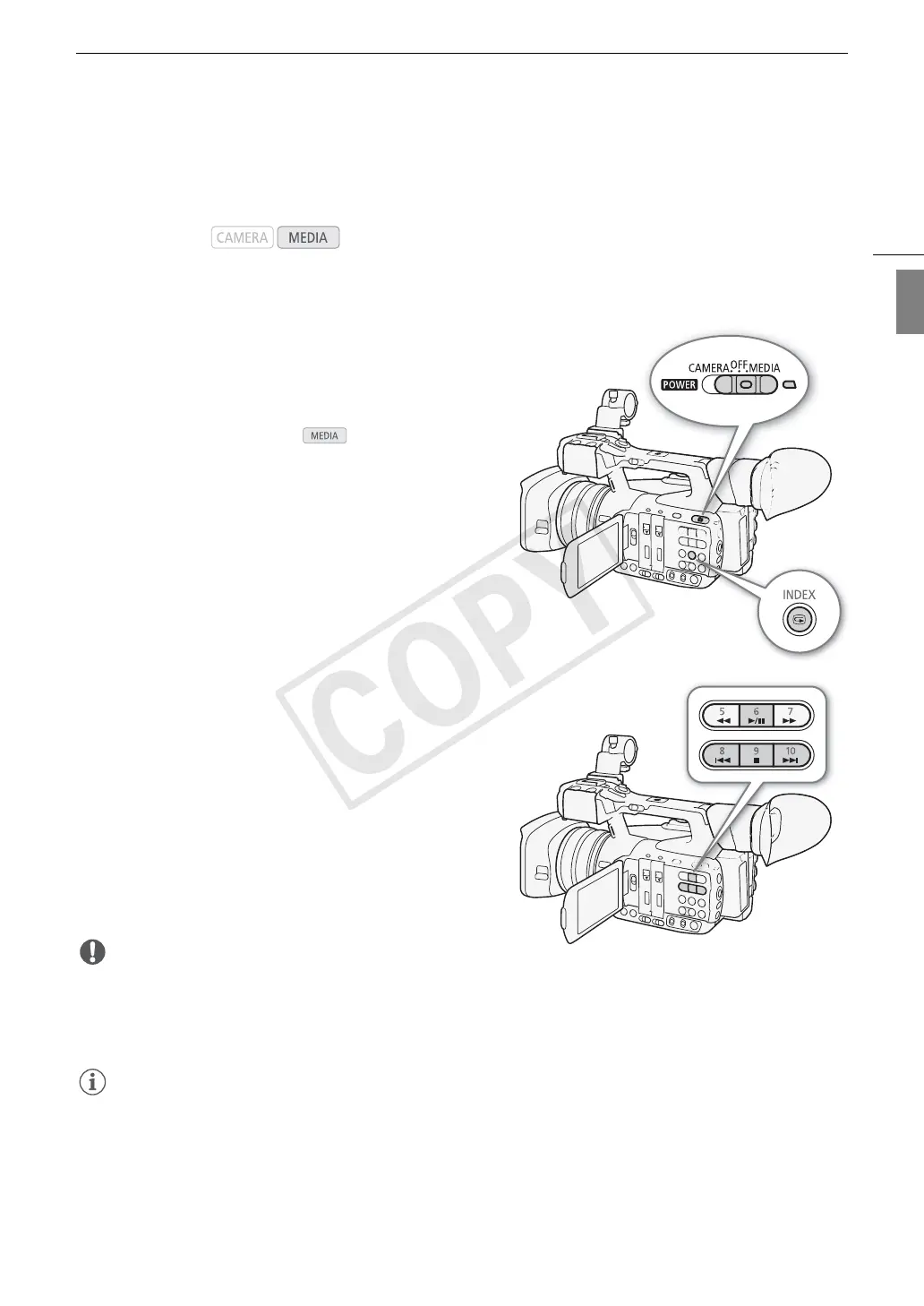
1 Hold down the button on the Q switch and slide
the switch to MEDIA.
• The camcorder switches to mode and the MXF
clip index screen appears.
2 Press the INDEX button.
• The index screen selection menu appears.
3 Select [Photo Index] and then press SET.
• The [Photos] index screen appears.
• After you are finished viewing photos, press the INDEX
button to return to the MXF clip index screen.
Viewing Photos
1 Move the orange selection frame to the desired photo.
2 Press the Ò button to view the photo.
• The photo playback screen appears and the selected
photo is displayed.
•Use the Ú/Ù buttons or push the joystick left/right
to switch to the previous/next photo.
• Press the DISP. button to hide/show the onscreen
displays.
• Press the Ñ button to return to the [Photos] index
screen.
IMPORTANT
• Observe the following precautions while the SD card access indicator is on or flashing. Failure to do so may
result in permanent data loss.
- Do not disconnect the power source or turn off the camcorder.
- Do not remove the SD card.
NOTES
• The following photos may not be displayed correctly.
- Photos not recorded with this camcorder.
- Photos created or edited on a computer.
- Photos whose file names have been changed.
Operating modes:
COPY



 To Next Page
 Loading...