75
Zooming
English
Using the Zoom Ring
Zoom in and out on a subject by turning the zoom ring. The zoom speed depends on how fast
you turn the zoom ring.
NOTES
• You can change the direction of the adjustment and the sensitivity of the response of the
zoom ring using the [w Other Functions] > [Custom Function] > [Zoom Ring Direction] and
[Zoom Ring Control] settings (A 141).
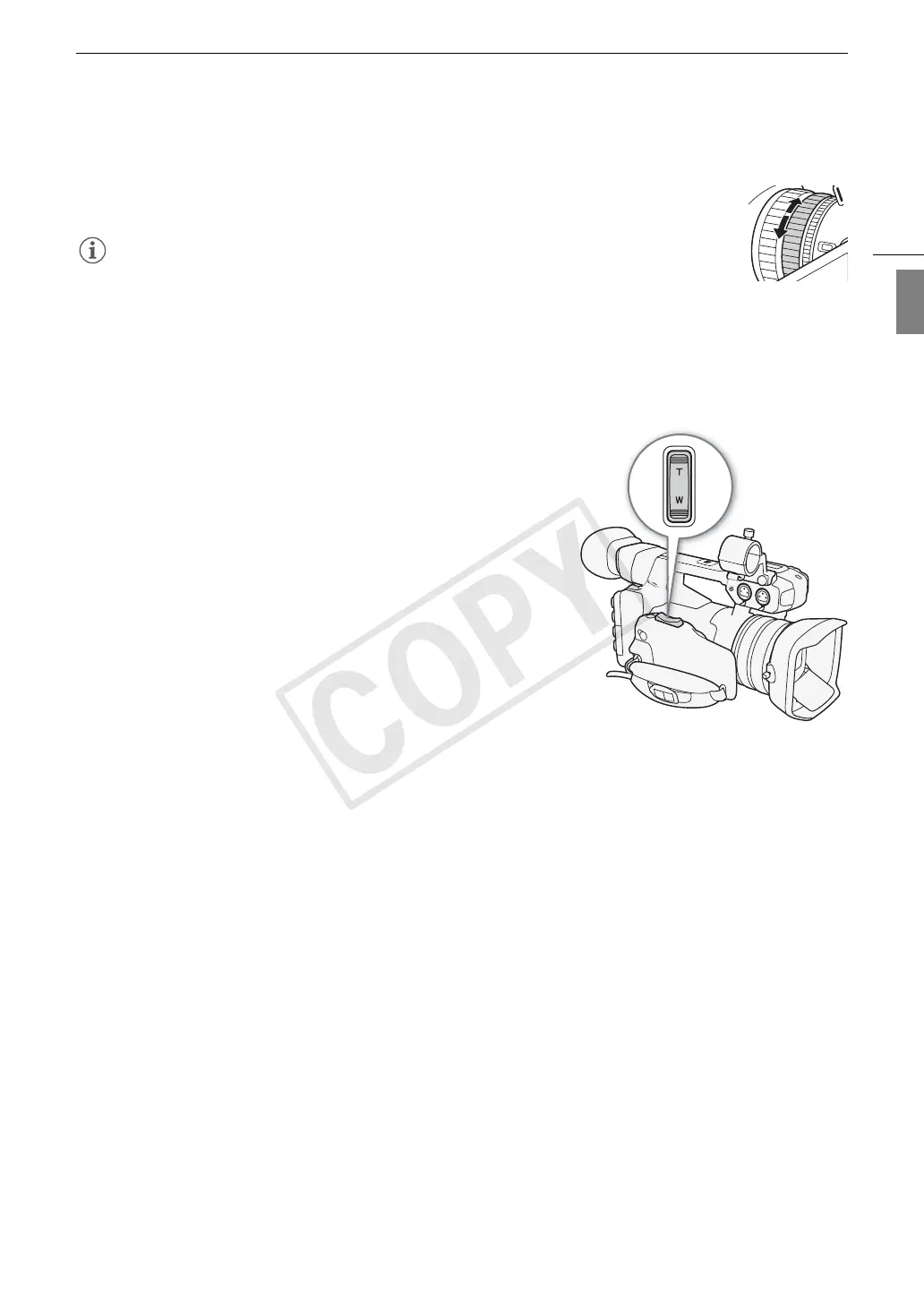
Using the Zoom Rockers on the Camcorder
Using the Grip Zoom Rocker
Use the settings in the [~ Camera Setup] > [Zoom] submenu to set
the zoom speed. When you select a constant zoom speed, set one of
16 constant speeds (1 is the slowest, 16 the fastest). With a variable
zoom speed, press gently for a slow zoom; press harder for faster
zooms.
Move the zoom rocker toward T to zoom out (wide-angle) and
toward S to zoom in (telephoto).
COPY


 To Next Page
 Loading...