4. GENERAL SETUP
4-5
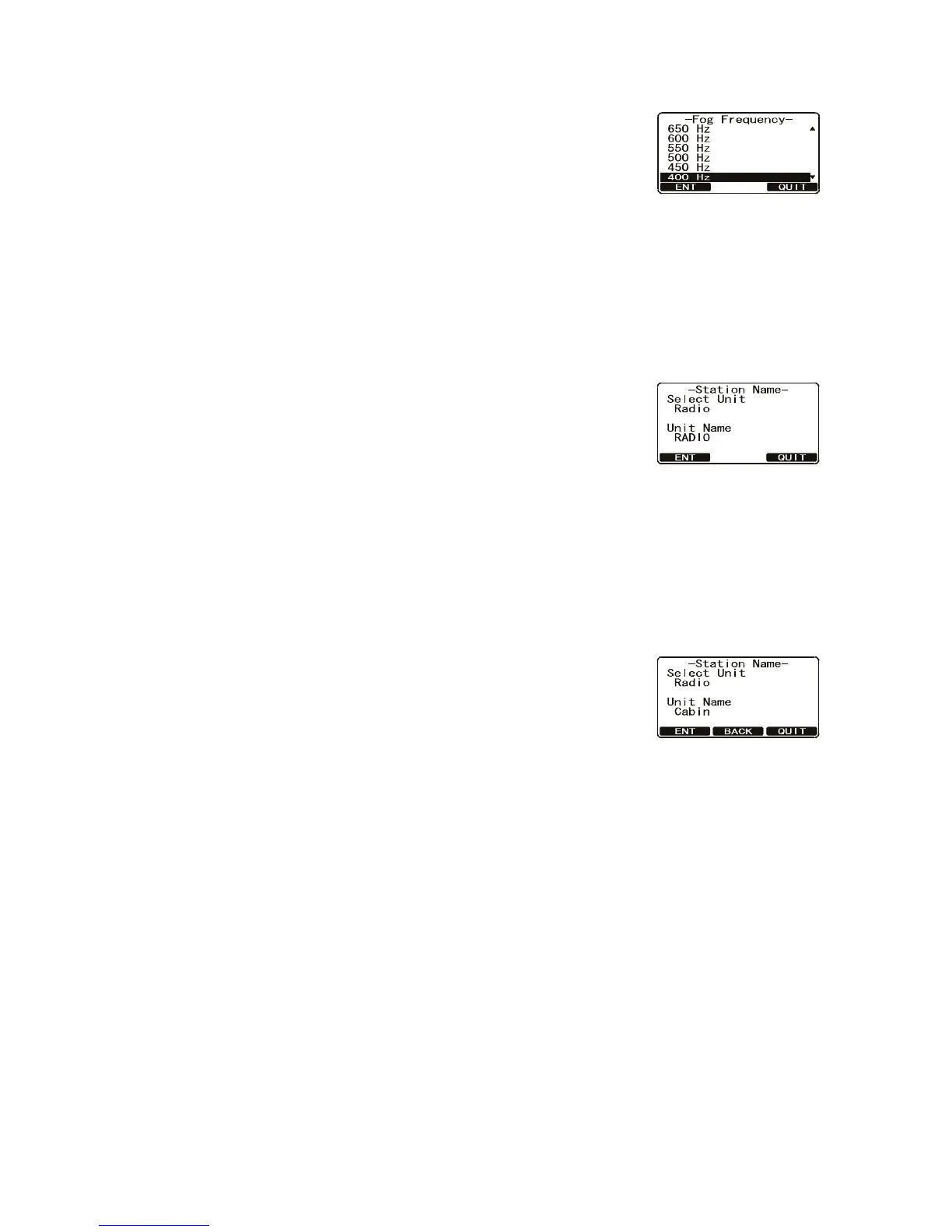
3. Rotate the CH knob to select [Fog Frequency] then press the [SELECT] soft key
4. Rotate the CH knob to select the desired tone frequen-
cy then press the [ENT] soft key to store the selected
setting.
5. Press the [QUIT] soft key several times to return to ra-
dio operation.
4.11 How to Name the Radio or Handset
You can change the name of the radio or second station microphone. Example: "Ra-
dio” to “Cabin", "RAM1” to “Flybridge".
1. Press and hold down the CALL/MENU key until the [Setup Menu] appears.
2. Select [General Setup] with the CH knob then press
the [SELECT] soft key.
3. Rotate the CH knob to select [Station Name] then
press the [SELECT] soft key.
4. With the second station microphone connected, rotate
the CH knob to select the unit ([Radio], [RAM1] or [RAM2]) to be named then
press the [ENT] soft key.
5. Press applicable key to enter the first letter of the new station name.
Example: Press the 2/MEM key repeatedly to toggle among the seven available
characters associated with that key: 2 → A → B → C → a → b → c → 2...
6. Press the ENT key to store the first letter in the name and move to the next letter
to the right.
7. Repeat steps 5 and 6 to complete the name. The
name can have a maximum of 8 characters. If you do
not use all 8 characters, press the ENT key to move to
the next space. This method can also be used to enter
a blank space in the name. If you enter a wrong char-
acter, press the [BACK] soft key until the wrong character is selected, then enter
the correct character.
8. Press and hold the [ENT] soft key to enter the name.
9. If you want to enter the name of the connected HS-4721 Handset, repeat steps 4
through 8.
10. Press the [QUIT] soft key several times to return to radio operation.


 To Next Page
 Loading...











