8. INSTALLATION
8-9
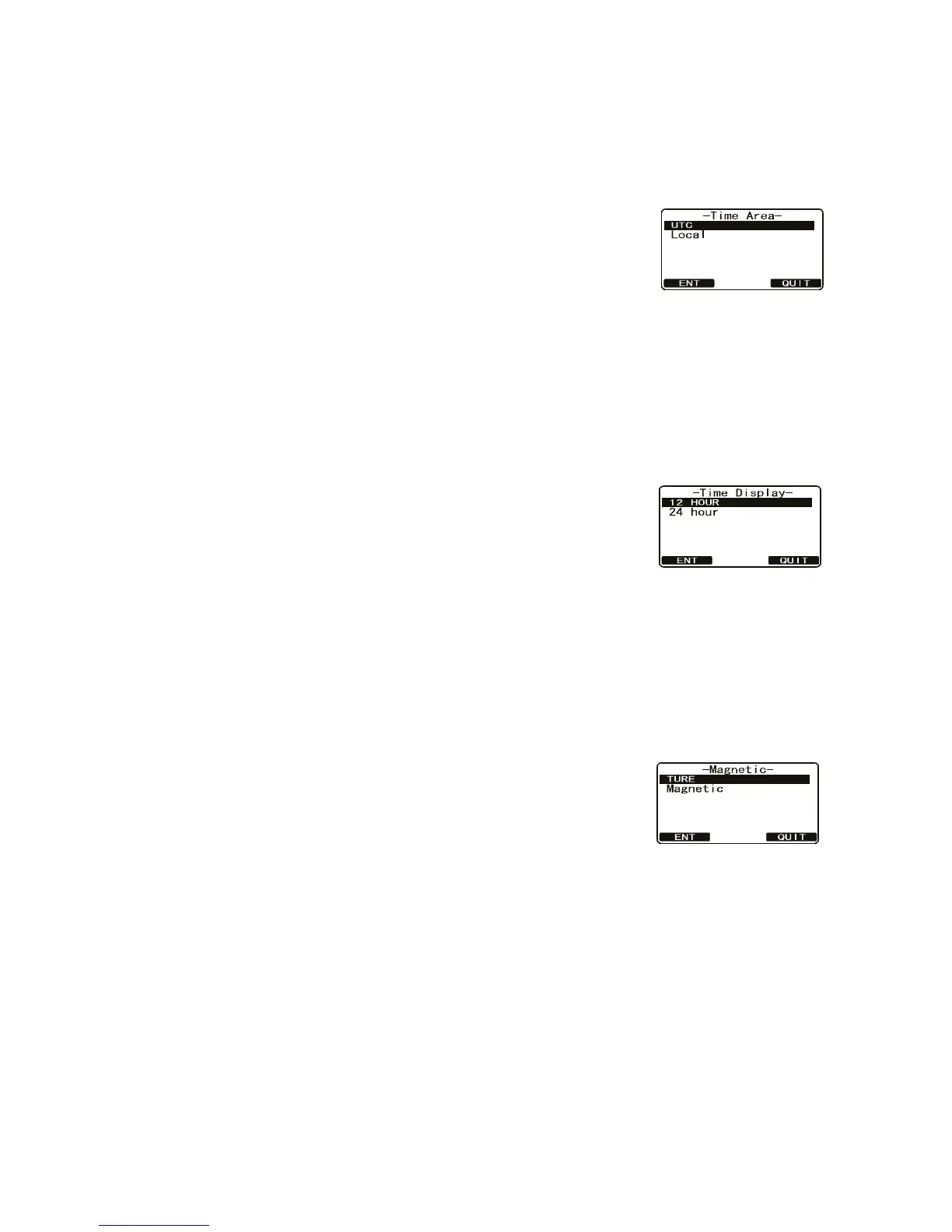
8.7.2 How to show local time or UTC time
You can show UTC time or local time.
1. Press and hold down the CALL/MENU key until the [Setup Menu] appears.
2. Select [General Setup] with the CH knob then press the [SELECT] soft key.
3. Rotate the CH knob to select [Time Area] then press
the [SELECT] soft key.
4. Rotate the CH knob to select [UTC] or [Local] then
press the [ENT] soft key to store the selected setting.
5. Press the [QUIT] soft key several times to return to ra-
dio operation.
8.7.3 How to set the time notation
Time can be shown in 12-hour or 24-hour format.
1. Press and hold down the CALL/MENU key until the [Setup Menu] appears.
2. Select [General Setup] with the CH knob then press the [SELECT] soft key.
3. Rotate the CH knob to select [Time Display] then press
the [SELECT] soft key.
4. Rotate the CH knob to select [12 Hour] or [24 Hour]
then press the [ENT] soft key to store the selected set-
ting.
5. Press the [QUIT] soft key several times to return to radio operation.
8.7.4 How to select GPS COG format
The GPS-measured Course Over Ground can be shown in true or magnetic bearing.
1. Press and hold down the CALL/MENU key until the [Setup Menu] appears.
2. Select [General Setup] with the CH knob then press the [SELECT] soft key.
3. Rotate the CH knob to select [Magnetic] then press the
[SELECT] soft key.
4. Rotate the CH knob to select [Magnetic] or [True] then
press the [ENT] soft key to store the selected setting.
5. Press the [QUIT] soft key several times to return to ra-
dio operation.



 To Next Page
 Loading...










